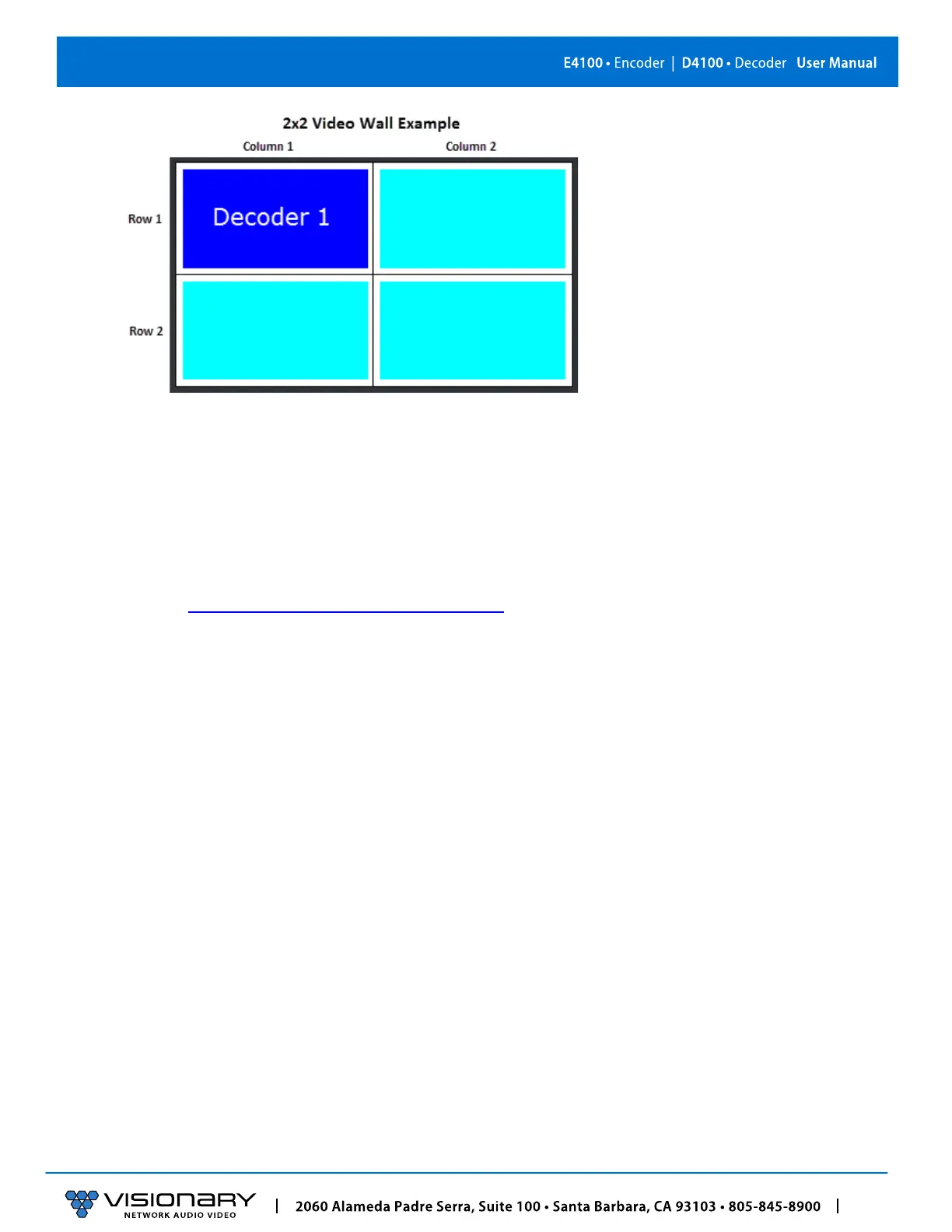
h. Click Save to save the new settings. The unit will automatically reboot.
The units are now configured in video wall mode.
EDID
The default EDIDs that come with the E4100 encoder cover a range of resolutions and audio formats that are widely supported.
There may be some instances where the default EDIDs do not produce the expected or desired results for a unique system, such as
for certain special resolutions, color
-space op
tions, and audio formats. In those cases, produce the desired result by capturing the
EDID settings from your display and updating the EDID on the E4100 encoder. You can use EDID capture software such as Monitor
Asset Manager 2.9
(http://www.entechtaiwan.com/util/moninfo.shtm)
to copy the EDID from your display.
The EDID describes the formats for audio and video that an HDMI sync can process. The source device uses this information to
determine the audio and video format that is output. The source gets its EDID from the encoder. The E4100 encoder is the only
device that is presenting an EDID to the source. No matter how many displays are in the system, the devices never report their EDID
to the source.
Most source devices are set to output according to the EDID it is receiving. Therefore, to make the source device output a different
audio or video format you must update the EDID on the E4100 encoder.
CUSTOMIZING THE EDID
E4100 encoders can import custom-built EDIDs. An EDID is a string of 256 bytes of information formatted in hexadecimal notation.
These bytes share information about all of the capabilities of the endpoint device, and different devices format the EDID in their own
way.
The EDID file must be formatted properly in order to be imported to an E4100 encoder.
1. Create a text file with the extension .edid.
2. Format the 256 bytes of EDID data as in the example below (substituting your values).



 To Next Page