DECODER OPTIONS
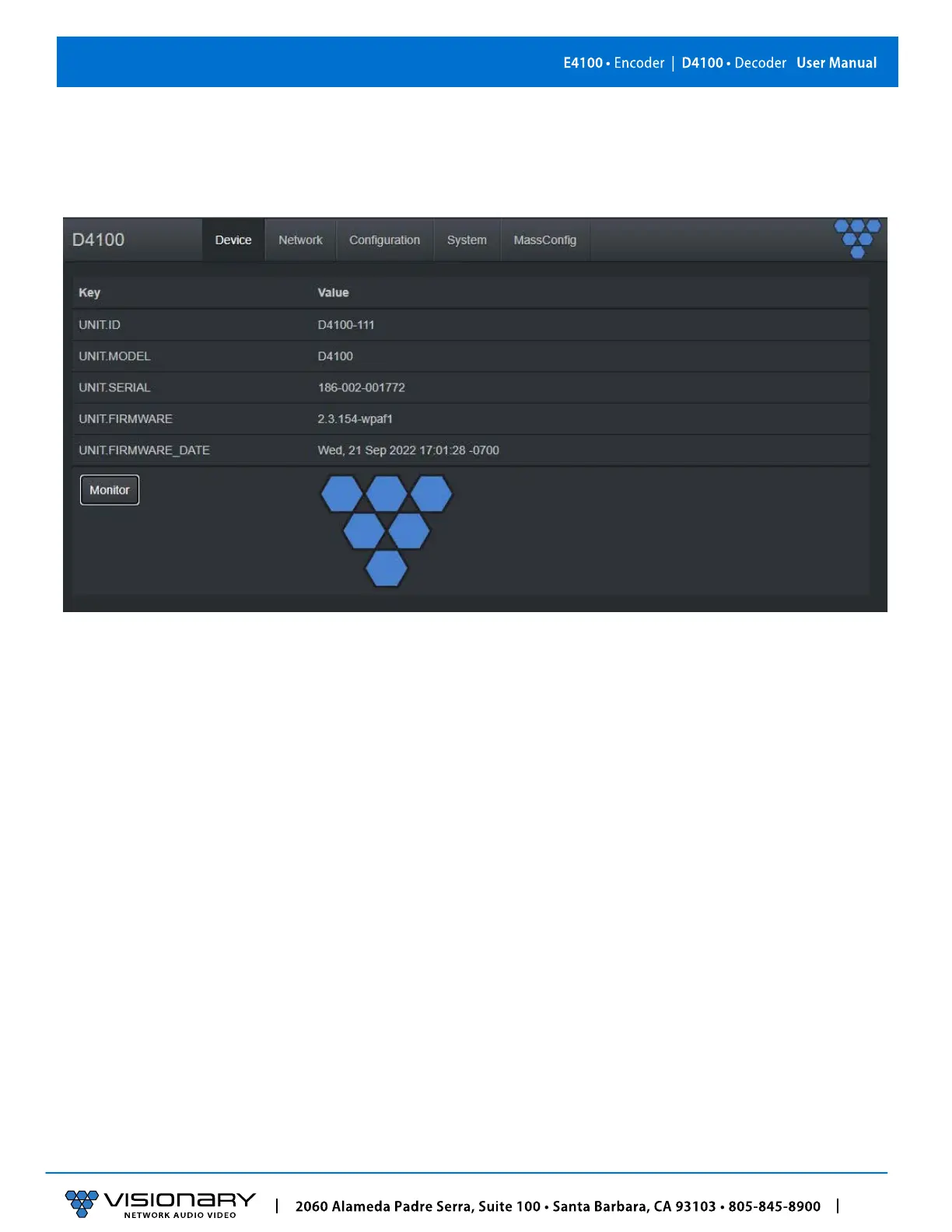
D4100 DECODER DEVICE TAB
UNIT.ID – By default, the UNIT.IS of the encoder is the Model Number and the MAC Address (
e.g.,
D4100_
00:0E:14:4F:00:31)
.
This
can be changed by the user on the Network tab.
UNIT.MODEL – E4100 (encoder) or D4100 (decoder).
UNIT.SERIAL – The serial number of the unit. The serial number can also be found on the bottom label of each unit.
UNIT.FIRMWARE – The current firmware version of the unit.
UNIT.FIRMWARE_DATE – The date the firmware was release
MONITOR BUTTON – Displays the live thumbnail preview of the video being received from the AV stream.
VIDEO INFO – Displays the current source resolution being received from the AV steam and the HDMI scaled output resolution.
AUDIO INFO – Displays the current source audio codec, type, frequency, size, and number of channels.



 To Next Page