Troubleshooting
DIAGNOSTICS PAGE
Every encoder and decoder have a diagnostics page that is accessible via the web UI. To access the diagnostics page, either click on
the thumbnail preview on the units Device page of its web interface or type the following address into a web browser:
http://admin:admin@<unit IP address>/diagnostics.html. The diagnostics page provides the following information:
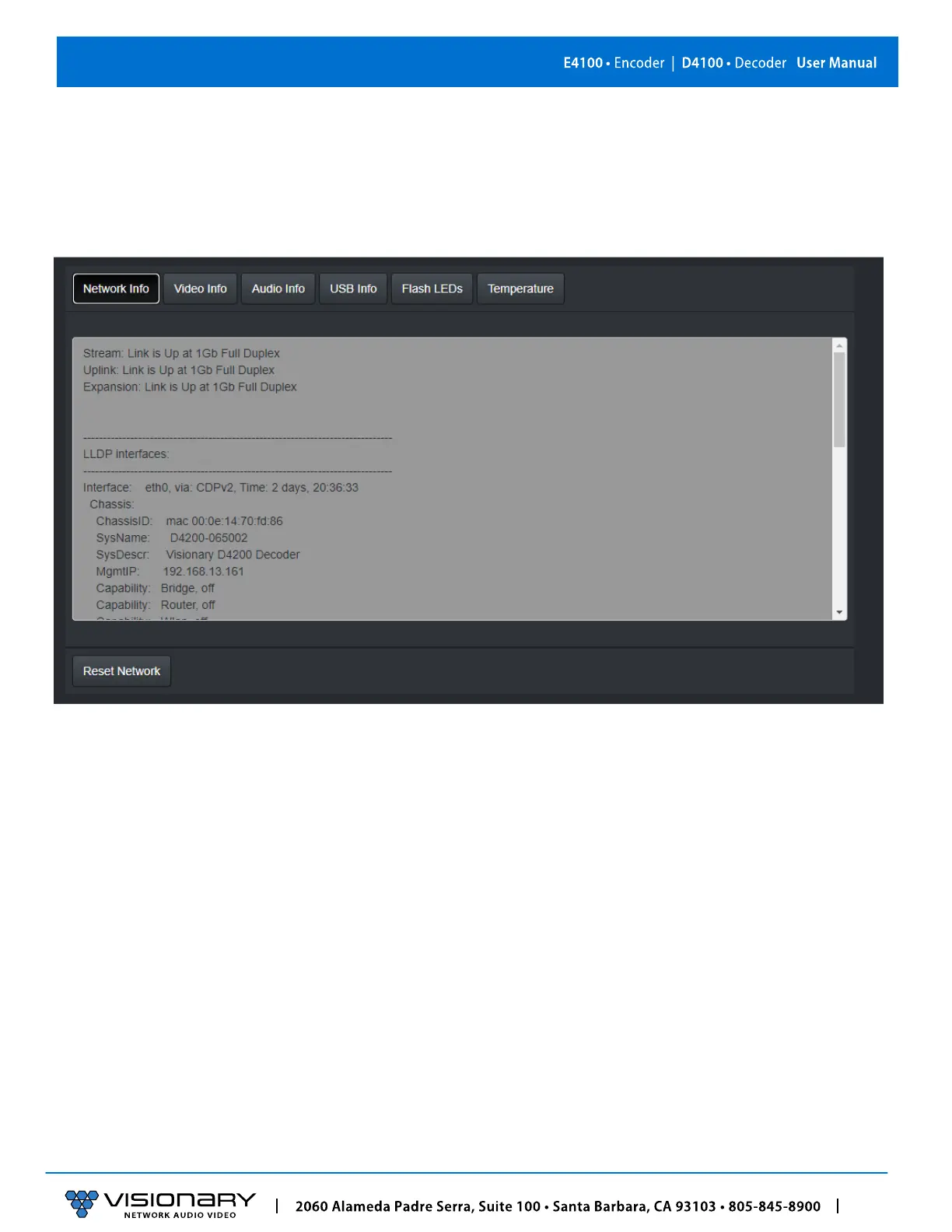
NETWORK INFO
Displays the current network link speed for Encoder or Decoder. In addition, the network info displays local and neighbor LLDP
information.



 To Next Page