Control
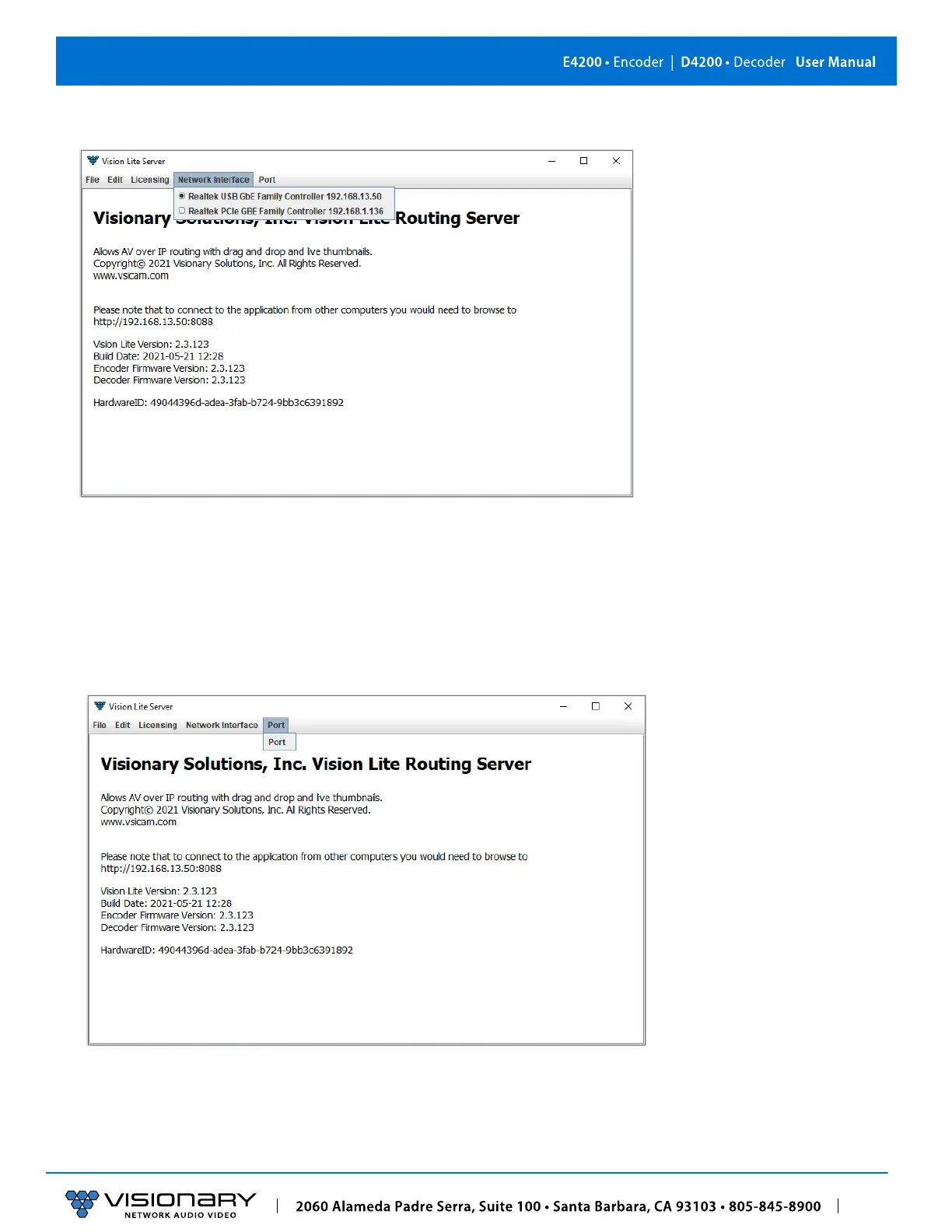
7. Go to the Network Interface menu and select the appropriate network interface.
Select the network interface that the Vision Lite Server will be “listening” on. If your machine has more than one network
interface, you will need to select the interface that is connected to the same network as the units.
Important: The Vision Lite Server window can be minimized in the background; however, it must always be running.
8. The default port assignment for VLite is 8080, other programs running on the computer may be using port 8080. If that is the
case, the port for VLite will need to be changed for VLite to open. To change the port assignment, click on “Port” then enter the
desired port number.



 To Next Page