• On the Configuration page, you can click on the IP Address (hyperlink) of any endpoint to open the embedded web interface
for each unit. On the unit’s web interface, you can rename the units and/or set a user defined location.
Important: SPECIAL CHARACTERS ARE NOT ALLOWED FOR UNIT ID AND LOCATION. Example:
-@#$%
are not allowed.
Note: When making changes to the endpoints, the endpoints briefly disappear from the Vision Lite User Interface while they are
rebooting and the application rediscovers them.
• From the Configuration page, you can update the firmware for any units that may be out of date. The Vision Lite software
displays a message if a newer firmware is available.
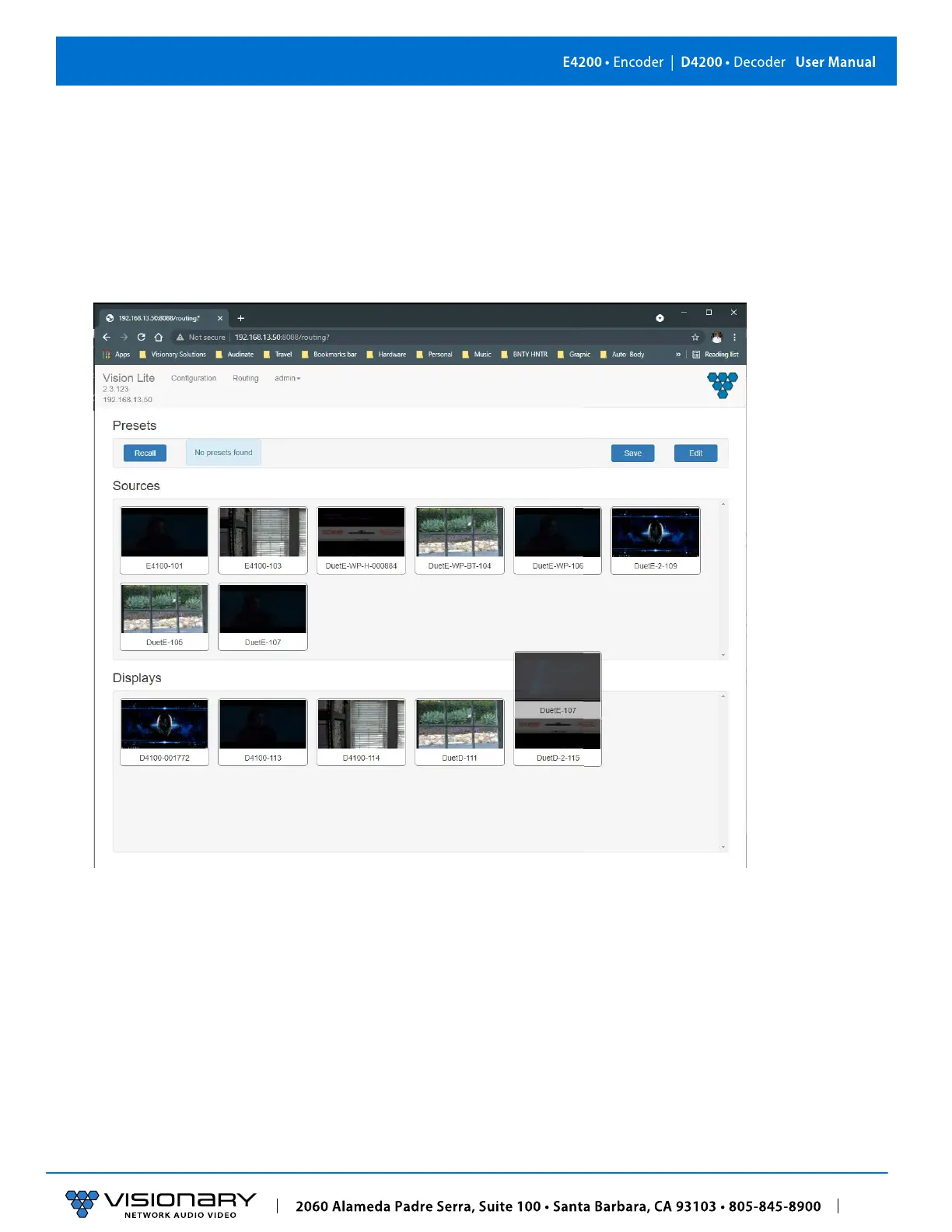
• On the Routing tab, you can drag-n-drop to route and switch sources to displays.
Note: Double-click the preview of a unit to open that unit’s web UI from the Routing tab.



 To Next Page