44
ВАРШ.201219.009РЭ
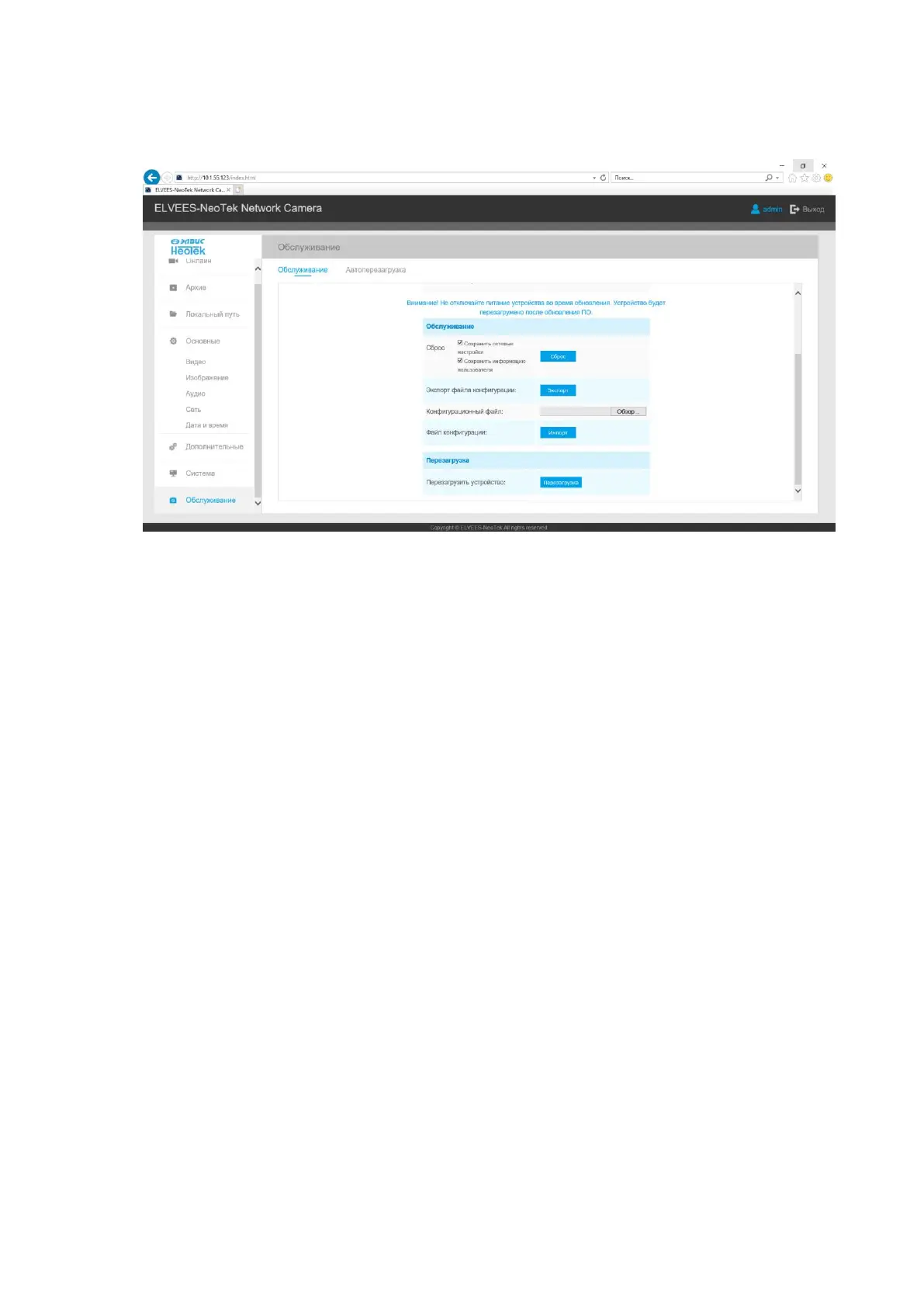
5.3.2 Software reset.
Go to the Maintenance tab and click the reset button for a software reset.
5.3.3 Hard reset.
Step 1: Press the reset button and hold, then turn on the camera and the IR LEDs will flash;
Step 2: Keep pressing the reset button until the IR LEDs stay always on;
Step 3: Release the reset button, the camera will start reset;
Step 4: It will take 1 ~ 3 minutes to complete the reset and the IP address will turn to
192.168.5.190 (If the IP address is not changed to 192.168.5.190, please try again from step 1);
Step 5: Change your local IP address again to the required one.



 To Next Page