57
ВАРШ.201219.009РЭ
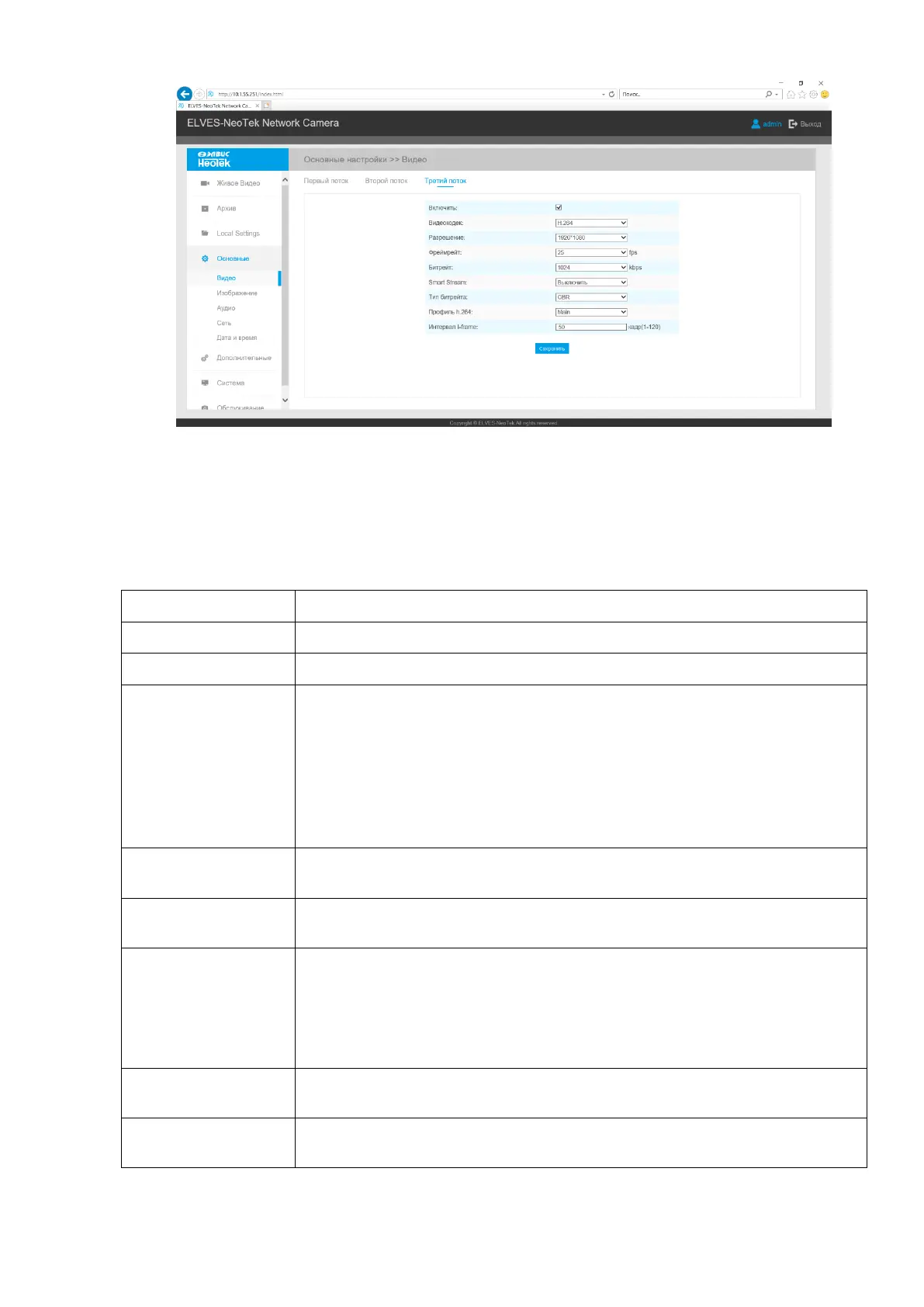
Figure B.9 - Video tab
Description of the Video tab is presented in Table B.4.1
Table B.4.1 - Buttons of the Video tab
Turn on / off stream. Refers to the second and third stream.
Video codec selection (H.264, H.265, MJPEG)
Primary Stream: 5M(2592*1944), 5M(2560*1920), 5M(2560*1440),
4M(2592*1520), 3M(2304*1296), 3M(2048*1536), 1080P(1920*1080),
2M(1600 *1200), 1.3M(1280*960), 720P(1280*720), D1(704*576).
Secondary Stream 704*576, 640*480, 640*360, 352*288, 320*240,
320*192, 320*176.
Tertiary Stream, if available: 1920*1080, 1280*720, 704*576, 640*480,
640*360, 352*288, 320*240, 320*192, 320*176
To select the number of frames to be changed in 1 second. The lower the
frame rate, the more the video image “slows down” during broadcast.
Transmitting bits of data per second, this item is optional only if you se-
lect the H.265/H.264
Smart Stream mode remarkably reduces the bandwidth and the data stor-
age requirements for network cameras while ensuring the high quality of
images, and it is a 10-level adjustable codec.
It is optional to turn On/Off Smart Stream mode.
Level: Level 1~10 are available to meet your need.
The video compression setting includes the choice of the bit rate type -
Variable VBR or Constant CBR.
Low/Medium/High are available, this item is optional only if you select
VBR.



 To Next Page