58
ВАРШ.201219.009РЭ
Low/Medium/High/Higher are available, this item is optional only if you
selected the MJPEG
The option is for H.264, Main/High/Base can be selected according to your
needs.
The number of "key" frames that contain macroblocks, compressed inde-
pendently of other frames from 1 to 120 in H.264, H.265 video codecs
Б.2.4.2 Image
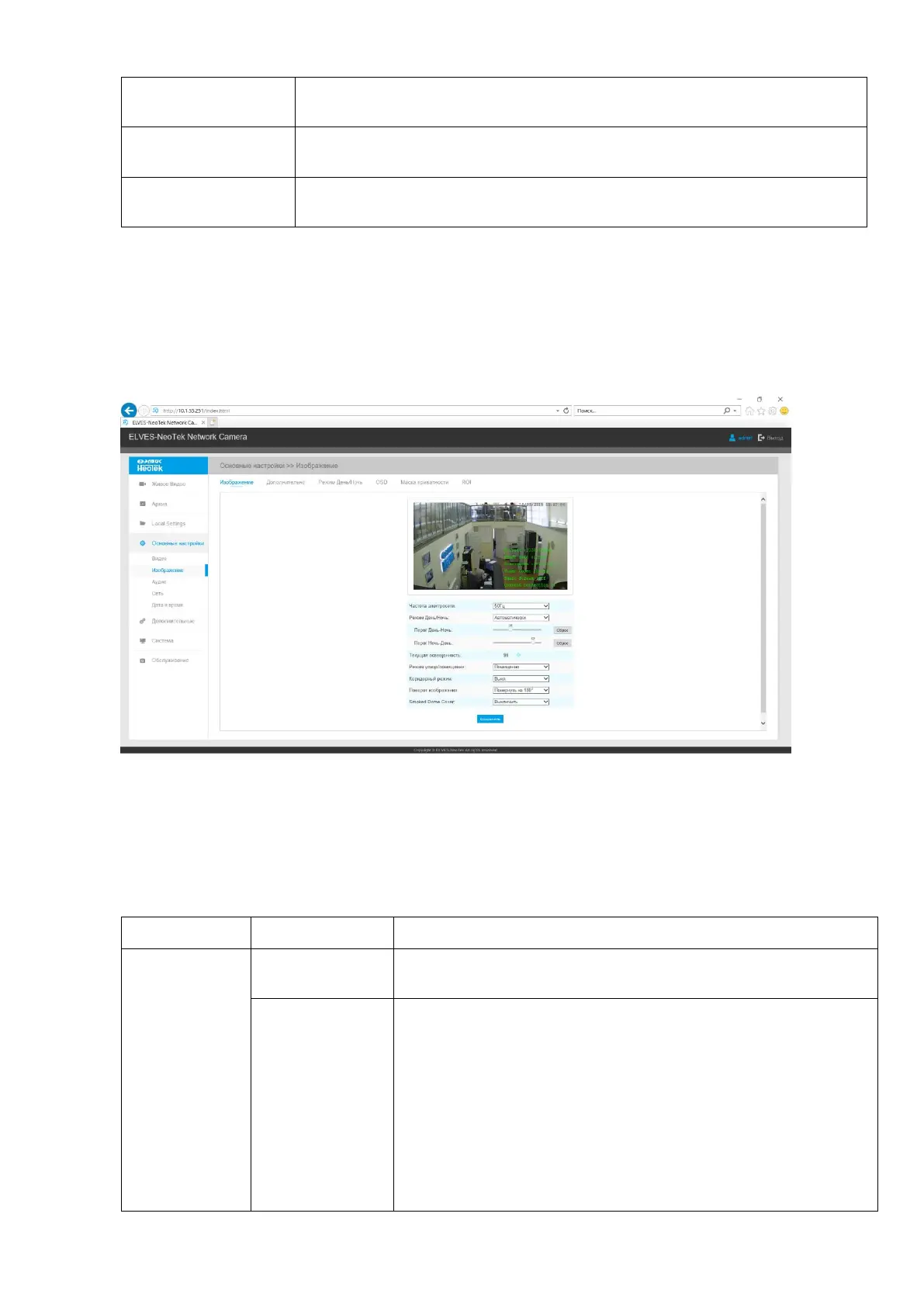
The Image tab contains buttons for accessing on-screen display settings, day / night settings,
white balance control, image stabilization, and other display settings that you need to change.
The Image tab is shown in Figure B10.
Figure B.10 - The Image tab
Description of the Image tab is presented in Table B.4.2
Table B.4.2 - Buttons of the Image tab
60Hz flicker for NTSC and 50Hz flicker for PAL.
There are several parameters such as Exposure Level, Maxi-
mum Exposure Time
and IR-CUT Interval, etc, associated with this mode
Night Mode: Shown in live view based on Night Mode set-
tings
Day Mode: Shown in live view based on Day Mode settings
Auto Mode: Shown in live view based on environment, set
the sensitivity for switching Day Mode to Night Mode, or
Night Mode to Day Mode



 To Next Page