62
ВАРШ.201219.009РЭ
Check the checkbox to enable the Privacy Mask function
Select the color to use for the privacy areas
Clear all areas you drew before.
Turn on / off the region of interest, highlight the area that is of
greatest interest with the cursor to improve the quality of this
particular area, which allows you to save traffic, since the areas
not selected will go in the most compressed form. You can se-
lect up to 3 areas.
Б.2.4.3 Audio
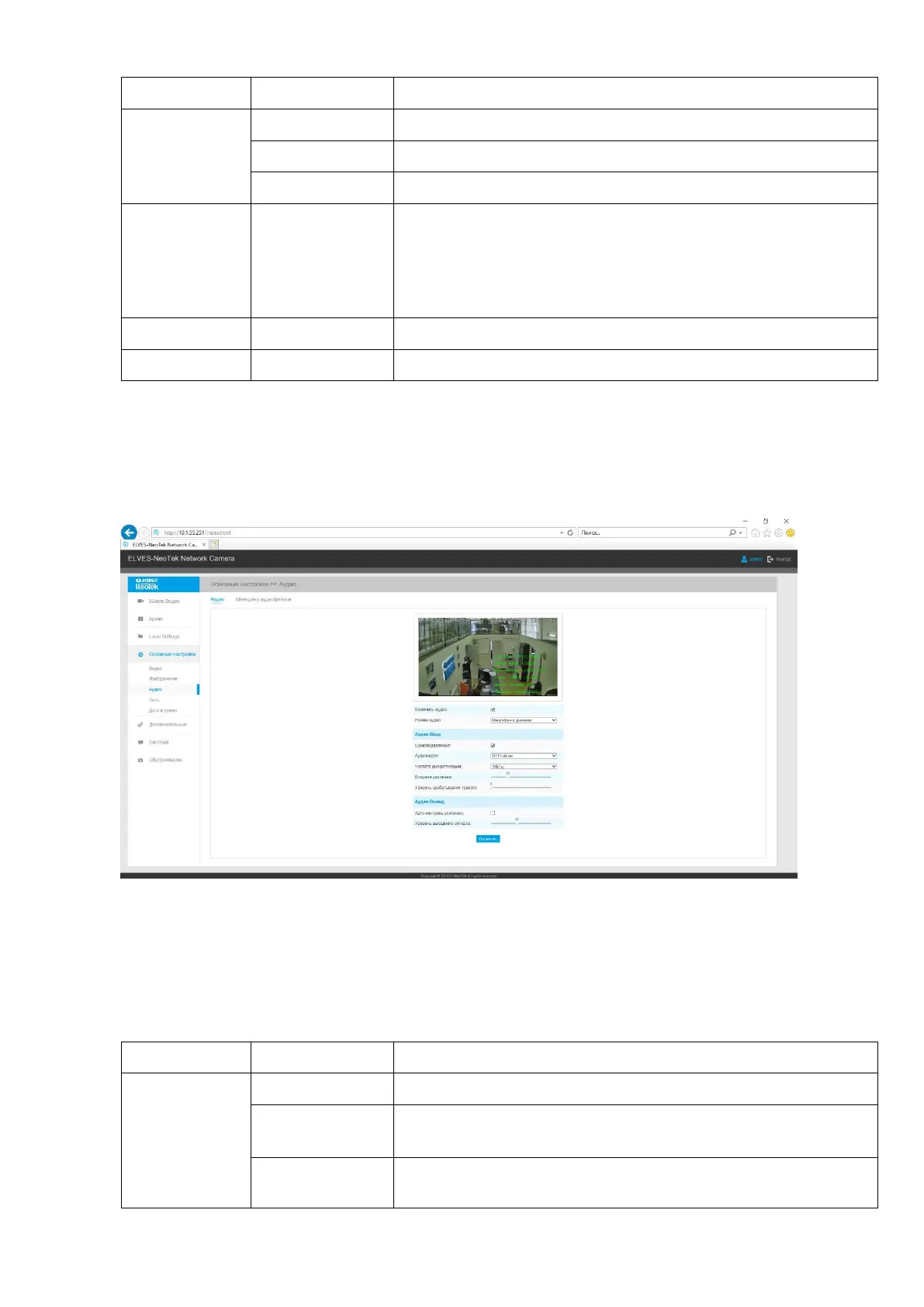
The Audio tab contains buttons to go to the audio settings that you want to change.
The Audio tab is shown in Figure B11.
Figure B.11 - The "Audio" tab
Description of the Audio tab is presented in Table B.4.3
Table B.4.3 - Buttons of the Audio tab
Selecting audio device:
Microphone only / Speaker only / Microphone and speaker
Turn on / off noise reduction. When enabled, allows you to fil-
ter out noise.



 To Next Page