68
ВАРШ.201219.009РЭ
Description of the Date&Time tab is presented in Table B.4.5
Table B.4.5 - Buttons of the Date&Time tab
Choose a time zone for your location
Enable the daylight saving time/Auto
Synchronization of the system time with the specified interval
from 1 hour to 30 days.
Synchronize
with
computer time
Synchronize the time with your computer
Synchronize the time with NTP server
Set the system time manually
Б.2.5 Advanced Settings
The Advanced Settings tab contains buttons Alarm, Storage, Security, SIP, Video Content
Analysis, PTZ, Logs.
Б.2.5.1 Alarm
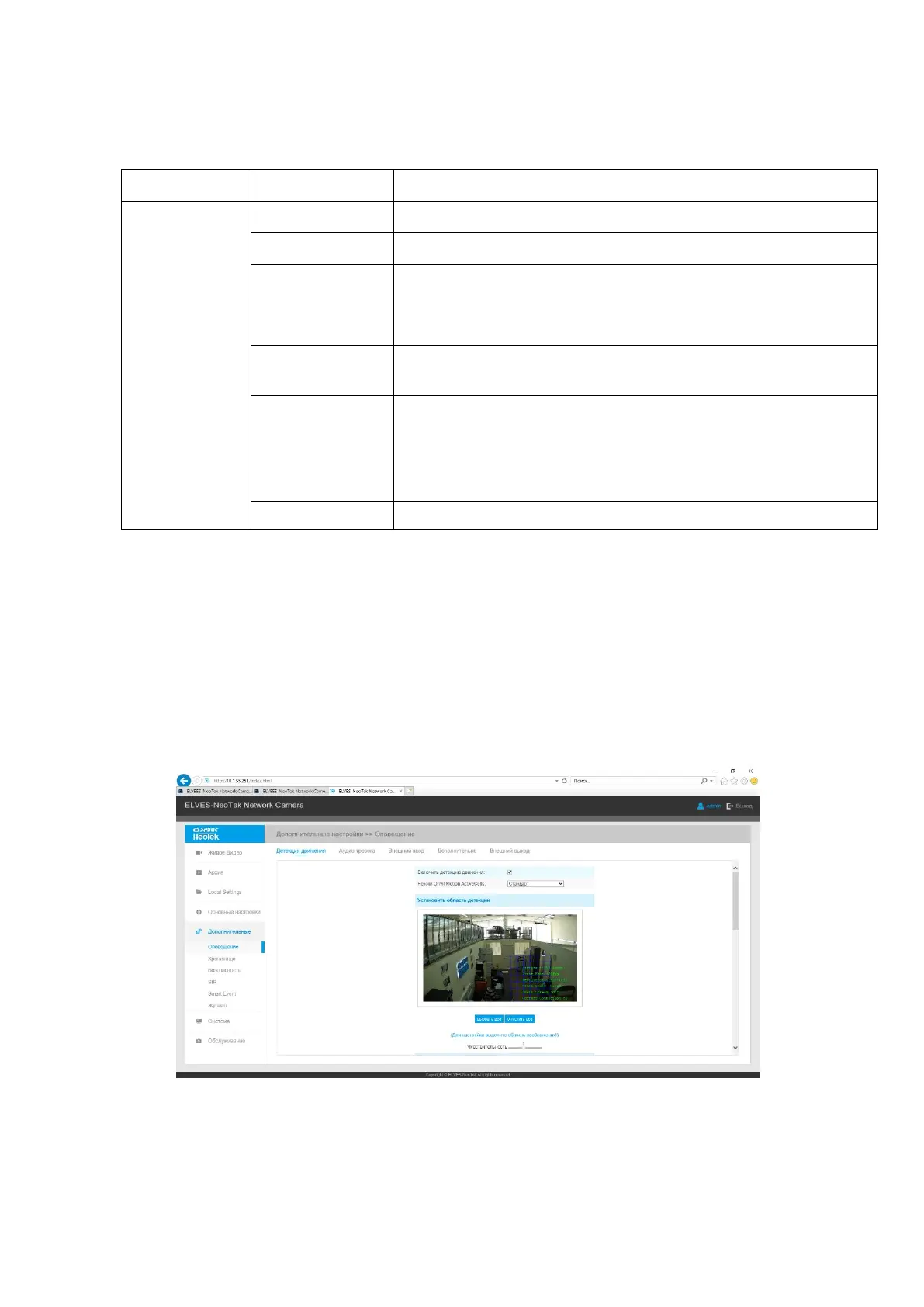
The Alarm tab is shown in Figure B.14.



 To Next Page