74
ВАРШ.201219.009РЭ
Enable photographing at the specified time interval
Milliseconds / seconds / minutes / hours / days
When NAS server is specified, it allows you to save on the
server.
File name selection: Date and time / Enter the name manually.
Photo format JPG. If Date & Time is selected, each picture will
be unique. If selected manually, the file will be overwritten.
When FTP server is specified, it allows you to save on the
server.
When mail is configured, it allows you to send to the specified
email address.
Files will be displayed on this page if you have configured the option to save to
SD card or NAS server. You can set a schedule every day for video recording
and save the video files to a specified location.
(Note: files are visible after the SD card is inserted. Do not insert or pull out the
SD card when the power is on.)
Videos are sorted by date. Select the file type and start / end time to search for files.
The files will be displayed under the corresponding date, from here you can copy
and delete files. You will be able to view the archives in SD card or on ftp server,
for example, ftp: // username: password@192.168.5.190 (user, username and pass-
word are the same as the camera account).
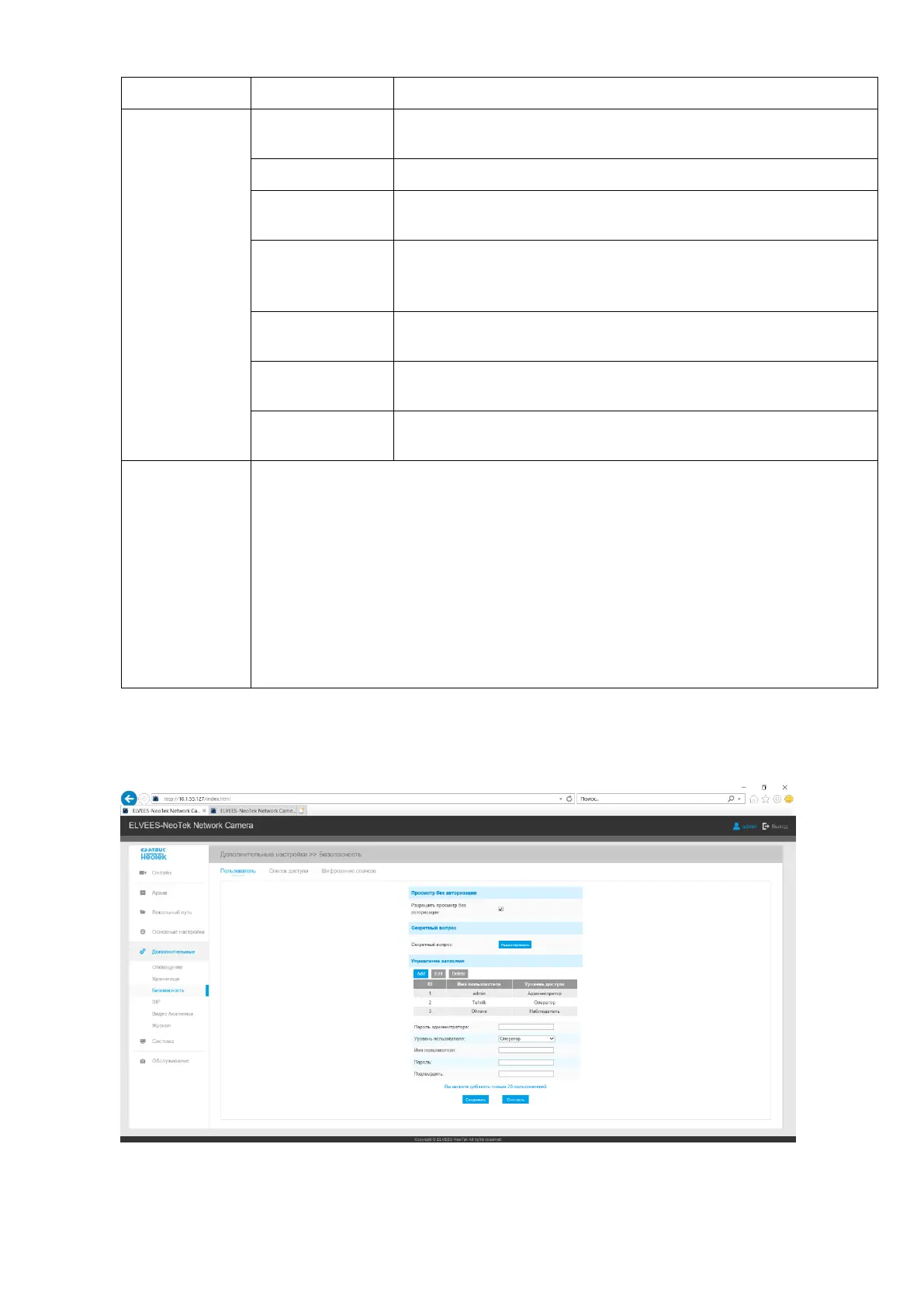
Б.2.5.3 Security
The Security tab is shown in Figure B.16.
Figure B.16 - Security Tab



 To Next Page