73
ВАРШ.201219.009РЭ
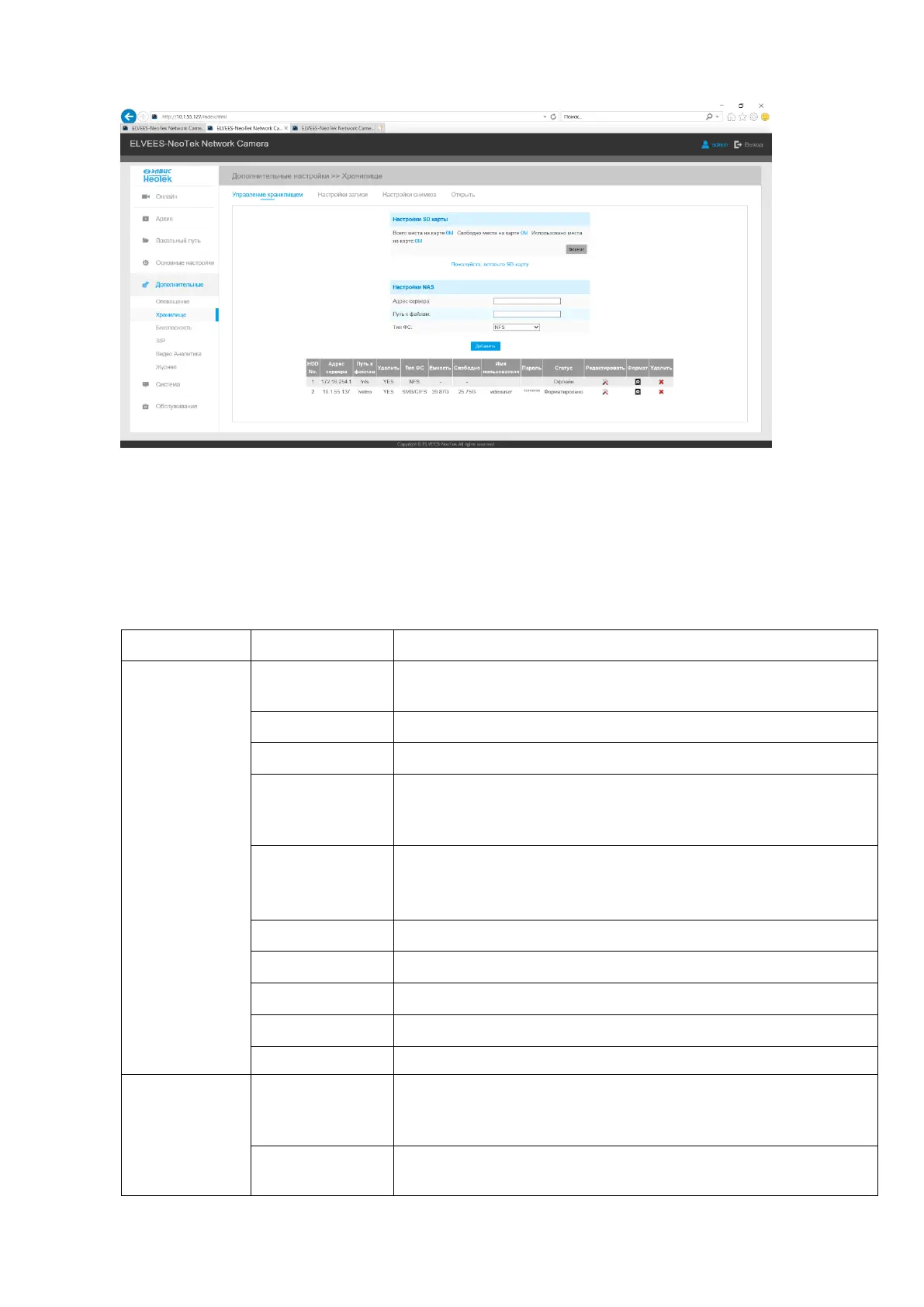
The Storage tab is shown in Figure B.15.
Figure B.14 - The Storage tab
Description of the Storage tab is presented in Table B.5.2
Table B.5.2 - Buttons of the Storage tab
SD card storage management, information about data storage
device.
Format SD card, the files in SD card will be removed
Enable cyclic storage, when the free disk space reach at a cer-
tain value, it will automatically delete the files at certain per-
centage according to your settings
The network disk should be available within the network and
properly configured to store the recorded files, etc.
No more than 5 NAS servers can be connected to one camera.
Input the NAS file path, e.g. «\Video»
NFS and SMB/CIFS are available
Enable/Disable Recycle Storage, if you enable this option, it
will delete the files when the free disk space reach a certain
value.



 To Next Page