78
ВАРШ.201219.009РЭ
The VCA tab is shown in Figure B.18.
8.2.1 Figure B.18 – VCA Tab
Description of the VCA tab is presented in Table B.5.5
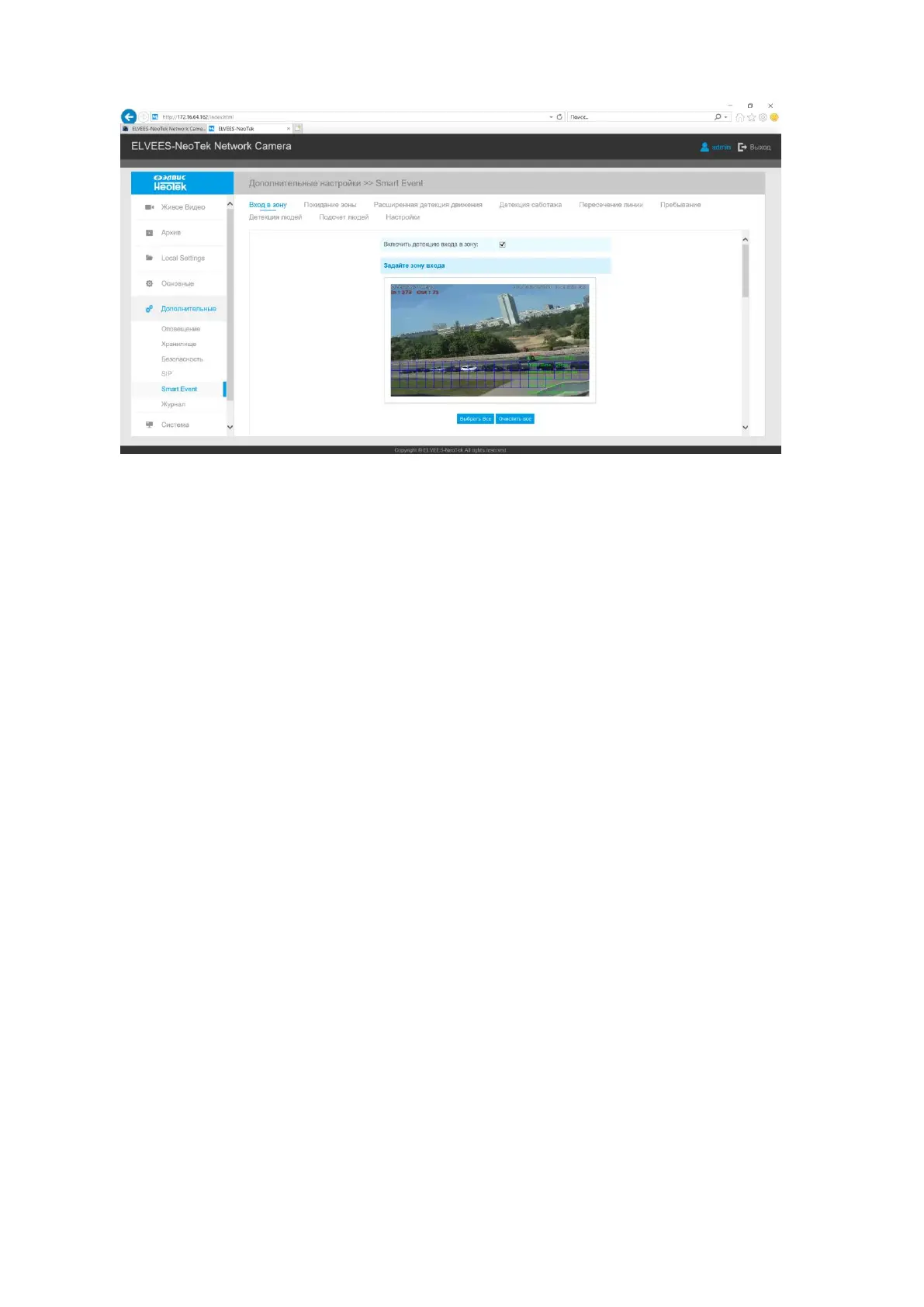
B.2.5.5.1 Region Entrance
Region entrance helps to protect a special area from potential threat of suspicious person’s
or object’s entrance. An alarm will be triggered when objects enter the selected regions by enabling
region entrance.
Step1: Set entrance detection region;
Step2: Set detection schedule;
Step3: Set alarm action;
Step4: Set alarm settings;
Step5: Save settings.



 To Next Page