81
ВАРШ.201219.009РЭ
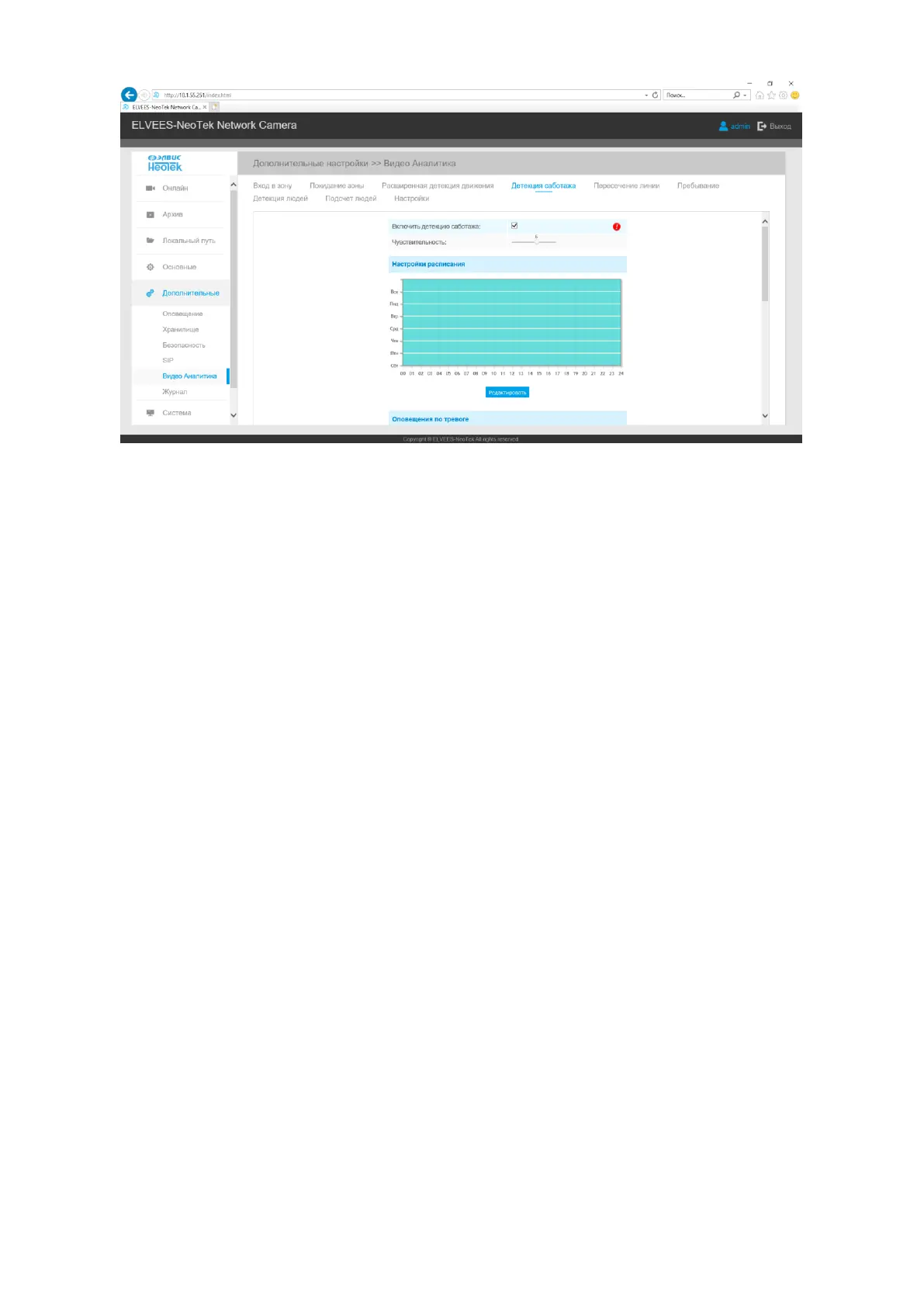
Step1: Set detecting sensitivity. When the sensitivity level is low, a little movement will not
trigger an alarm;
Step2: Set detection schedule;
Step3: Set alarm action;
Step4: Set alarm settings;
Step5: Save settings.
B.2.5.5.5 Line Crossing
An event will be triggered every time when the camera detects objects crossing a defined
virtual line. Camera allows to set up to four lines at a time. There are three direction modes to choose
for triggering alarm.
“A→B” means when there is any object crossing the line from the “A” side to the
“B” side, the alarm will be triggered.
“B→A” vice versa.



 To Next Page