85
ВАРШ.201219.009РЭ
Step4: Click “Edit” to check the counting logs, the data log can be exported to FTP/ SMTP/
SD Card/NAS server;
Step5: Set the alarm output for the threshold of the number of people: arrived, left, capacity,
total;
Step6: Set alarm action;
Step7: Set alarm settings;
Step8: Save settings.
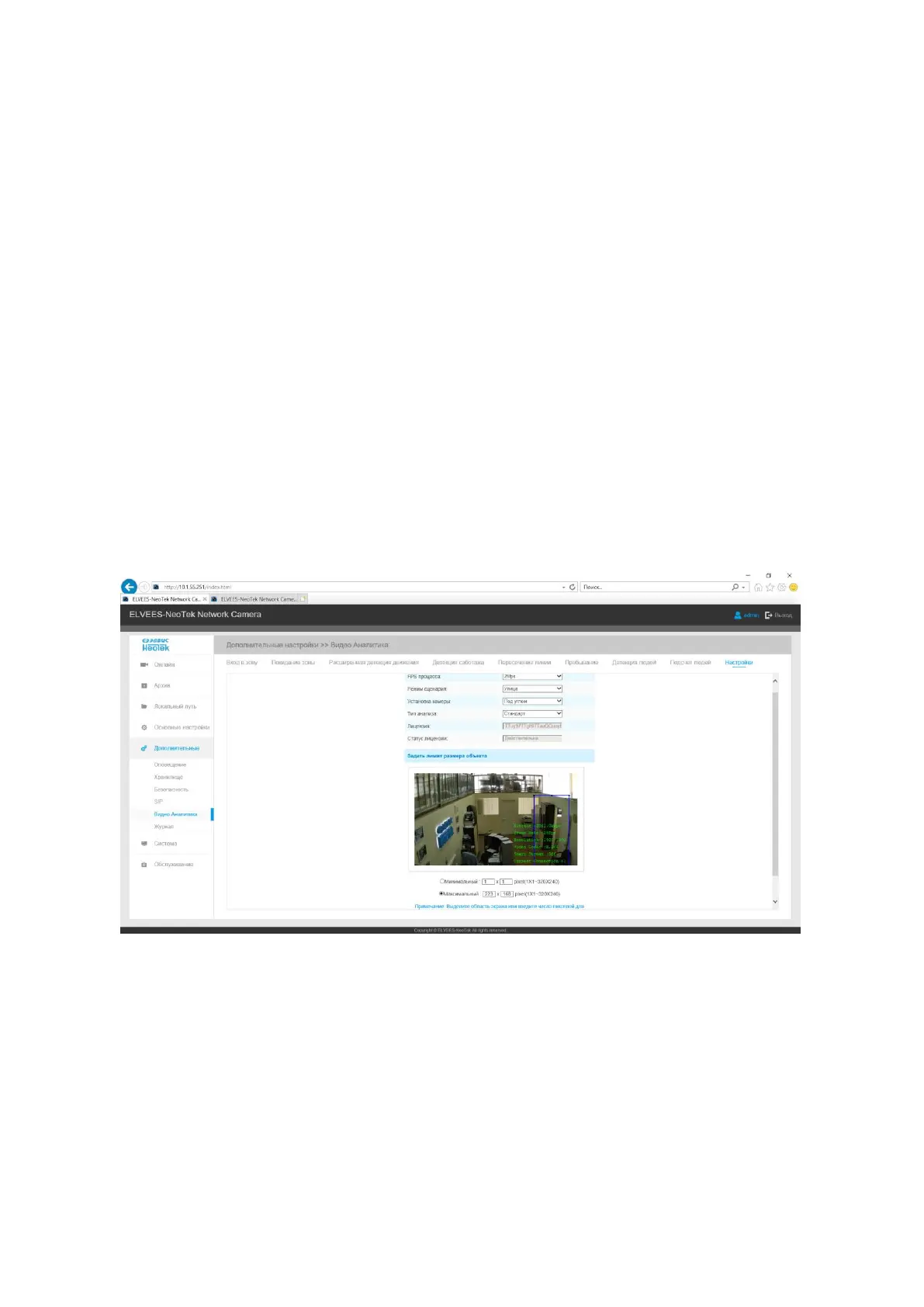
B.2.5.5.9 Settings
VCA tab settings Manager. Allows you to customize the minimum and maximum objects.
Select a frame on the image or specify the number of pixels for the minimum and maximum ob-
ject. Select the data processing speed, camera settings, analysis type (standard, advanced), entering
the Video Analytics license and its status (valid, invalid).
B.2.5.6 PTZ
Allows you to configure the functions and parameters of the pan / tilt / zoom of the VisorJet
Smart PTZ series cameras. PTZ parameters mainly include Basic Parameters, Auto Return, PTZ
Restrictions, Home Position, Privacy Mask, Scheduled Tasks, Auto Tracking, Configuration Reset,
RS485 (Speed PTZ) interface.



 To Next Page