86
ВАРШ.201219.009РЭ
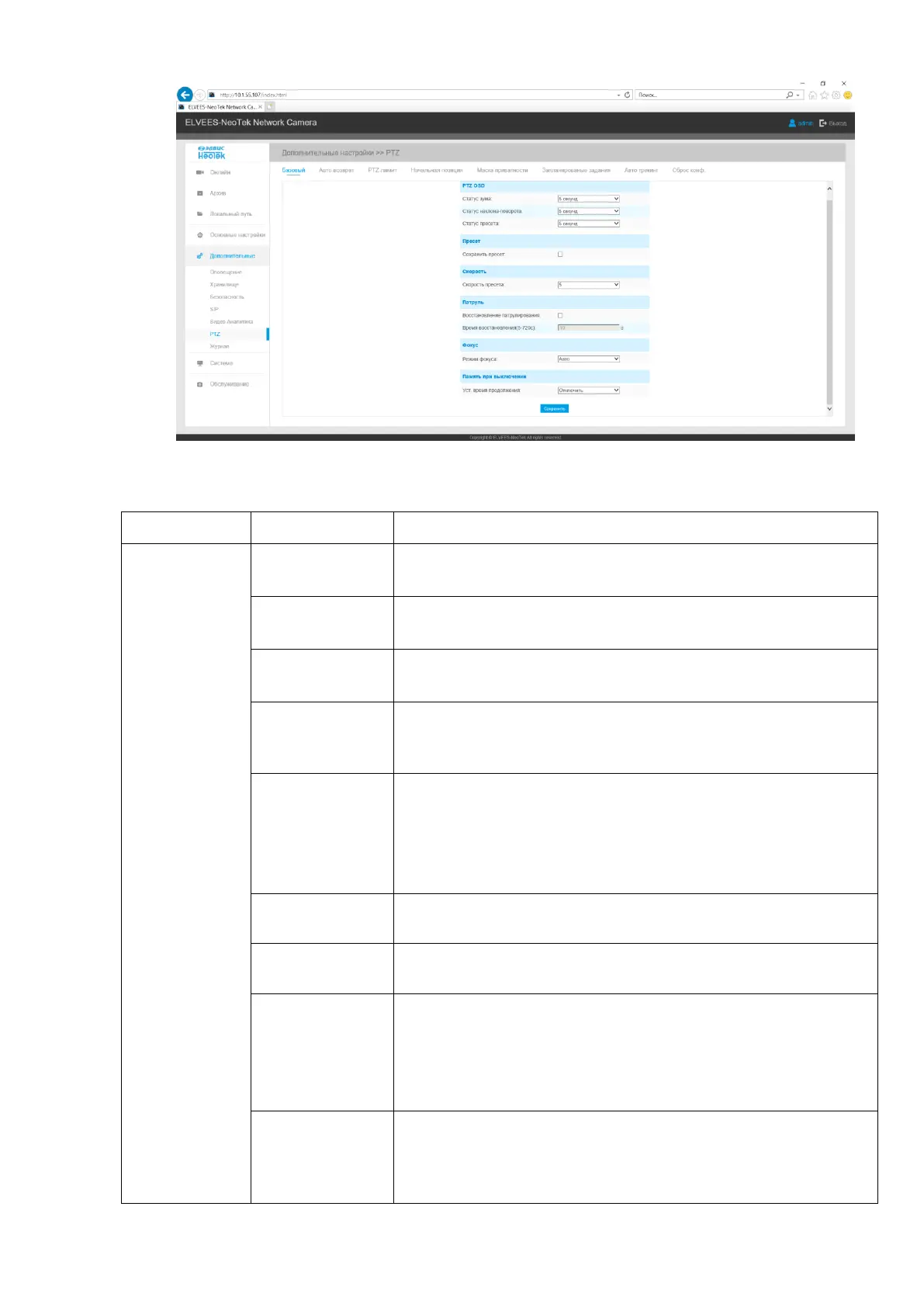
Table B.6.1 - Buttons of the "PTZ" tab
Adjust the scaling options.
States: always closed / always open / 2sec / 5sec / 10sec
Adjust the incline settings.
States: always closed / always open / 2sec / 5sec / 10sec
Adjust the panning parameters.
States: always closed / always open / 2sec / 5sec / 10sec
If enabled, the image of the preset position will be shown im-
mediately instead of broadcasting the display of the path to
the preset position.
Preset Speed: Levels 1 ~ 10 are available.
Manual speed: defines the manual control speed, only for
Speed PTZ: Low / Medium / High.
Sweep Speed: Determines the auto sweep speed. Level 1 ~ 10
is available for Speed PTZ only.
Restoring a preset series of functions after manually operating
the camera.
Set the patrol recovery time, from 5 to 720 seconds.
Three focusing modes are available: auto / semi-automatic /
manual.
Minimum Focus Distance: Set the minimum focus distance to
adjust the focus step: 1 / 1.5 / 3/6/10/20 meters, only for
Speed PTZ.
If the camera stops working for any reason, its position will be
recorded. And it will resume its position after power on. You
can set the resume time to 30 seconds, 60 seconds, 300 sec-
onds, or 600 seconds to record the position.



 To Next Page