88
ВАРШ.201219.009РЭ
Set the sensitivity of motion detection, from 1 to 10.
Set the maximum tracking time from 5 to 300 seconds. When
the time elapses or the subject disappears, the camera will re-
turn to its original position (Auto return)
Selecting the RS485 protocol
Selecting the transmission frequency
Number of information bits
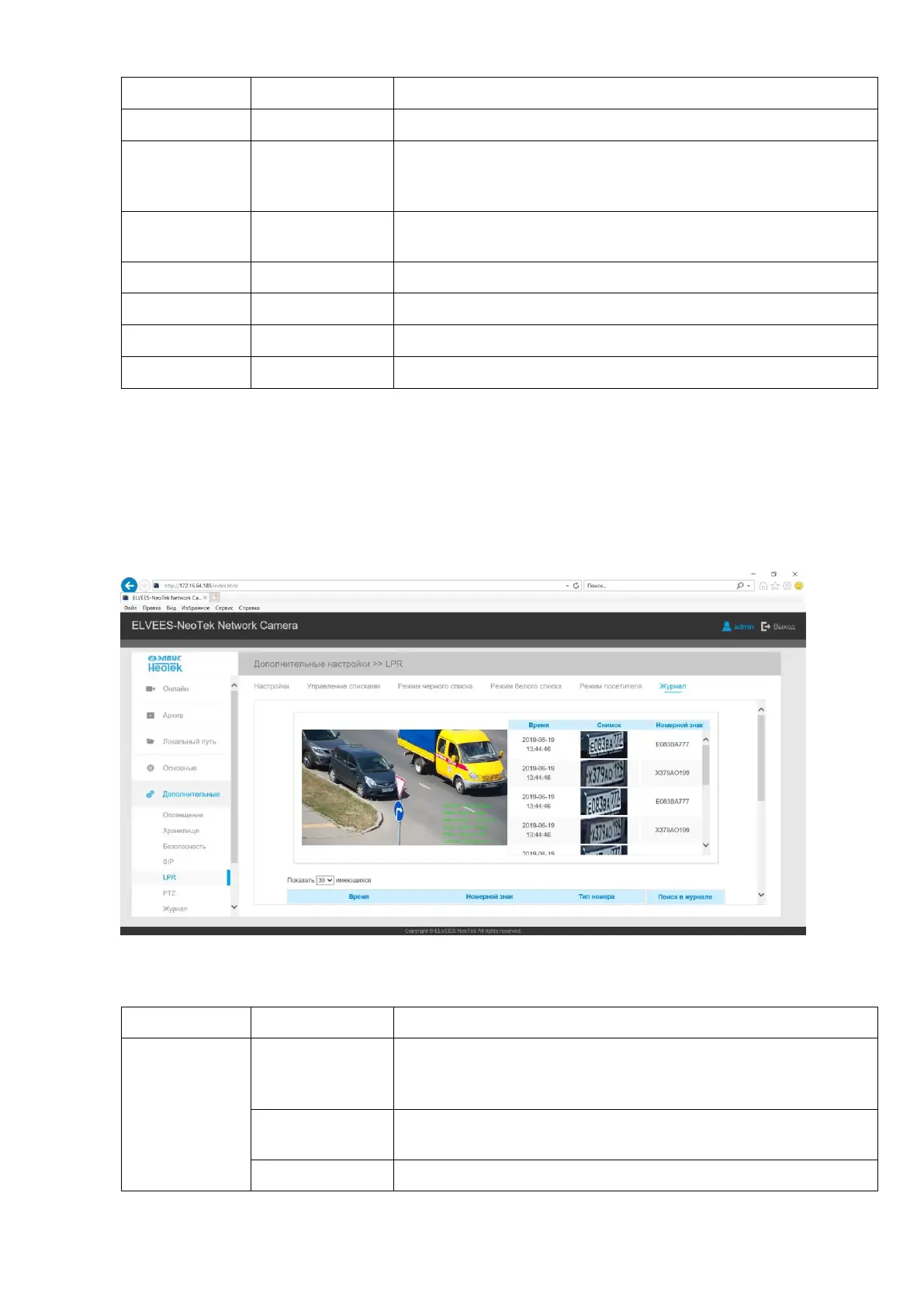
B.2.5.7 LPR tab (available after purchasing especial license, only for models VJS-B620-2-
LPR, VJS-B622-2-LPR, VJS-B603-2-LPR, VJS-P612-2-LPR). LPR automatically detects and
captures a license plate in real time, compares it to white and black lists, then generates an alert
and performs an action such as raising / lowering a barrier.
Table B.6.1 - Buttons of the LPR tab
Enable License
Plate Recogni-
tion
Adjust the scaling options.
States: always closed / always open / 2sec / 5sec / 10sec
Field for entering the license key. It also displays the active li-
cense key.



 To Next Page