12
Salt Setting Brine & Rinse (time - min:sec) Brine Refill (time - min:sec)
Low salt setting 37:00 1:30
Medium Salt Setting 50:00 2:00
High Salt Setting 55:00 2:30
ThetimesettingsforBrine&RinseandBrineRefillareinthetablesbelowatlow,mediumandhighsaltsetting.
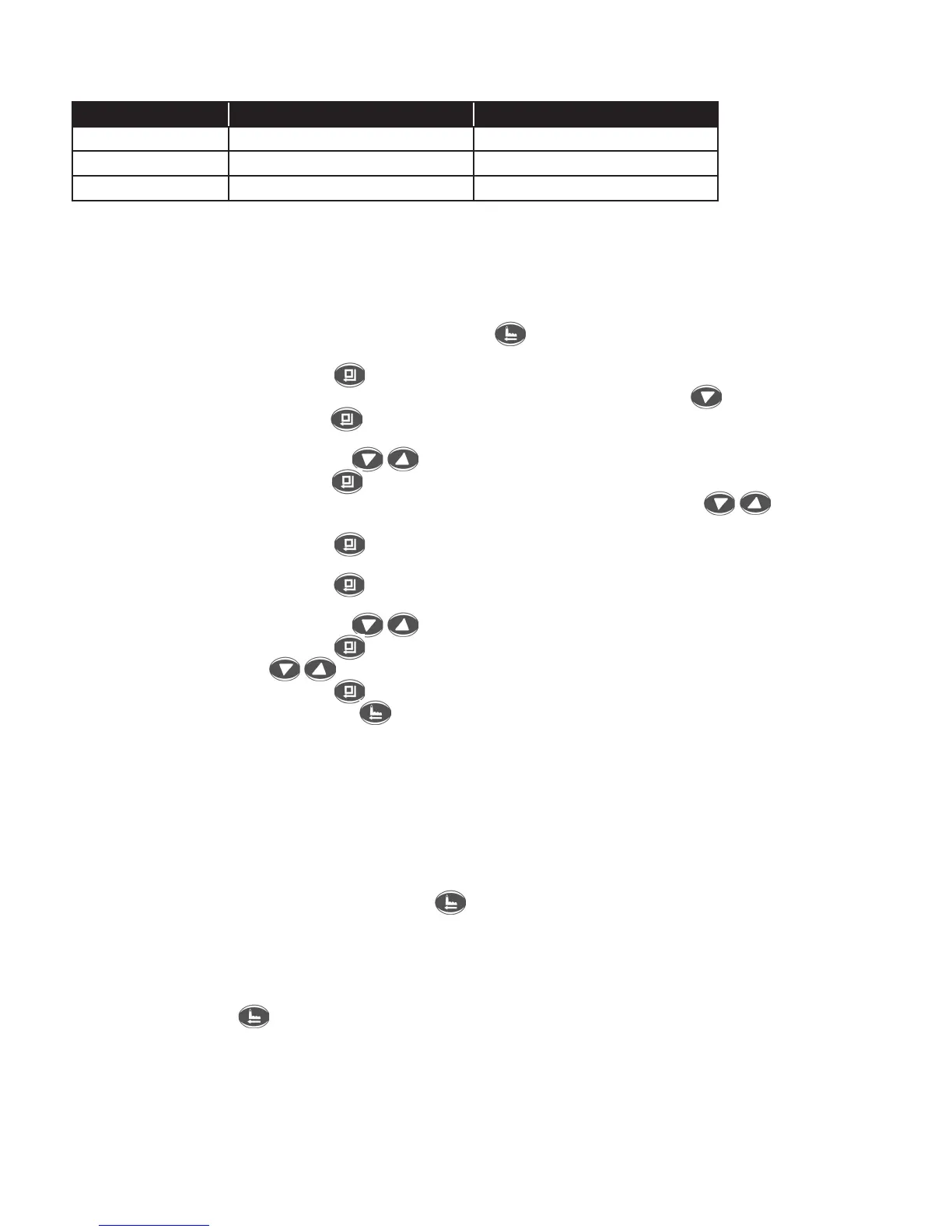
Time Settings For Brine Refill And Brine & Rinse At Low Salt Setting (table D):
Ifchangingthesaltsettingtoloworhighsaltsetting,thefirststepistochangethecapacity(AmountofSoftWaterAvailable)by
followingtheprocedureinSection4“SetCapacity”.UsethetablesAorConpg11.
TochangethesaltsettingfromthedefaultmediumsaltsettingtoloworhighsaltsettingthetimesforBrine&RinseandBrine
Refillhavetobechanged.Followthestepsbelow.
Step1. IfstartingatIn-ServicemenupressMenu/Returnkey toswitchtothemainmenu.Ifcontinuinginthemainmenu
scrolldownto“AdvanceSettings”usingthearrowkeys.
Step2. PresstheMenu/ConfirmKey toenterthe“AdvanceSettings”submenu.
Step3. Scrolldownto“BrineandRinse”inthesubmenusetupusingthedownarrowkey .
Step4. PresstheMenu/ConfirmKey andtheminutesinthe“BrineandRinse”willstartflashing.Usetheappropriatevalues
inTableDtoadjustthetimesifyoupreferlowsaltsettingorhighsaltsetting.
Step5. Usethedownoruparrowkeys toscrolltothecorrectminutes.
Step6. PresstheMenu/ConfirmKey andthesecondswillstartflashing.UsetheappropriatevaluesinTableDtoadjustthe
timesforyourpreferenceofloworhighsaltsetting.Usethedownoruparrowkeys toadjusttothecorrect
minutesetting.
Step7. PresstheMenu/ConfirmKey andmenuwillreturntothemainmenu“BrineandRinse”.
Step8. Scrolldownto“BrineRefill”.
Step9. PresstheMenu/ConfirmKey andtheminutesinthe“BrineRefill”willstartflashing.UseTableDtoselectthetime
foryourpreferenceofloworhighsaltsetting.
Step10. Usethedownoruparrowkeys toscrolltothecorrectminutes.
Step11. PresstheMenu/ConfirmKey andthesecondswillstartflashing.UsetableDtoselecttheseconds.Usethedown
anduparrowkeys toadjusttothecorrectsecondssetting.
Step12. PresstheMenu/ConfirmKey andmenuwillreturntoset-upmenu“BrineRefill”.
Step13. Press Manual/Return Key twice to proceed back to the In Service Display screen if no other parameters are
goingtobechanged.
6. Calendar Day Override:
Thecalendardayoverridehasbeensetto14days.Thismeansifthewatersoftenerwatercapacityisnotusedupin14daysitwill
regenerateautomaticallytohelppreventresinfouling.
7. Manual Regeneration:
1. Sometimesthereisaneedtoregeneratethesystemsoonerthanwhenthesystemcallforit,usuallyreferredtoasmanual
regeneration.Theremaybeaperiodofheavywaterusagebecauseofguestsoraheavylaundryday.Toinitiateamanual
regenerationimmediately,presstheManual/Returnkey .Thecontrolvalvewillcyclethroughthefollowingregenerationcycles:
Backwash•BrineDraw&SlowRinse•FastRinse•FillBrineTank•BacktoInService
Note:Regenerationcyclewilltakeapproximately54minutestocomplete.
2. Whentheregenerationcyclesarecompletedthevalvewillreturntothein-servicemode.
3. Theonlywaytocancelamanualregenerationistocyclefastthroughthestepsbypressingthe
Manual/ReturnKey repeatedlyaftereverycycleuntilthevalvereturnstoservicemode.
8. Power Loss:
Ifthepower outageexceeds3days(72hours)the clockwillneedtobe reset.When thepoweristurnedon theclock figure
willflickercontinuously.Thisremindsownertoresetthetime.Allotherparameterswillnotneedtobereset.
9. Hard Water Notice:
Duringsoftenerregenerationcycle,onlyhardwaterwillbeavailableinthefacility.
10. Error Message:
IftheerrorsE1,E2,E3orE4showonthedisplayscreencontactthedealerforassistance.



 To Next Page