VITRIKO
Mobile Data Experts
5. R O U T E R DESIGN
5.8.10 Reset
It is important to distinguish between r e set and re b oot the router.
A c t i o n Ro u t e r behavior Invoking e v e n t s
R e b o o t T u r n off and then turn on router Disconnect and connect the power,
Press the R e b o o t button in the w e b
configuration
R e s e t R e s t o r e default configuration and reb o ot
the router
Press RST button
T a b l e 11: Description of res et and re sta r t router
Af ter green LED starts to blink it is possible t o res t o re initial settings of the router b y press-
ing button RST on front panel. After press button RST it is r e sto r ati on of default configuration
and reb o ot (green LED will be on).
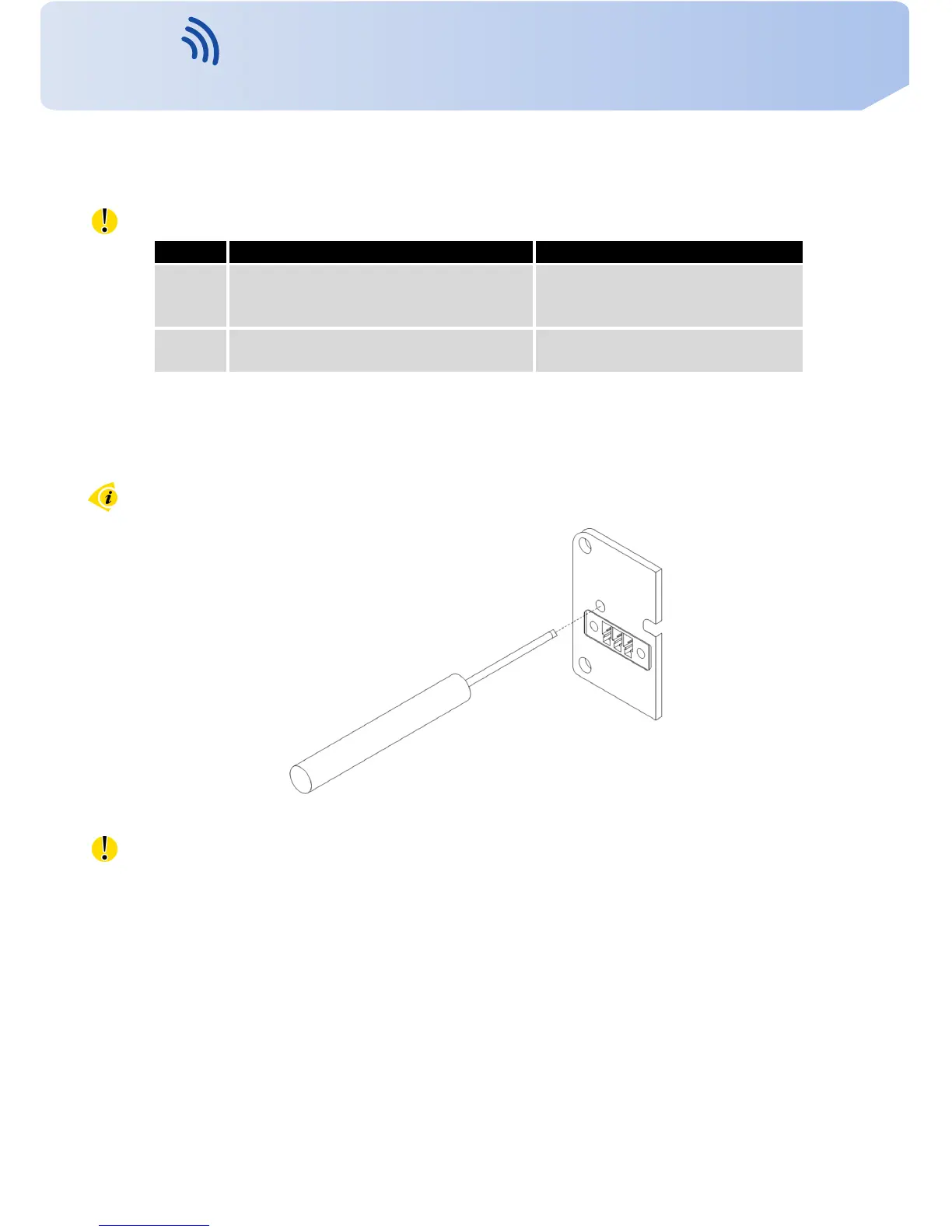
F o r pressing the RST button could be used a narrow screwdriver.
Figure 38: R o u t e r res e t
W e reco mme nd t o backup y o u r router configuration (see Configuration manual), because
af ter re s et router set configuration to the initial state.
22
Contact www.vitriko.com info@vitriko.com


 To Next Page