37
Testing the Installation
Afterinstallation,operationcanbetested.IntheSettingsmenu,undertheUserSettings,is
theTestingmenu.Thereisaheatingtestandacoolingtest.Theheatingandcoolingtests
runforupto30minutes.Youcanstopatestatanytimebyselectingthearrowandpressing
theSIDEbutton.
UsetheUPandDOWNarrowstomovethehighlightedselectiononthescreen.
UsetheSIDEbuttontomakeaselectionoradvancethroughoptions.
To Check Heating
1.FromtheThermostat’sHome
screen,pressandholdtheSIDE
buttonuntiltheSettingsmenu
a p p e a r s ( a p p r o x i m a t e l y 3 s e c o n d s ) .
2.HighlightUser,thenpresstheSIDE
button.TheUserSettingsmenu
opens.
3.UsetheUP/DNarrowstoselect
Testing.PressSIDEbutton.The
Testingmenuopens.
4.UsetheUP/DNarrowstoselect
Heat,PresstheSIDEbutton.The
HeatTestopens.
5.PresstheSIDEbuttontostarttest.
TheThermostatscreendisplaysthe
following:
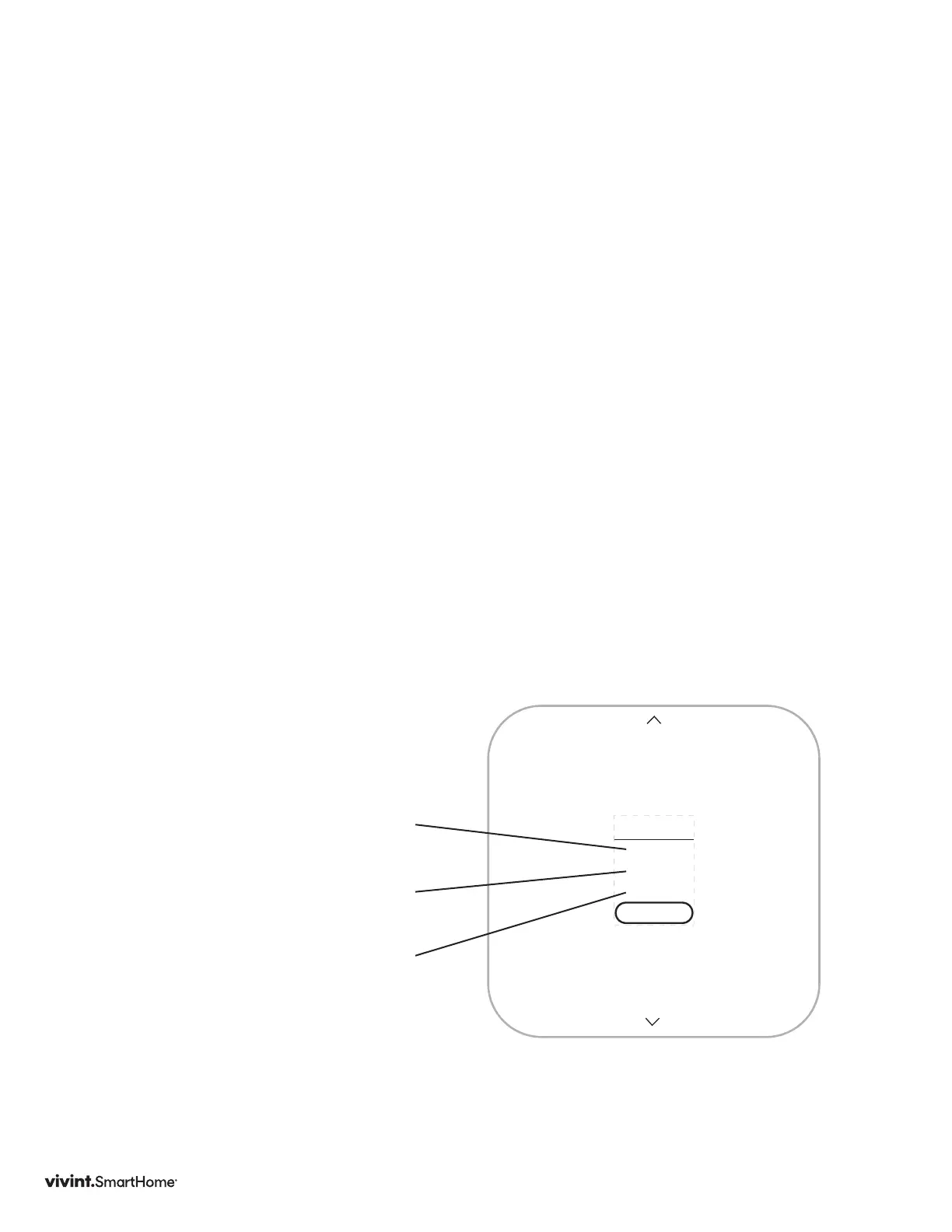
• HEAT TIME:howlongthetest
hasbeenrunninginminutesand
seconds
• ACTIVE:thewiresthesystem
isusingtocommunicatewiththe
heatingsystem(example:W,G)
• CHANGE:theamountof
temperaturechangecausedduring
thetest(example:+3.4°)
6. PresstheSIDEbuttontostoptest.
7. PresstheSIDEbuttonagaintoexit
backtoTESTINGmenu.
Atestofasuccessfullyfunctioning
heatingsystemwillshowariseinthe
temperature,aswellastheproper
wiresindicatedasbeingactive.Ifthe
temperatureappearstodrop,orthe
wrongwiresareindicatedasbeing
active,thetestindicatesaproblem
withtheThermostatinstallation.
Checkthewireconnectionsandrun
theheatingtestagain.
W,G
+3.4°
18:24
HEAT
STOP
Vivint Element Installation Guide
Setup



 To Next Page