38
Vivint Element Installation Guide
Setup
Testing the Installation
To Check Cooling
1. FromtheThermostat’sHomescreen,
pressandholdtheSIDEbuttonuntilthe
Settingsmenuappears(approximately
3seconds).
2.HighlightUSER,thenpresstheSIDE
button.TheUSERSettingsmenuopens.
3.UseUP/DNarrowstoselectTesting,
thenpresstheSIDEbutton.TheTesting
menuopens.
4.UseUP/DNarrowstoselectCool,then
presstheSIDEbutton.TheCoolTest
menuopens.
5.PresstheSIDEbuttontostarttest.
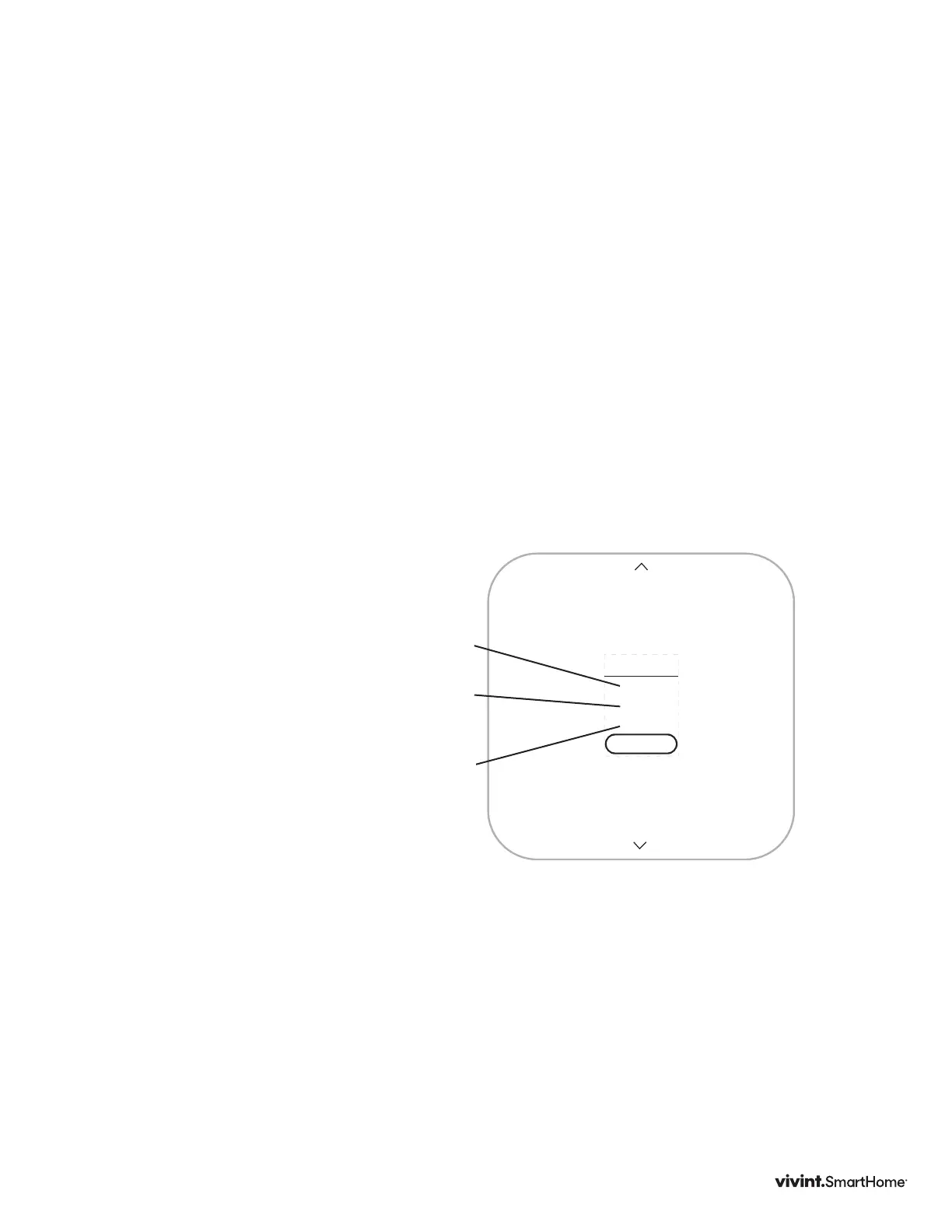
TheThermostatscreendisplaysthe
following:
• COOL TIME:howlongthetesthas
beenrunninginminutesandseconds
• ACTIVE:thewiresthesystemisusing
tocommunicatewiththecoolingsystem
(example:Y,G)
• CHANGE:theamountoftemperature
changecausedduringthetest(example:
-2.6°)
6.PresstheSIDEbuttontostoptest.
7. PresstheSIDEbuttonagaintoexittest
andgobacktoTESTINGmenu.
Atestofasuccessfullyfunctioningcooling
systemwillshowadropinthetemperature,
aswellastheproperwiresindicatedas
beingactive.Ifthetemperatureappears
torise,orthewrongwiresareindicatedas
beingactive,thetestindicatesaproblem
withtheThermostatinstallation.Checkthe
wireconnectionsandrunthecoolingtest
again.
NOTE:DonotoperateACiftheoutside
tempisbelow65°F.
Y,G
-2.6°
18:24
COOL
STOP



 To Next Page