DLP Projector—User’s Manual
– 42 –
For simplicity and ease of operation, the projector provides diverse networking and remote management
features.
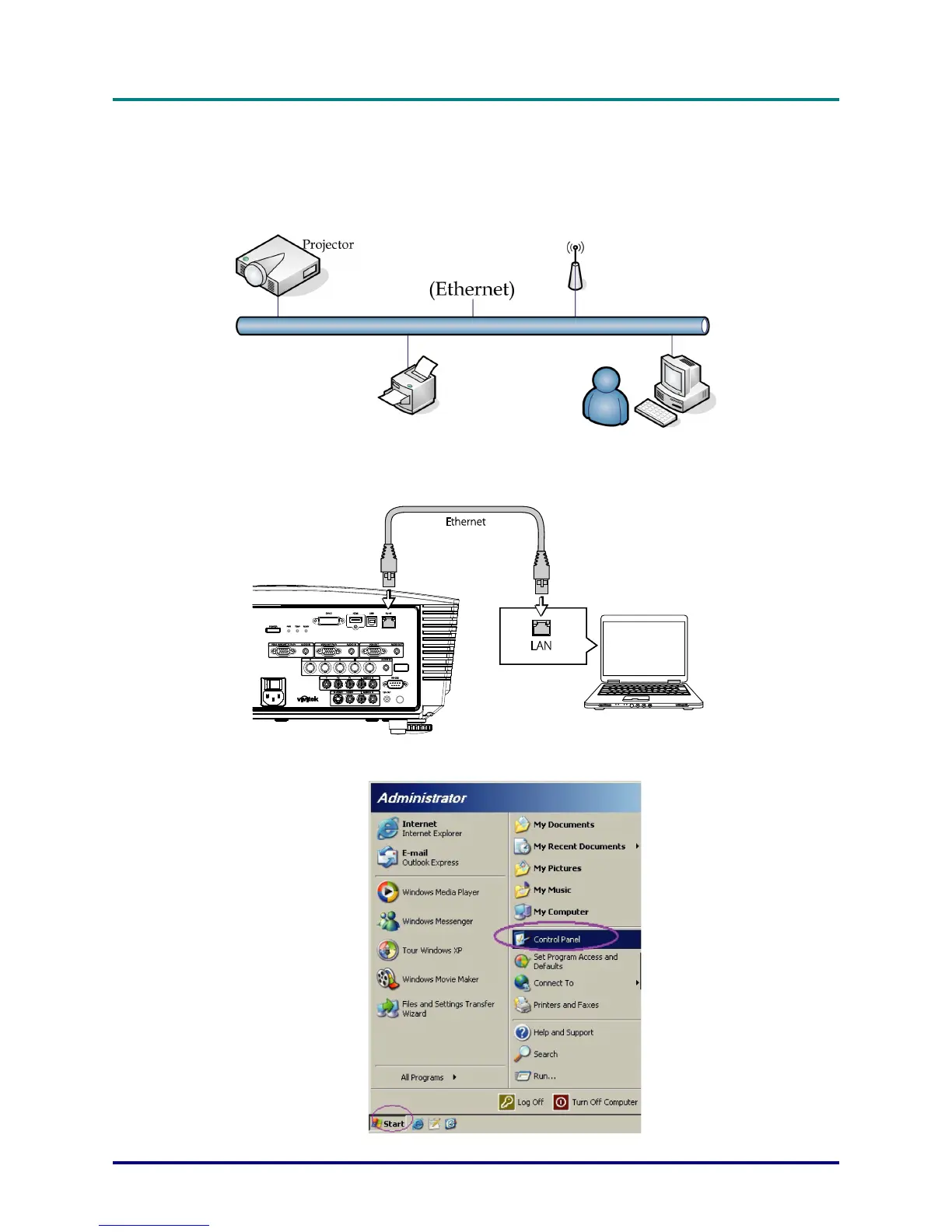
The LAN/RJ45 function of the projector through a network, such as remotely manage: Power On/Off,
Brightness and Contrast settings. Also, projector status information, such as: Video-Source, Sound-Mute,
etc
.
LAN_RJ45
1. Connect an RJ45 cable to RJ45 ports on the projector and the PC (Laptop).
2. On the PC (Laptop), select Start → Control Panel → Network Connections.



 To Next Page