VIVOTEK - Built with Reliability
User's Manual - 123
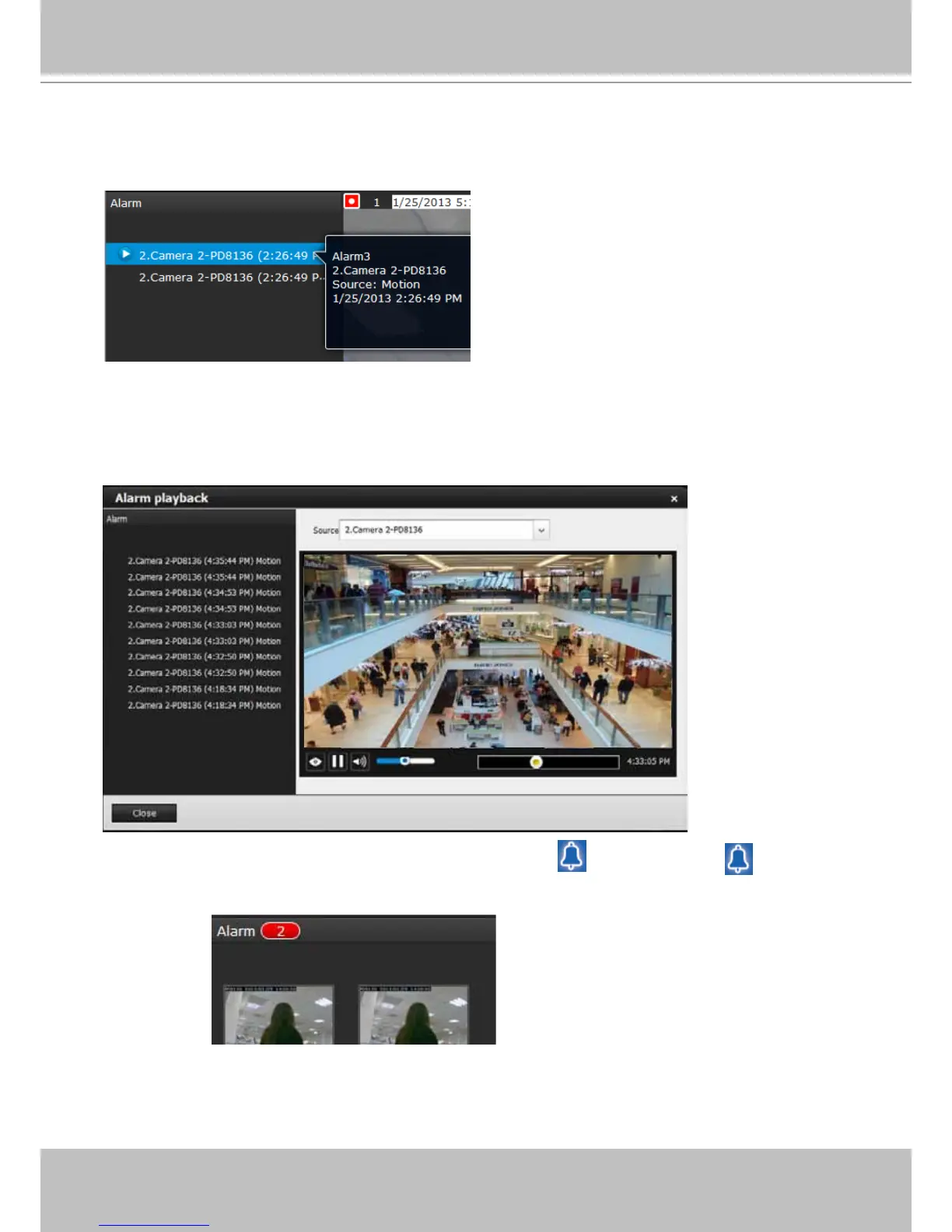
If an event is congured with a recording action, there will be a play button to the left of the
alarm message.
Click and read a text-only alarm will turn off the alarm icon . The alarm icons indicate
unread alarms. The number of unread alarms will be listed on the title bar.
The alarm playback window will begin playback of a footage taken 10 seconds before the
occurrence of an alarm. The playback of an alarm-triggered recording will normally last for one
minute. If, however, you congured a shorter pre- and post-alarm recording time, your alarm
recording may be slightly shorter. The default for pre- and post-alarm buffer time are 5 seconds
and 20 seconds.



 To Next Page