VIVOTEK - Built with Reliability
134 - User's Manual
Chapter Five System Settings
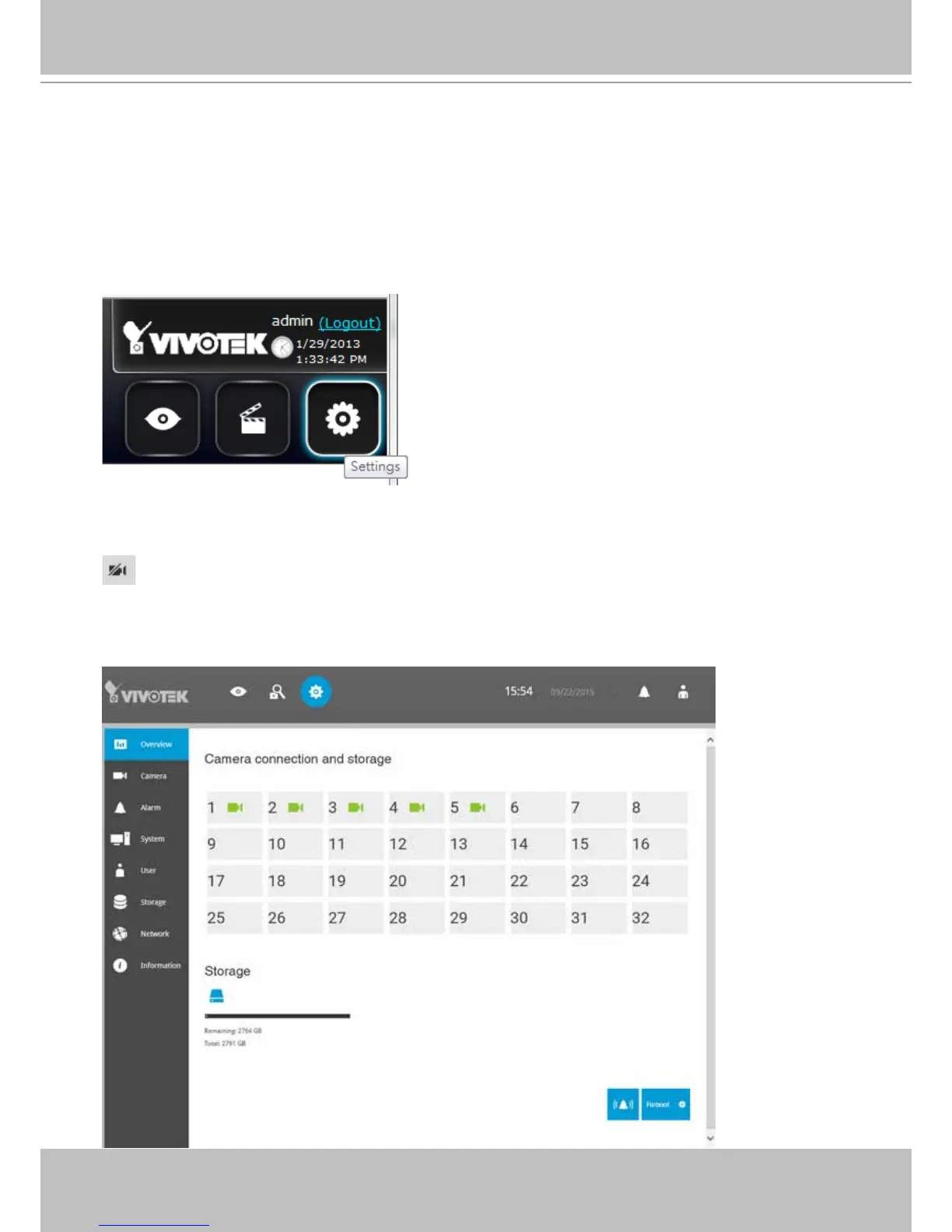
The Settings window is accessed by clicking on the Settings button on the Logo panel.
The system will default to the overview page displaying the camera connection and storage
statuses. An empty position will be left in blank, and a disconnected camera will be indicated as
. The storage volume usage is displayed as the used and unused spaces.
The Stop Buzzer, Reboot, and Power-down buttons are also available on this page. There are
critical conditions that can sound the system buzzer, such as a disk failure.



 To Next Page