VIVOTEK - Built with Reliability
User's Manual - 185
To receive alarms from cameras, you need to congure alarm triggers in the Settings > Alarm
conguration window (see page 75). Network cameras' digital inputs, digital outputs, or motion
detection can all be used to detect conditions in external environments. You can congure
certain kind of actions to take place in response to the alarms: such as,
1. recording the immediate image,
2. sending an Email notication,
3. sounding the onboard buzzer,
4, sending snapshots to an FTP server,
5. sending videos to a web server,
6. moving camera lens to a preset location,
7. triggering a camera's digital output.
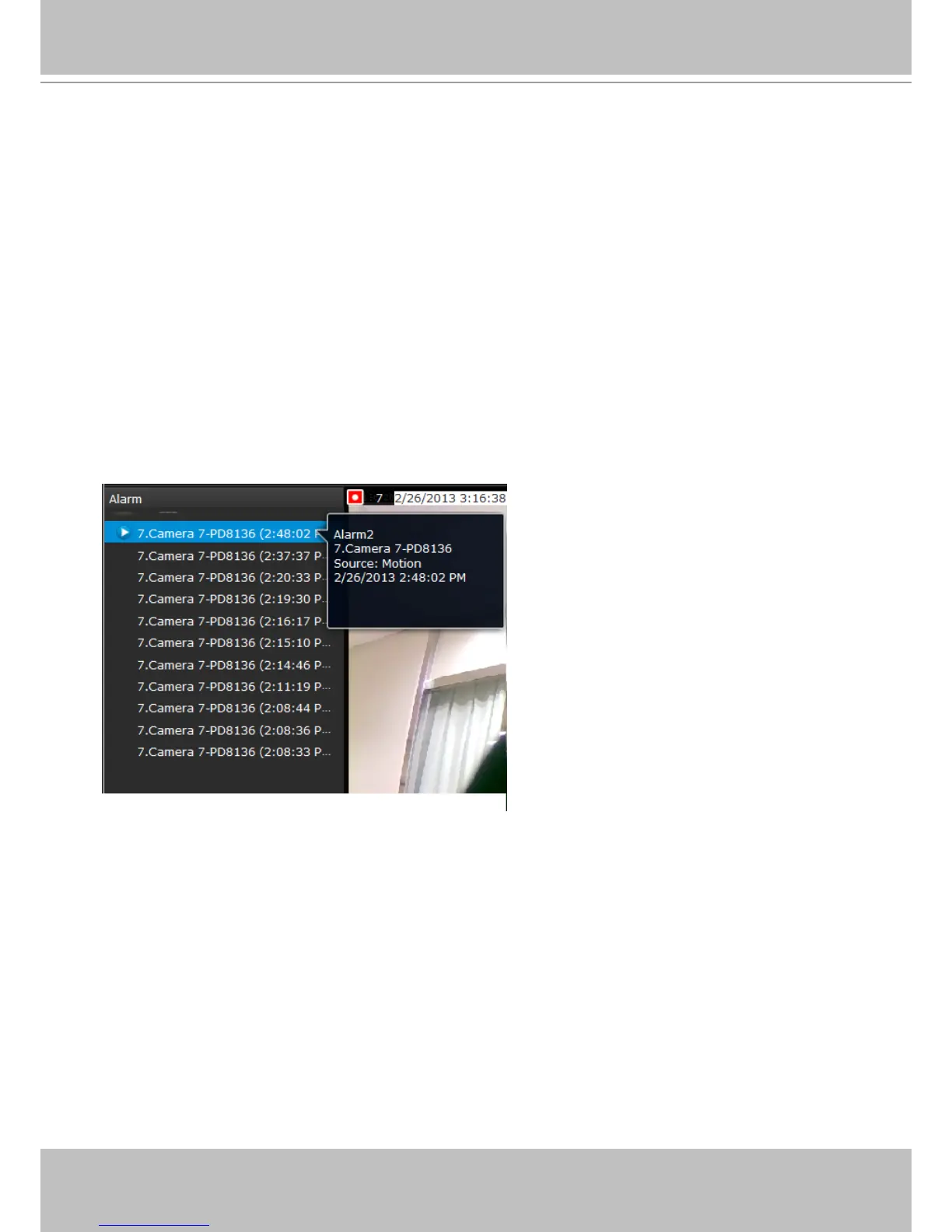
The operation details of the Alarm panel and Alarm Playback utility have been described on
page 122.
6-1-5. Alarm Panel



 To Next Page