VIVOTEK - Built with Reliability
User's Manual - 67
Stream management
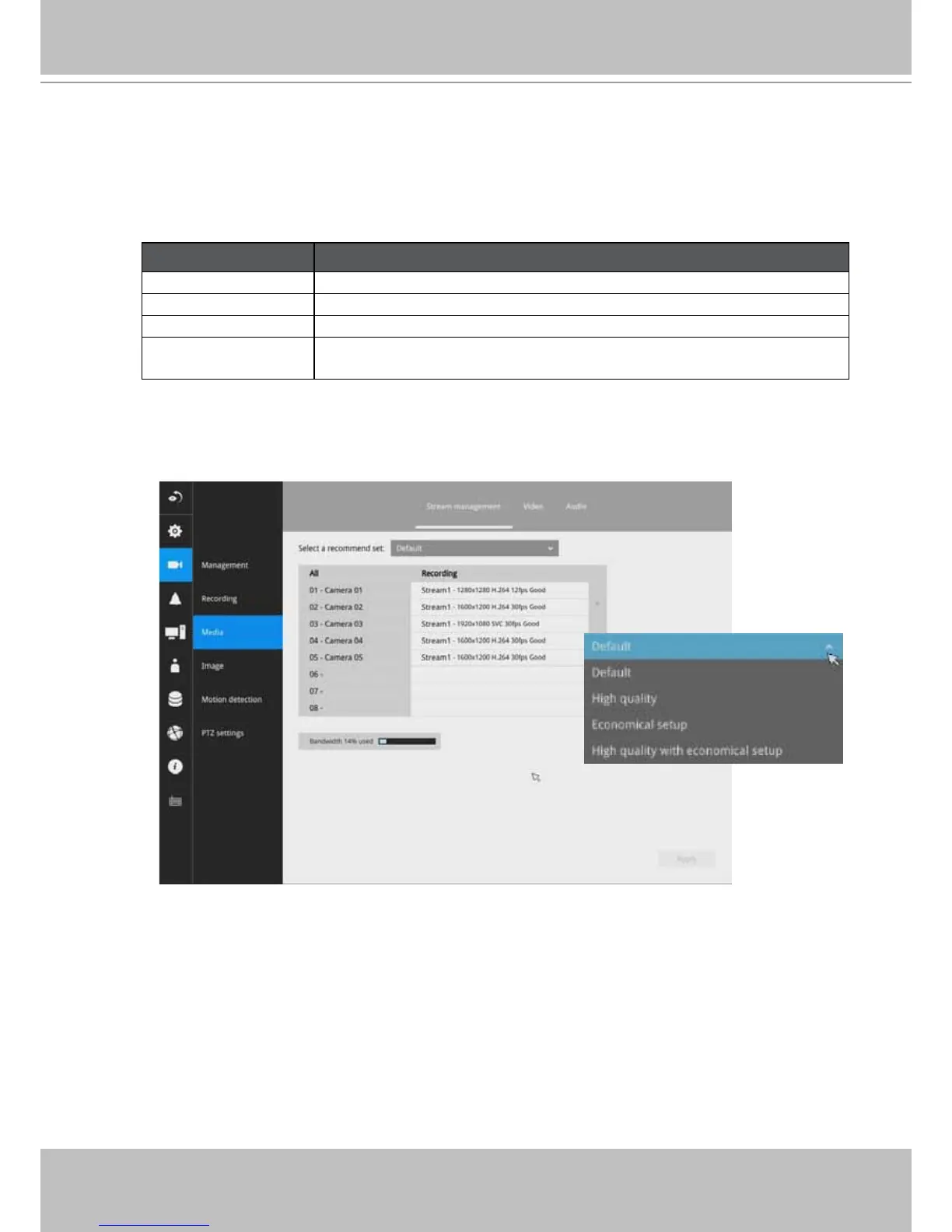
The stream here refers to the recording stream, namely, Stream 1. You can use these
preset conditions to congure the resolution, image quality, frame rate, and the bandwidth
consumption of the recording stream on this window.
Recommended setting
Conguration
Default Medium resolution; full frame rate
High Quality Guaranteed video quality set as Good; full frame rate
Economical Medium to low resolution; frame rate at 5fps
High quality w/
economical
High resolution, Good image quality; frame rate at 5fps
With each recommended conguration applied, the estimated bandwidth consumption
value is immediately calculated and displayed at the lower screen.
Click the Apply button for the conguration change to take effect.
3-5-4. Settings - Camera - Media



 To Next Page