VIVOTEK - Built with Reliability
128 - User's Manual
4-3-2. Search Recording Clips Layout
3 types of layouts are provided for the Search recording clips window: 1x1, 2x2, and 1+3.
In the Search recording clips window, users can simultaneously playback up to 4 recorded
videos.
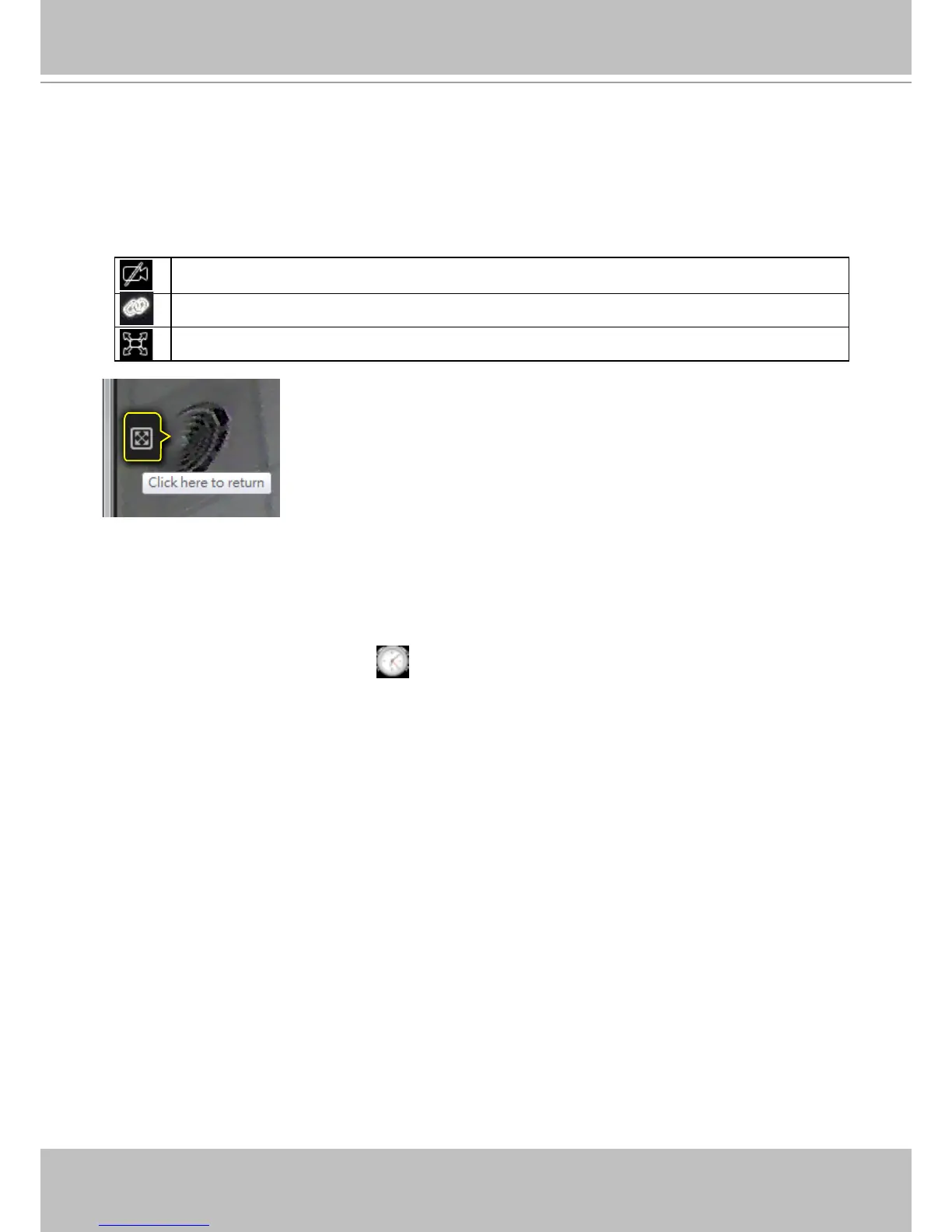
Clears all view cells on the current layout
Starts or stops the Synchronous playback.
Full view: extends the view cells on the current layout to the full of the screen.
When your current layout is displayed in a full view, move your cursor
to the left center of the screen to return to the default Liveview screen.
The Return button will appear.
4-3-3. Logo & Menu
A logout button, system time panel
, and 3 hot link buttons to access the Liveview,
Playback, and Settings utilities. This panel is identical to that on the Liveview window.
Fisheye viewing modes - if the view cell contains video from a sheye camera, the
sheye display mode selector will be available:
1O: the orginal circular view.
1P: the panoramic view.
1R: the regional view.
Please refer to the sheye camera's User Manual for more information.



 To Next Page