VIVOTEK - Built with Reliability
174 - User's Manual
Settings - Service
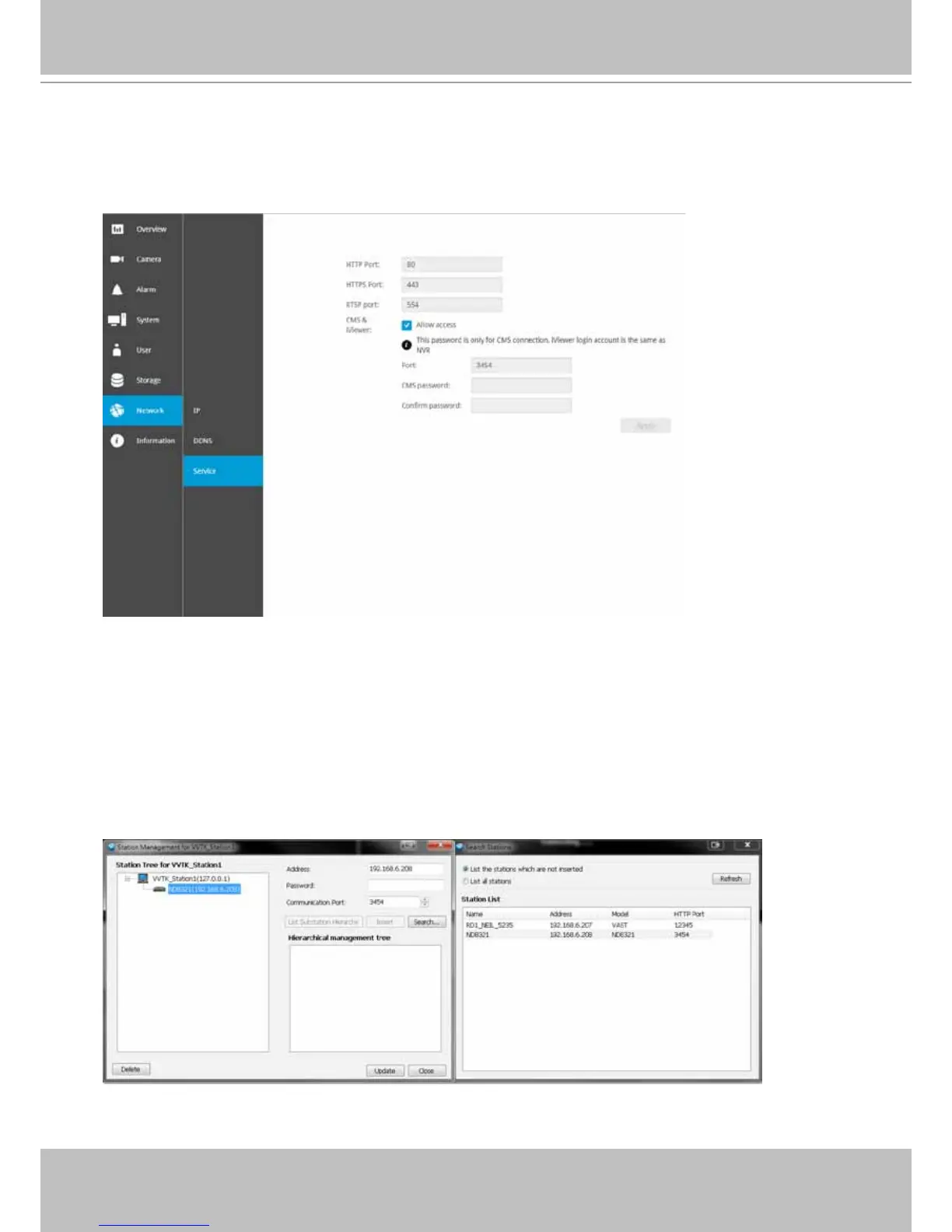
By default, the NVR service and video streaming are accessed via HTTP port 80 and RTSP port
554. You can designate a different port number if the need arises. Usually it is not necessary to
change these ports. HTTPS encrypted connection is enabled by default.
In addition to a web console, you can also access the NVR and the subordinate cameras using
the iViewer and VIVOTEK's VAST management software. The NVR can be managed as one of
the sub-stations in a hierarchical device structure.
Set up a password for access from the VAST server before you can join the NVR to a VAST
conguration. For access from the iViewer, you log in using the same user name and password
for the login to the NVR.
Below is the screen showing the sub-station recruitment process from a VAST server.



 To Next Page