VIVOTEK - Built with Reliability
68 - User's Manual
Video
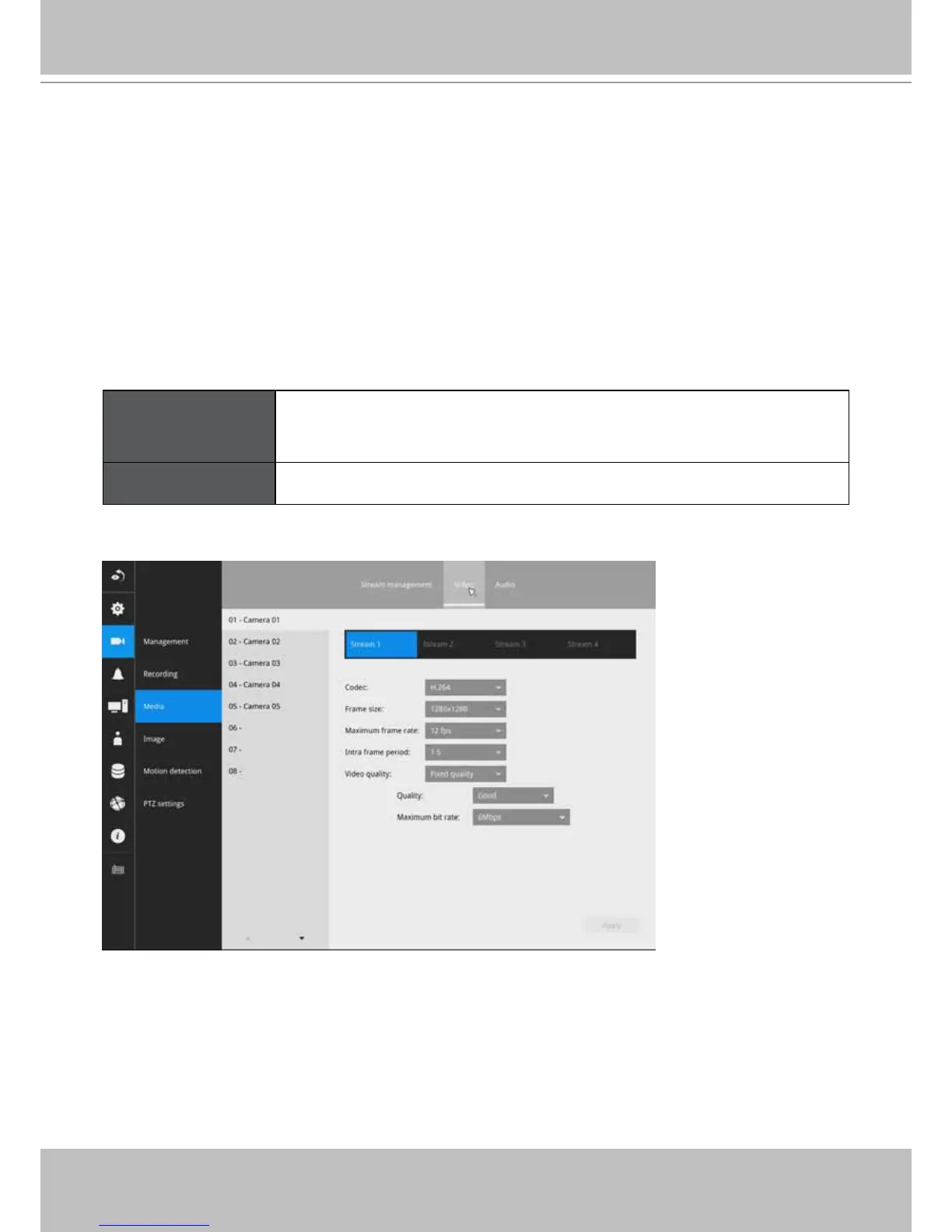
The Video window allows you to congure all video streams (the no. of stream available can be
different for different models). You can congure the following:
1. Codec: video compression codec in H.264, MPEG-4, or MJPEG. Note that MPEG-4 is not
supported for Liveview.
2. Frame size: video resolution. Note that due to the limited CPU resources, you may not be
able to change the resolution to a very high value, e.g., 5MP in the 1920x1920 resolution.
3. Maximum frame rate: the highest frame rate.
4. Intra frame period: How often an I-frame will be inserted into the video stream.
5. Video quality: You may either select Constant bit rate or Fixed Quality as the dening rules for
video transmission:
Constant bit rate Places a packet size threshold on video frames; This guarantees
the frame rate per second performance, yet image quality can be
compromised if bandwidth is not sufcient in your network environment.
Fixed Quality Guaranteed video quality, and to ensure image quality, some frames may
be dropped when bandwidth is not sufcient.
When done with the conguration, click the Apply button.



 To Next Page