VIVOTEK - Built with Reliability
User's Manual - 137
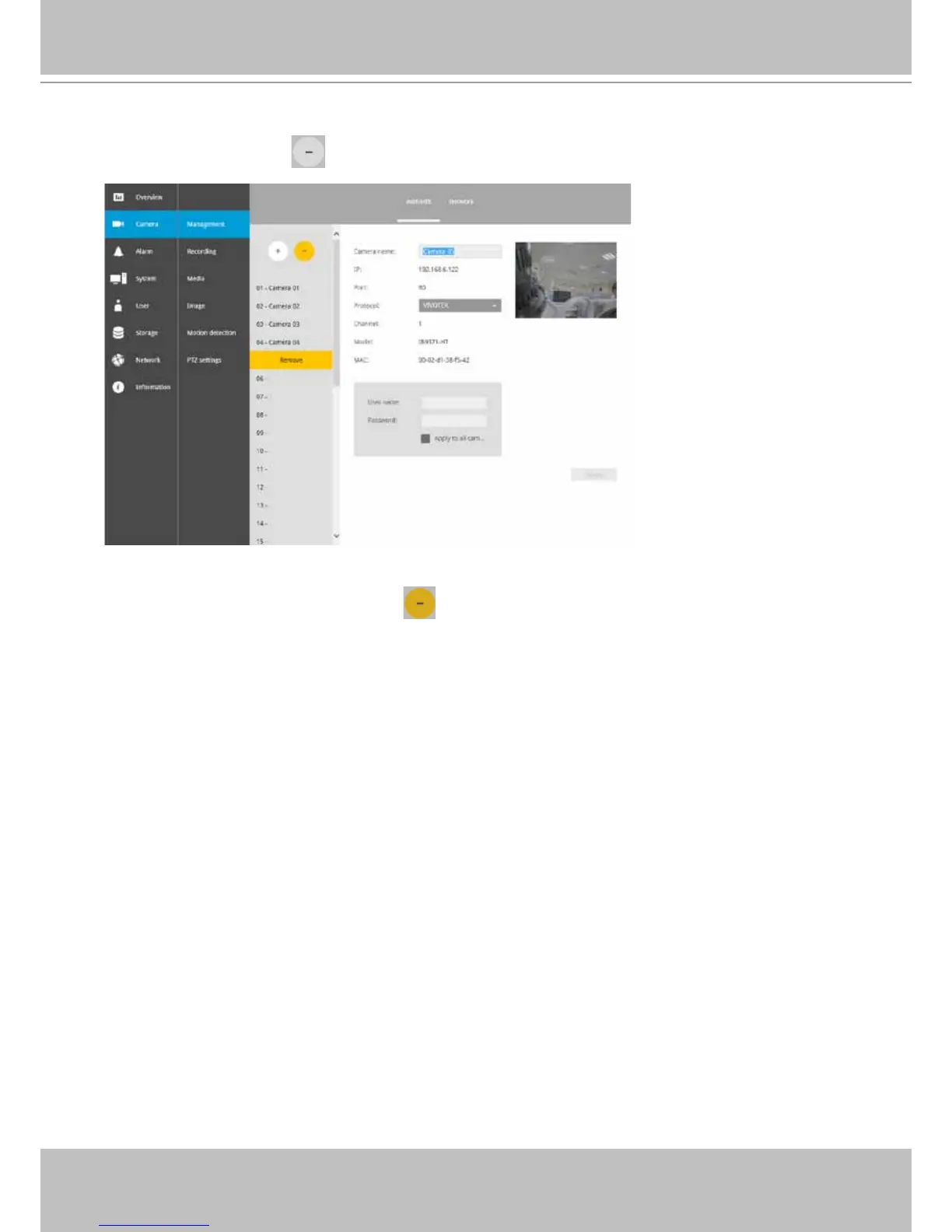
To disband cameras:
1. Click on the Remove button. A list of cameras will appear.
2. The Remove button will turn yellow . Mouse over to the camera you want to remove, and
its entry will display the Remove message.
3. Click on the Remove message. The camera should then disappear from the camera list. The
recording from that camera will also be discontinued.



 To Next Page