VIVOTEK - Built with Reliability
32 - User's Manual
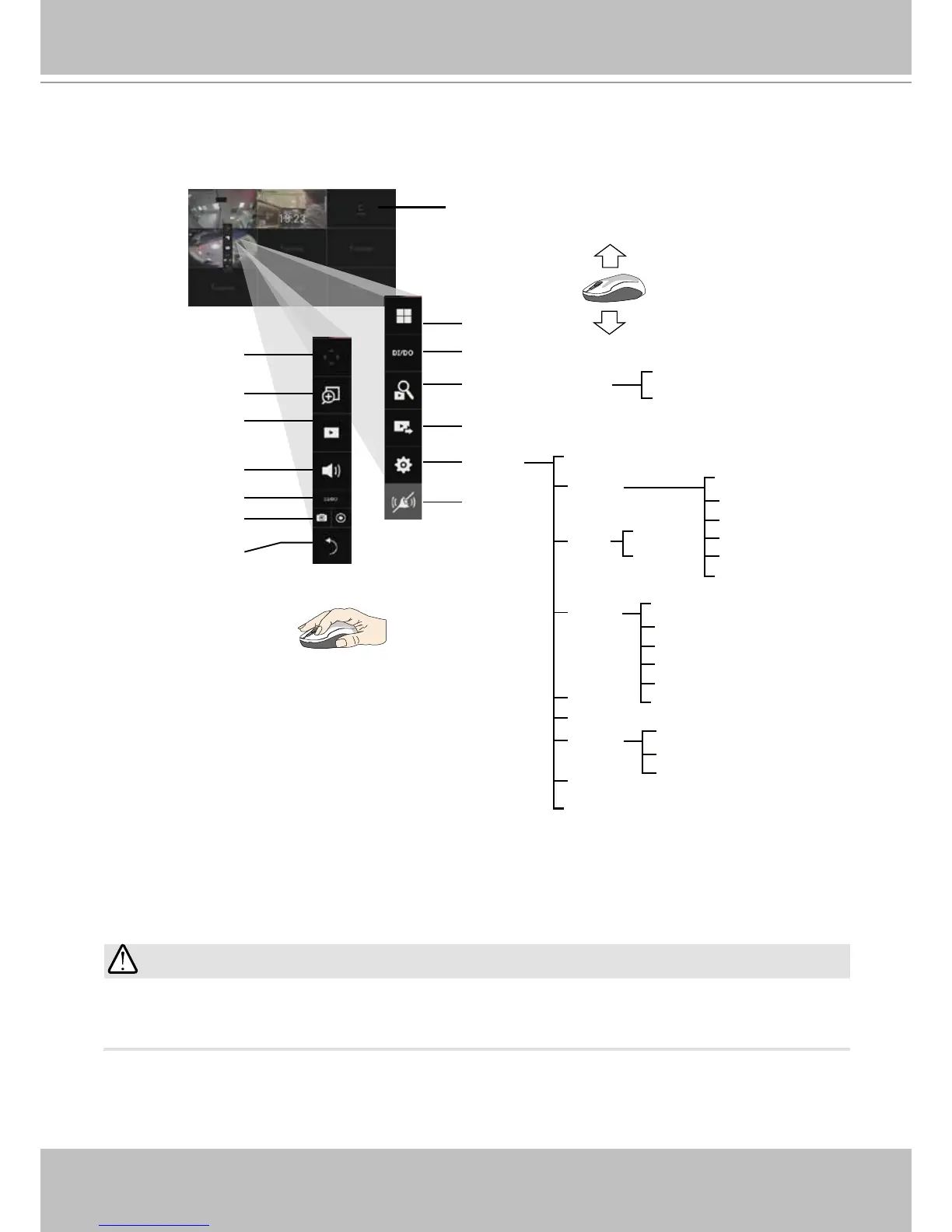
By default, a live view appears on an HDMI monitor. The interface architecture of the local
console is illustrated as follows:
LiveView Main screen
Main control portals
Search recording clip
DI/DO
Layout
Settings
Search panel
Storyboard
Camera
Alarm
Management
Recording
Media
Image
Motion detection
PTZ settings
Alarm
Email
System
Information
Maintenance
Display
UPS
Logs
User
Storage
Network
IP
DDNS
Services
Overview (camera connection & storage)
Stop buzzer
Play recording clip
Digital zoom
PTZ
DI/DO
Snapshot | Manual
recording
Deselect camera
Config. portal
Camera portal
Information
Audio
Export recordings
EZConnect service
Virtual keypad
When a view cell is selected.
Due to the limitation of system resources, the sheye dewarp (1R & 1P modes) can only take
place on one view cell, for one sheye camera.
IMPORTANT:
After you nish conguring using a Camera portal, click again on the camera view cell to reveal
the main control portals.



 To Next Page