VIVOTEK - Built with Reliability
80 - User's Manual
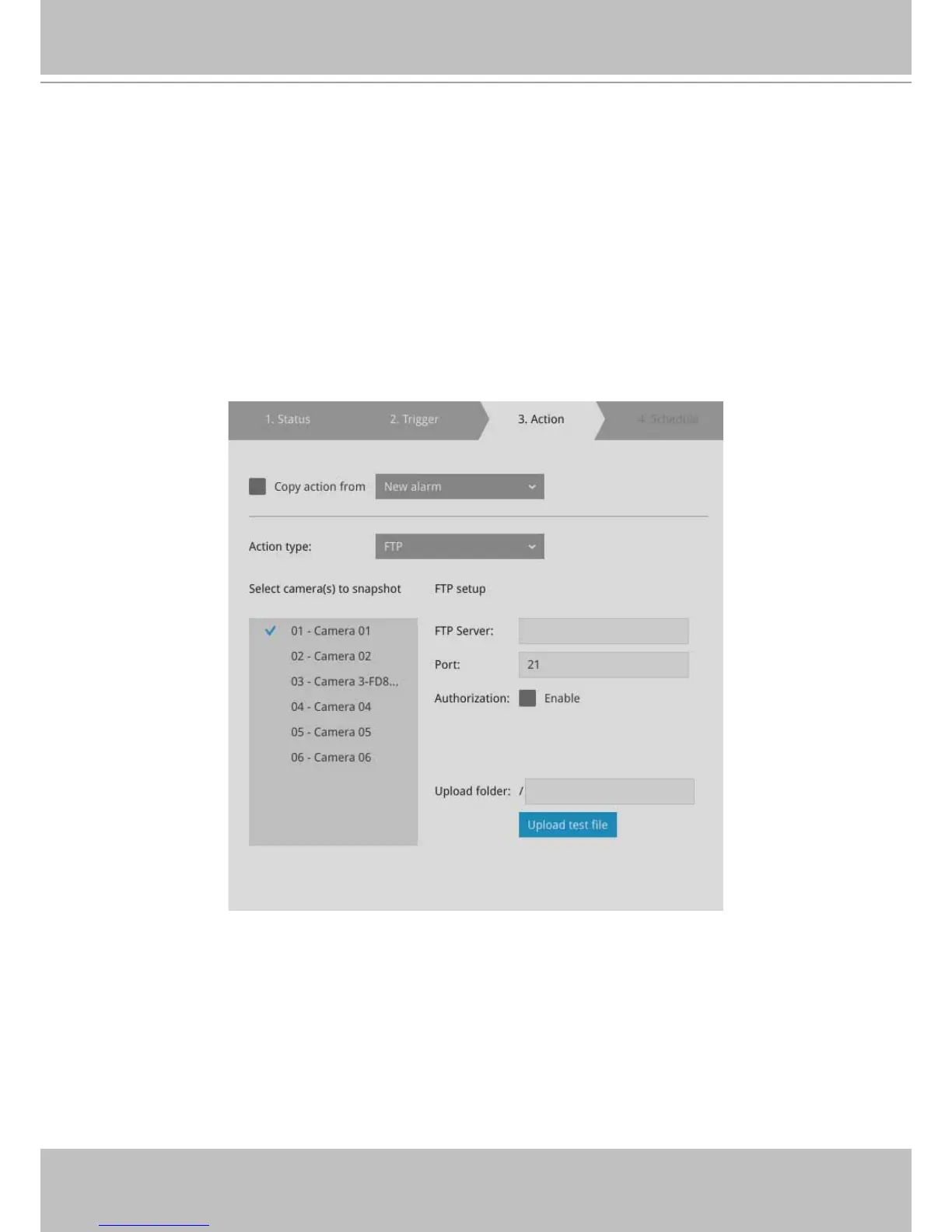
4-4. FTP - Snapshots from specied cameras can be uploaded to an FTP site on the
occurrence of an event. Enter the FTP site address in the dotted-decimal notation, e.g.,
159.22.151.20. Enter the login name and password for the user account. You can enter
a directory name you prefer on the FTP site. The server port default is 21, a different
number between 1025 and 65535 can also be assigned.
The snapshot thus delivered has a size of 320x240 pixels.
If authentication is not applied, login will proceed using the [anonymous] account.
The le names of the snapshot jpeg les will look like this:
[MAC]_[DATE]_[TIME]_[CAMERA_INDEX].jpg - If similar les already exist, an
additional index number will be added to the end of le name.



 To Next Page