10
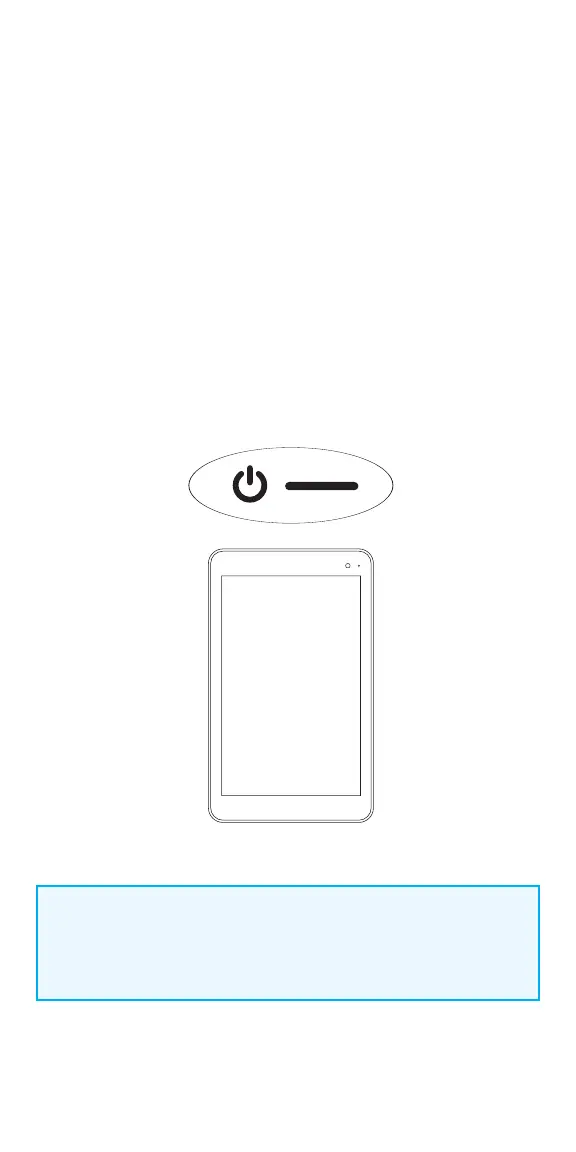
Turn the Programmer ON/OFF
Charge the programmer before use so that there is adequate battery power
during a patient session.
To turn programmer ON:
Press and hold the POWER button for 3 seconds and then release. You will then
see an on-screen logo, and the VNS software will start.
To turn programmer OFF:
Press and hold the POWER button for 3 seconds and then release. Follow the
on-screen instructions to shut down the programmer.
- After 10 minutes of inactivity, the screen will automatically turn o
- To manually turn the screen o: Quickly press and release the
POWER button. Use this method when you want to preserve battery,
but not shut down the Programmer
NOTE:
The POWER button may not respond if the programmer is still shutting
down. Wait for 30 seconds after a shutdown to restart the programmer.



 To Next Page