40
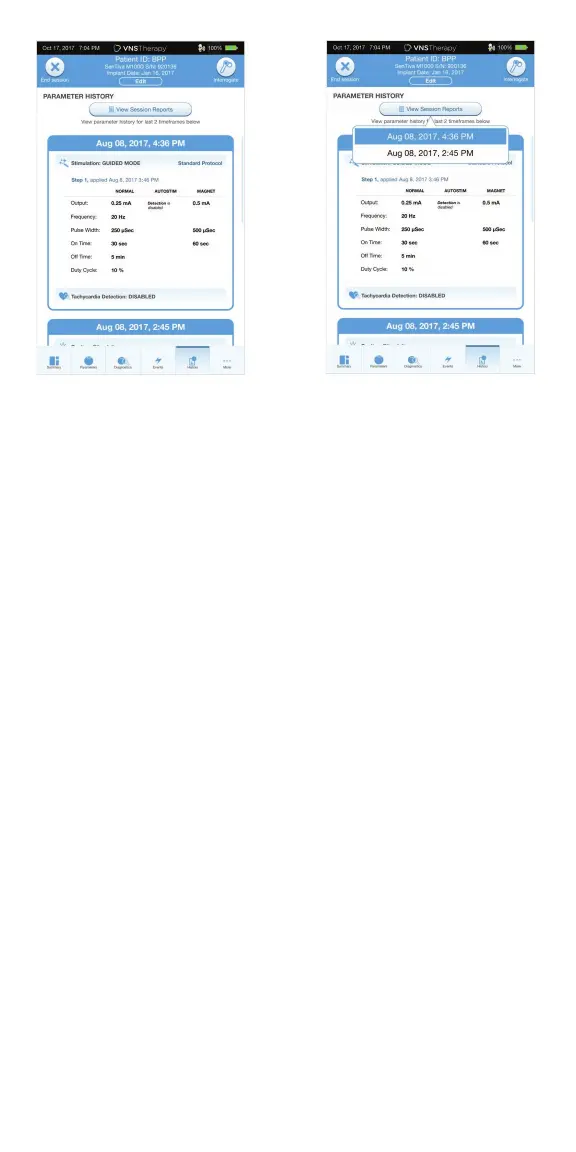
To view all session reports saved on the Programmer, select REPORTS on
the navigation bar from the Main Screen. Use the search fi eld and drop down
menus to fi lter the reports by Date and Time, generator model, or Patient ID.
Tap any session report to view.
This feature also allows you to export individual session reports to a USB drive.
To create an electronic copy (.pdf ):
1. Insert external media into the Programmer USB drive (type C)
2. View the session report of interest
3. Press EXPORT, and follow on-screen instructions
To transfer data between Programmers, select IMPORT/EXPORT on the
Navigation Bar from the Main Screen. This may be used to consolidate patient
data between multiple computers, or to copy a custom therapy protocol from
one Programmer to another.
To export a full Programmer copy do the following:
1. Insert external media into the Programmer USB drive (type C)
2. Select EXPORT DATA, and follow on-screen instructions
To import data to a new Programmer do the following:
1. Insert the external media containing the copied data into the “new”
Programmer USB drive
2. Select IMPORT DATA
3. Choose the database copy that will be merged with the existing
Programmer database
View and Export Session Reports



 To Next Page