||
INFOTAINMENT
* Option/accessory, for more information, see Introduction.
74
tion) and your subscription must include data
communication.
NOTE
Data is transmitted while the vehicle is online,
which may result in additional charges from
your service provider.
Data roaming may result in additional
charges.
Contact your service provider for information
about costs/fees, etc.
Connecting the vehicle to the Internet
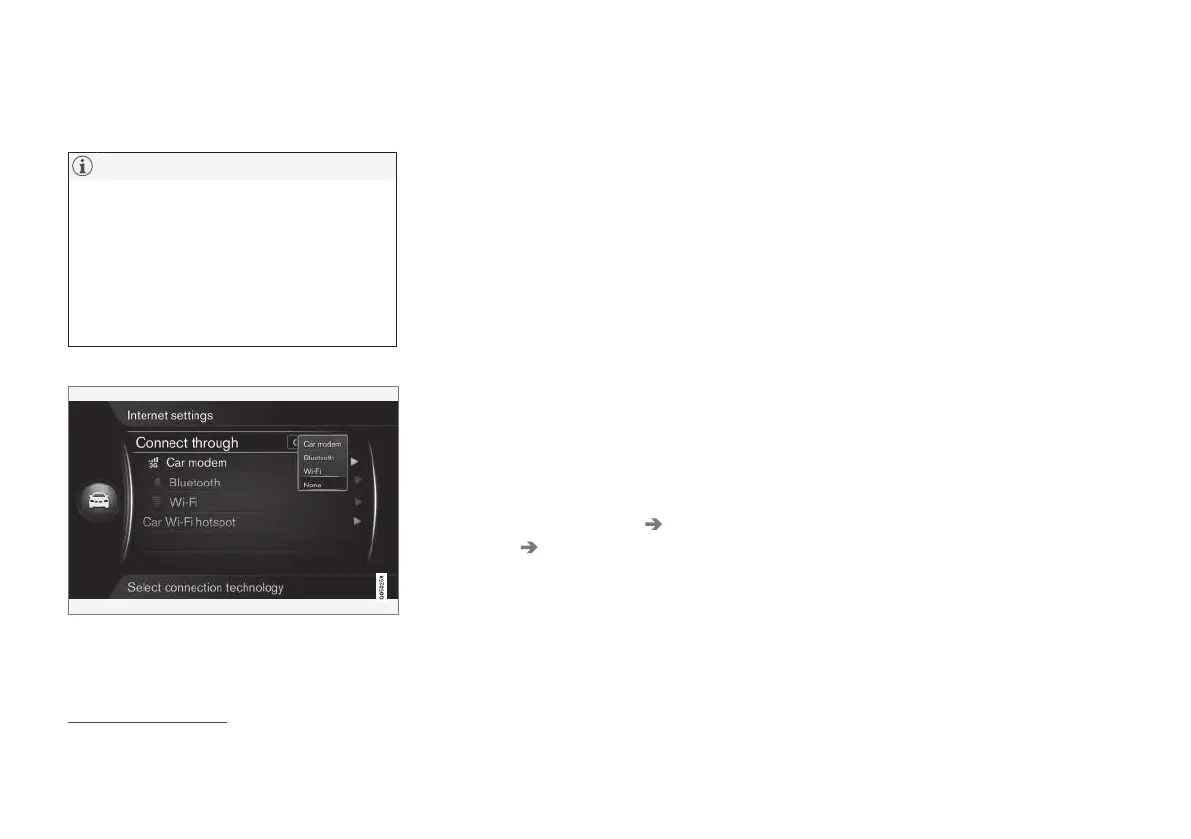
Internet connection settings
The default Internet connection setting is "none."
When one of the other connection methods has
been selected, this will be stored and the vehicle
will attempt to connect automatically using this
method whenever a network is available. To
change this setting, choose one of the other con-
nection methods. To stop automatic connection,
see the section "Disconnecting" below.
Choose a connection method - Bluetooth
®
, Wi-Fi
or integrated modem.
Integrated modem*
8
To connect using the modem, see Car modem*
(p. 76).
Bluetooth
®
1. The cell phone must first be paired with and
connected to the infotainment sys-
tem (p. 58).
2. Activate tethering (portable/personal hot-
spot) via the cell phone's Bluetooth
®
func-
tion.
3.
From MY CAR’s normal view, press OK/
MENU and select
Settings Internet
settings
Bluetooth.
> The vehicle is now connected.
The system will then automatically connect via
Bluetooth
®
when a network is available.
A symbol on the screen (p. 32) will show the cur-
rent status of the connection.
To disconnect, see the section "Disconnecting."
The vehicle can store information on a maximum
of 10 Bluetooth
®
networks. If another network is
added, the oldest network and password will be
removed from the list.
8
Only models with Volvo On Call



 To Next Page