11
7 Press or to change the setting. Choose
YY
YY
Y (for Yes) if you wish the phone
to alert you to calls from this number by changing to a distinctive ringing pattern
after the first ring. Choose
NN
NN
N (for NO) for a normal ringing pattern.
8 Press SELECT or PROG to confirm your selection. If you chose
YY
YY
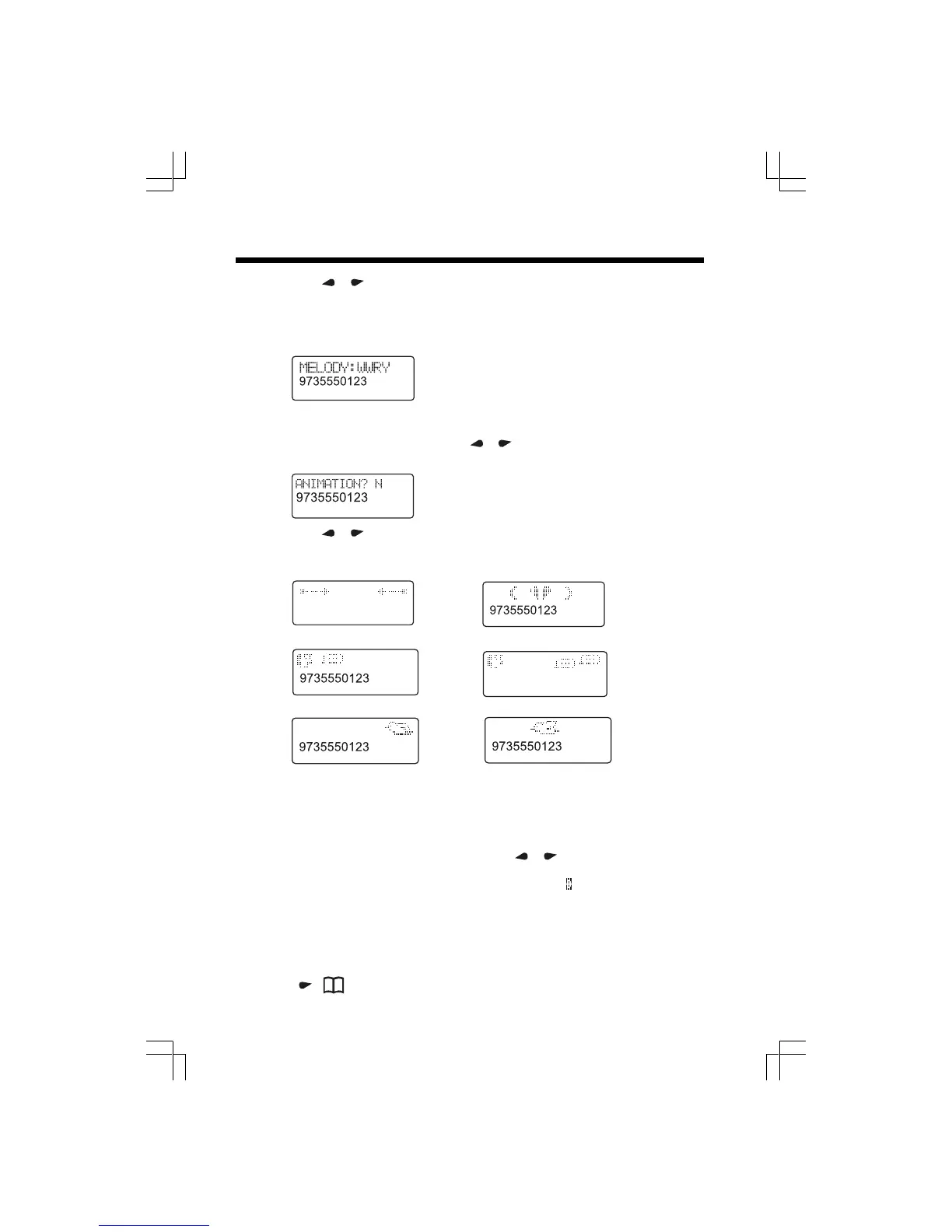
Y, the screen
displays:
Note: If chose
NN
NN
N, you can skip to Step 10.
9 The Melody name will blink. Press
or to choose the desired Melody. Then
press SELECT or PROG to confirm your selection. The screen displays:
10 Press or to change the setting. Choose
YY
YY
Y (for Yes) if you wish the phone
to show an animation when the incoming call matches this number. Choose
NN
NN
N
(for NO) for no animation. Your choices of animations are:
Note: You can replace the three animations shown above. See the Download Guide insert
for instructions how to download animation.
11 Press SELECT or PROG to confirm your selection. If you chose
YY
YY
Y, the screen
will display one of the 3 animations. Press
or to change the setting, then
press SELECT or PROG to confirm your desired option. You’ll hear a long beep
confirming your entry. When you select
YY
YY
Y in step 7 , a
will be displayed with the
directory entry.
Note: When memory is full the screen displays
MEMORY FULL,
an error tone sounds,
and you will not be able to store a new number until you delete a stored number.
Edit a Number/Name Stored in the Directory
1 Press ( ). The screen displays DIRECTORY .
Telephone Directory
9735550123
alternately
alternately
9735550123
or
alternately











 To Next Page