8
Handset Ringer Style/Battery Save
You can select from four traditional Handset ringer styles, five popular pre-programmed
polyphonic melodies, one user downloaded melody, or turn the ringer off and extend the
battery life.
1 Make sure the Handset is off.
2 Press PROG to enter programming mode.
3 Press
until the screen displays RINGER:and the current setting.
4 Press SELECT. The current setting blinks, and you will hear a sample of the ring.
5 Press
or to select the desired option . You will hear a sample of each ring.
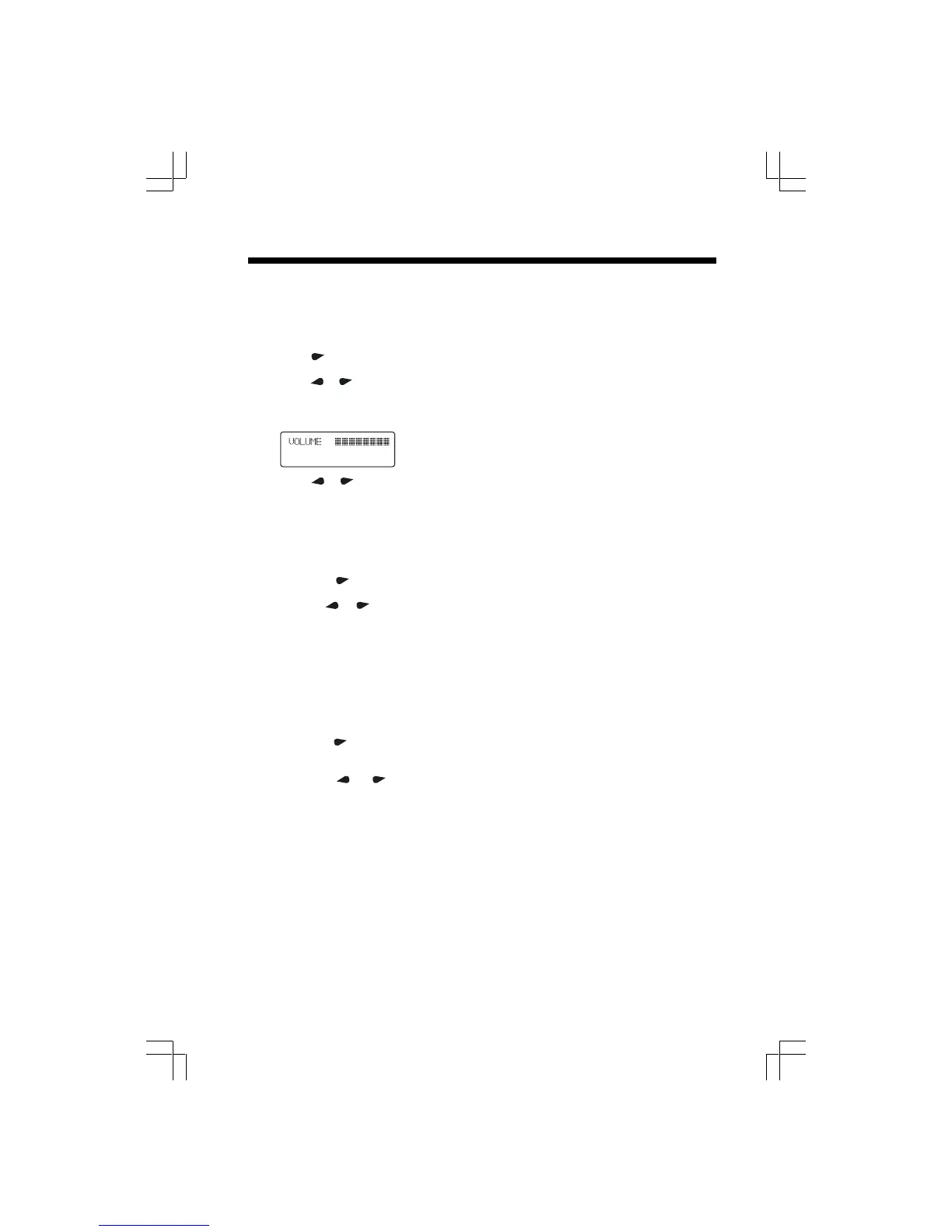
6 Press SELECT to choose the displayed ringer setting. If you chose a
Pre-programmed polyphonic melody or User Downloaded melody, the Handset will
display, for example:
7. Press
or to adjust the volume level.
8. Press SELECT to confirm the volume setting. You’ll hear a long confirmation beep.
See RINGER OPTIONS on page 15 for details.
Set Date and Time
You can edit the date and the time by choosing the “DATE/TIME” mode.
1. Make sure the Handset is off.
2. Press PROG to enter programming mode.
3. Press until the screen displays
DATE/TIMEDATE/TIME
DATE/TIMEDATE/TIME
DATE/TIME.
4. Press SELECT. The current month blinks.
5. Use or to adjust the month, then press SELECT.
6. Repeat step 5 to adjust the day, hour, minute and AM or PM.
7. You’ll hear a long beep to confirm your settings.
NOTE: You can choose to set the time manually, or you can allow it to be set automatically
with incoming Caller ID information.
Set the Dial Mode (Preset to TONE)
If you have touch tone service, the phone is ready to use as soon as the battery is charged.
If you have dial pulse (rotary) service, you’ll need to change the dial mode.
1. Make sure the Handset is off.
2. Press PROG to enter programming mode.
3. Press
until the screen displays
DIAL MODE :DIAL MODE :
DIAL MODE :DIAL MODE :
DIAL MODE : , and the currently selected
mode.
4. Press SELECT. The current setting blinks.
5. Press
or . The screen displays
TONETONE
TONETONE
TONE or
PULSEPULSE
PULSEPULSE
PULSE.
6. Press SELECT to save the displayed mode.
Telephone Operation












 To Next Page