14
3 Press until ALL flashes, then press SELECT. The screen displays ERASE ALL
NO YES
.
4 Press
until YES flashes.
5 Press SELECT. You will hear a long beep confirming the deletion.
Dial a Displayed Number
1. Locate the record in call history you want to dial from call history.
2. If the phone number is not in the correct format, press the # key until it is in the
desired dialing format.
For example, the phone number is 973-555-0123.
Continued pressing # will change the phone number as follows:
1-973-555-0123 11 digits
555-0123 7 digits
1-555-0123 8 digits
973-555-0123 10 digits
3. With the correct dialing format displayed, press PHONE to make the call.
-OR-
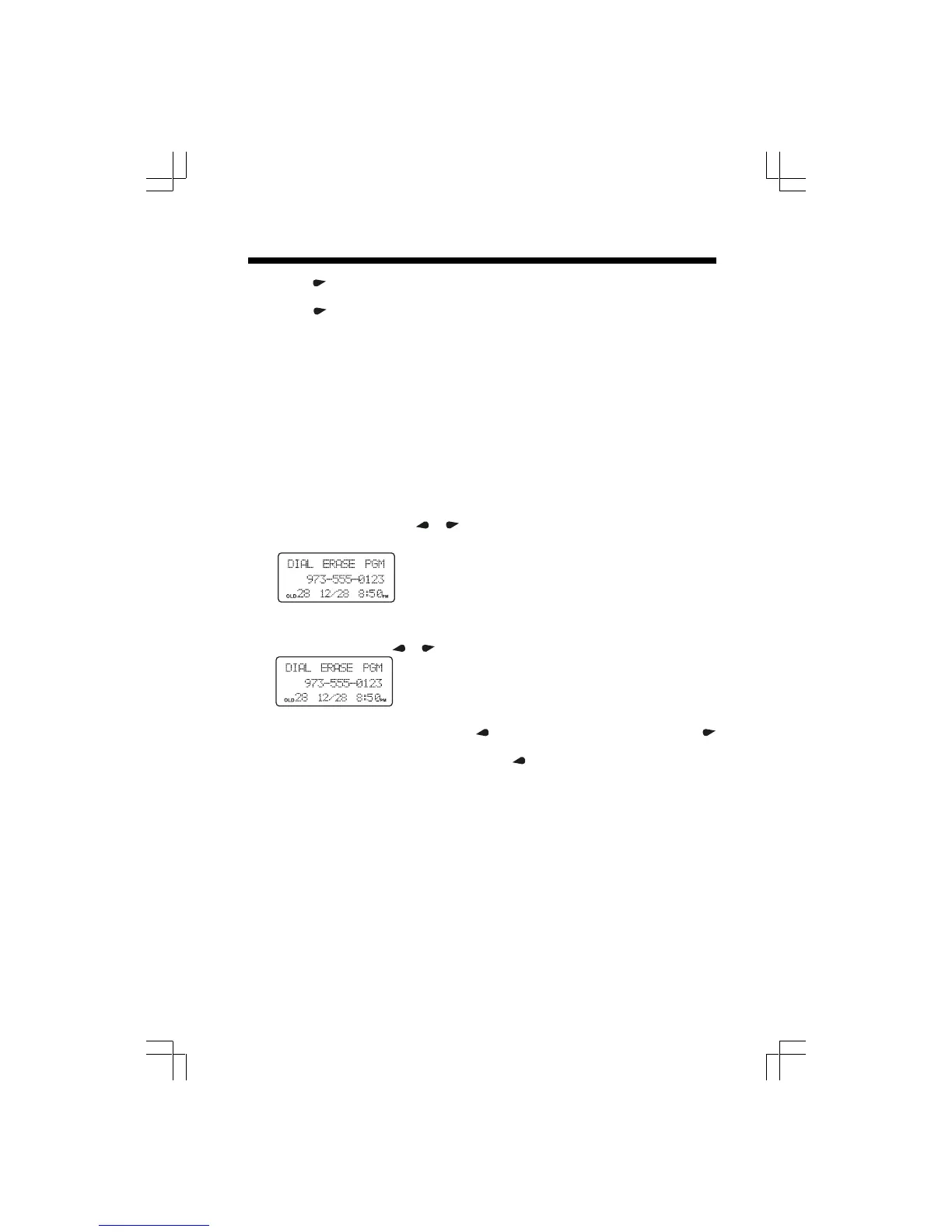
Press SELECT, then use
or until
DIALDIAL
DIALDIAL
DIAL is flashing.
Press SELECT to make the call.
Store a Call History Record in the Directory
1. Locate the record in call history you want to store in directory.
2. Press SELECT, then
or until PGM flashes.
3. Press SELECT. Using the chart in page 10, enter up to 15 characters for the name
you’re storing with the number. Use
to backspace and make corrections; use
to advance and add a space.
4. Press SELECT to move to the next row. Use
to backspace and make corrections
on the number.
5. Press SELECT to confirm, then follow the steps 7 – 11 in “Store a Number /Name
in the Directory”, on pages 11.
Caller ID Operation











 To Next Page