22
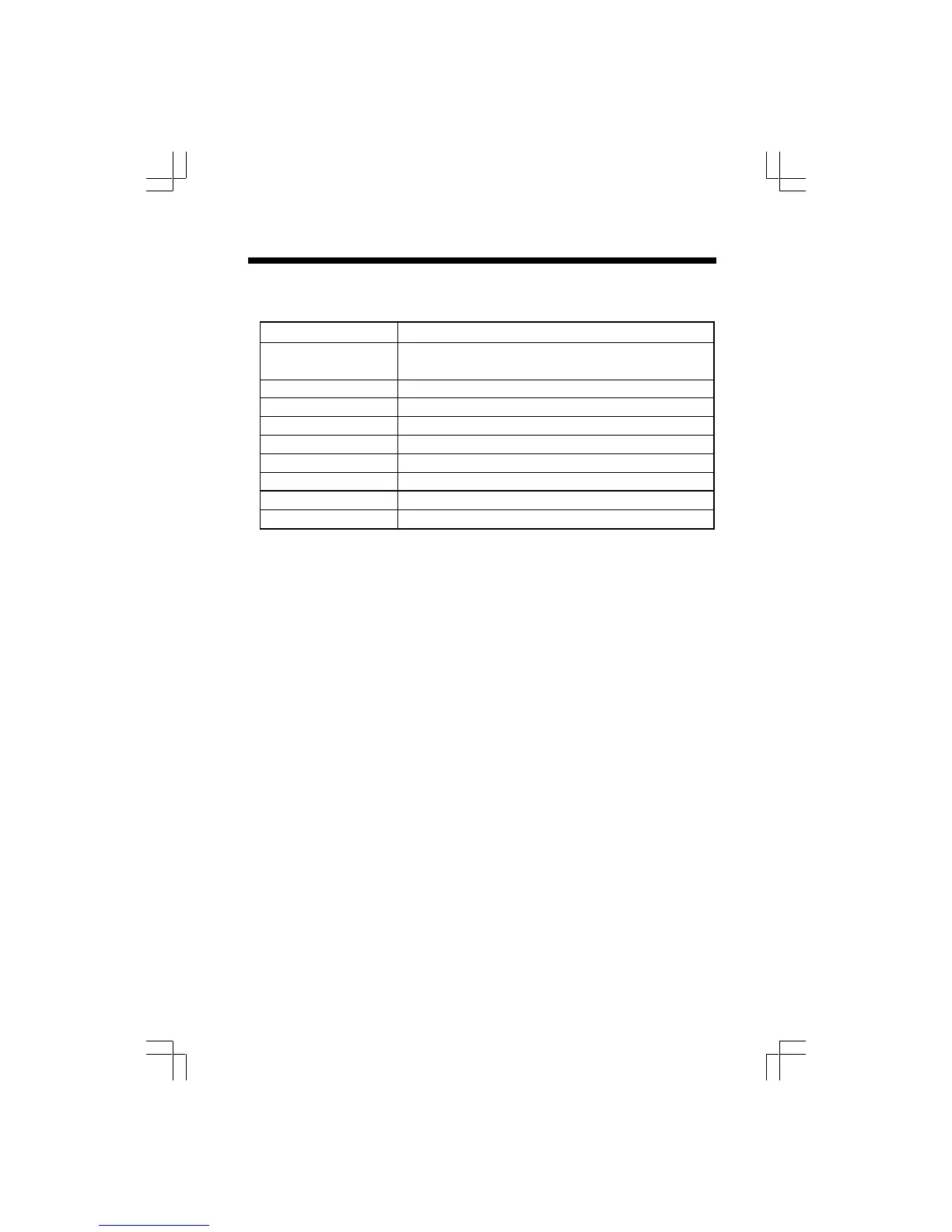
The Base displays: What it means:
A number (steady, in You have that amount of messages
idle mode)
0 You have no messages
CL flashing The clock needs to be set
A Answering device is in announce-only mode
F flashing Memory is full
99 flashing Recording time has exceeded 99 seconds
1-8 Volume level, as you’re setting it.
-- Answering device is answering a call or in remote mode
-- flashing Answering device is in programming mode
BASE UNIT MESSAGE WINDOW(LED)
• The large Base Unit display provides useful data on the status of your gz 2456 answering
device. Below are examples of the data:
Remote Operation of the gz 2456
• From a remote location, you can access many of the gz 2456 answering device
functions, such as listening to messages, recording a memo, or changing your outgoing
message.
• To access your gz 2456 remotely, you need to call from a different phone line, using a
touch-tone phone.
• Dial your phone number and wait for the gz 2456 to answer.
• While the gz 2456 is playing the outgoing message, enter your 2-digital security code.
• If the gz 2456 is OFF when you call, let the phone ring at least 10 times. The answering
system will still answer, and prompt you to enter your security code.
• The factory-set security code is 19. To program a different code, see Setting up your
gz 2456 Digital Answering System - Set Security Code.
• Once the security code has been entered, you will hear a beep, confirming that the
gz 2456 has entered remote operation.
• You will then hear the voice prompt announce the number of new ( unplayed) messages.
• Approximately 10 seconds after new messages are played ( or after the voice prompt
says:”You have no new messasges ” or “ You have XX new messages”), you will hear
the following menu:
“Press #2 to play all the messages”
“Press #5 to stop” (playback or recording)
“Press #4 to repeat the message”
“Press #6 to skip the message”
“Press #9 to delete the message”
“Press #1 for other functions”
Upon pressing #1, you will hear the advanced menu:
“Press #7 to review outgoing message”
“Press *7 to record outgoing message”
“Press *8 to record memo”
“Press #4 twice to repeat previous message”
“Press #0 to turn the system ON or OFF”
“Press #1 for other functions”
Operating your gz 2456 Answering System











 To Next Page