9
Temporary Tone Dialing
If you have dial pulse (rotary) service, you can change from dial pulse to touch tone
dialing during a call by pressing
*
/Tone . This is useful if you need to send touch tone
signals for access to telephone banking or long-distance services.
1 Dial the number.
2 Press
*
/Tone. Buttons pressed after this send touch tone signals.
3 After you hang up, the phone automatically returns to dial pulse (rotary) service.
Operating Range
This cordless telephone operates within the maximum power allowed by the Federal
Communications Commission (FCC). Even so, this Handset and Base can communicate
over only a certain distance — which can vary with the locations of the Base and Handset,
the weather, and the construction of your home or office. For best performance, keep the
Base antenna fully upright.
If you receive a call while you are out of range, the Handset might not ring — or if it
does ring, the call might not connect when you press PHONE . Move closer to the Base,
then press PHONE to answer the call.
If you move out of range during a phone conversation, you might hear noise or
interference. To improve reception, move closer to the Base.
If you move out of range without pressing OFF, your phone will be left “off the hook.”
To hang up properly, walk back into range, periodically pressing OFF .
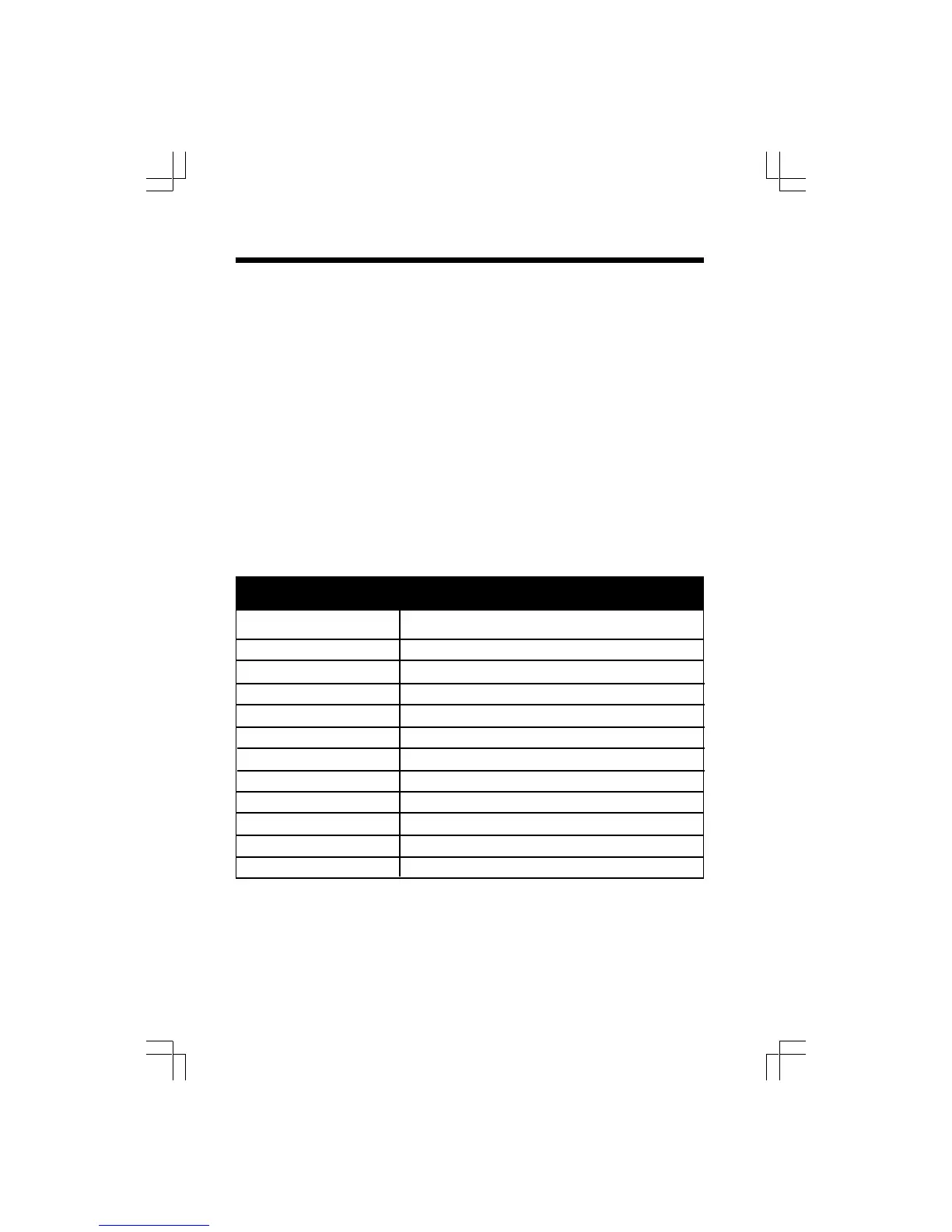
Display Screen Messages
Telephone Operation
Screen Displays: When
** RINGING **
CONNECTING...
PHONE ON
** PAGING **
HOLD
BATTERY LOW
NEEDS RECHARGING
RINGER OFF
SCANNING
NEEDS RECHARGING
RINGER OFF
SCANNING
The Handset is in use.
The Base is paging the Handset.
There is a call on hold.
The battery needs to be recharged.
The battery needs to be recharged.
The Handset ringer is off.
The Handset is changing channel.
The battery needs to be recharged.
The handset ringer is off.
The handset is changing channel.
There is a call coming in.
The Handset is waiting for dial tone.











 To Next Page