20
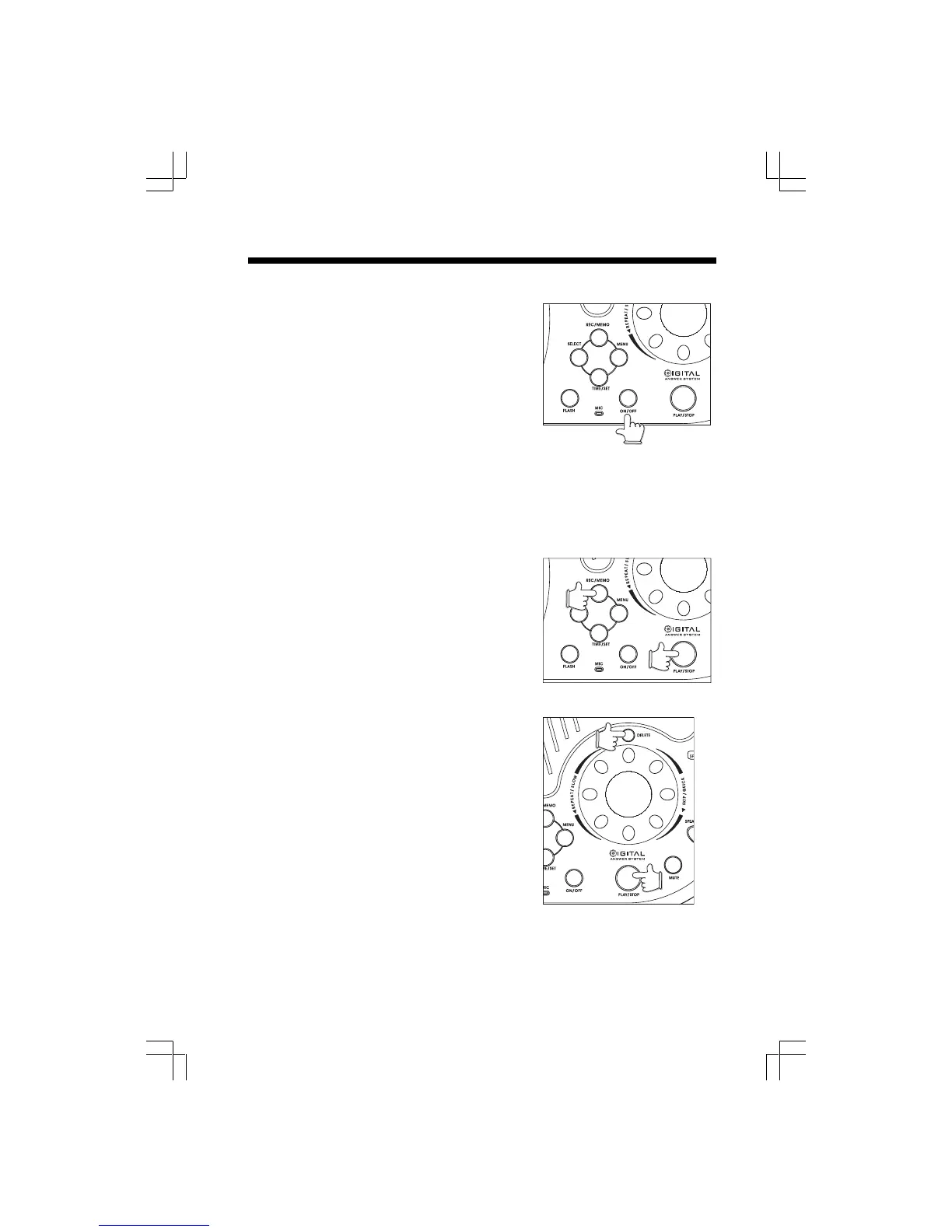
ON/OFF Key
This key turns the answering device ON and OFF.
• As you press this key, the voice prompt will confirm
your choice :” Answering Machine ON ( or OFF)”.
• The ON/OFF indicator glows when the answering
device is set to ON. It is recommened that you
leave your gz 2456 answering device in the ON
mode, unless you do not want it to answer incoming
calls.
• This key has no effect on the cordless phone portion
of your gz 2456.
• If the answering device is OFF, it can be turned on
remotely by calling in and allowing the line to ring
approximately 10 times. See REMOTE OPERATION OF THE gz 2456.
REC/MEMO Key
• This key is used to:
• Record your outgoing message. See Setting up your gz 2456 Digital Answering
System - Record Outgoing Message.
• Record a MEMO at the Base Unit.
To record a MEMO
• Press REC/MEMO. The voice prompt will say “ N ow
recording”, followed by a beep.
• Begin speaking. Your MEMO can be up to 4 minutes.
• Press PLAY/STOP when finished.
• A memo must be longer than 2 seconds.
PLAY/STOP Key (Playing Messages)
• Press this key to begin message playback. When
pressed, the voice prompt will tell you the number
of new and old messages stored in memory. If there
are any new (unplayed) messages, the gz 2456
will play them and STOP. You can then press PLAY/
STOP again to review old messages.
• Press this key to STOP message playback.
If record a memo when the real time clock hasn’t been
set, replaying that memo, the day/time stamp will be
followed by “ Power failure” announcement for a alerting
user the stamp is not accuracy.
DELETE Key
• Press DELETE during playback of a message to
delete that message.
• When the answering system is inactive, press and hold DELETE for more than 2
seconds to delete all old ( previously heard) messages.
Operating your gz 2456 Answering System











 To Next Page