25
Vu User Manual
+
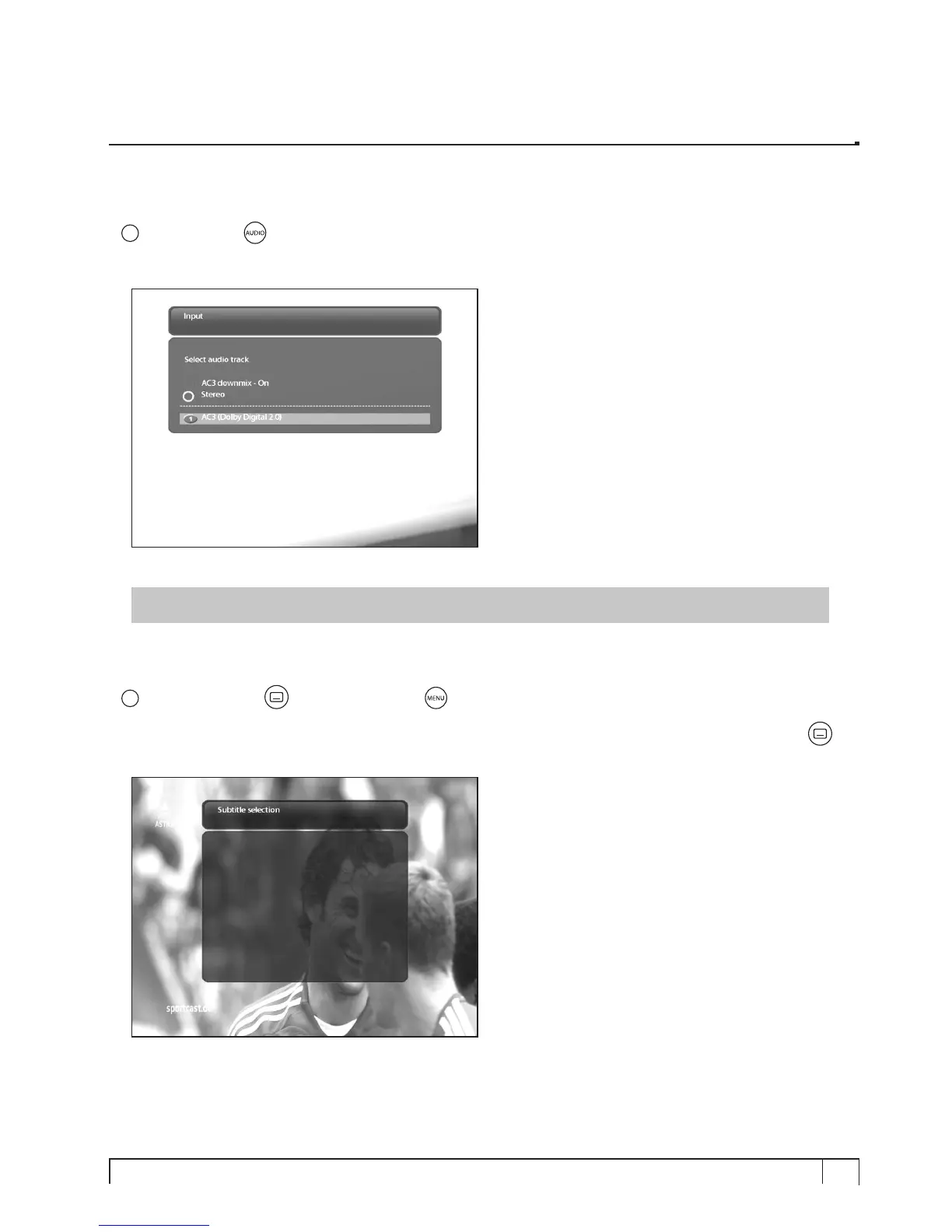
3. Selecting Audio Track
[
i
: Press AUDIO key]
You can check what audio tracks are available to choose by pressing
AUDIO
key.
By using
UP/DOWN
key and Color key, you can select a different audio language or Stereo sound.
NOTE : Available options on this menu will differ depending on the service.
4. Subtitle
[
i
: Press SUBTITLE key or Press MENU > Subtitle]
You can view the subtitle of the current program if the program provides the subtitle. Press SUBTITLE
(
)
key, Subtitle selection menu appears as below.
Available subtitles, if any, will display. By using
UP/DOWN
navigate the list to select a subtitle that you want
to play and press
OK
to activate it.



 To Next Page