42
Vu :
Your Smart Linux TV Player
+
Vu User Manual
+
15. Sleep Timer
[
i
: MENU > Standby/ Restart > Sleep Timer]
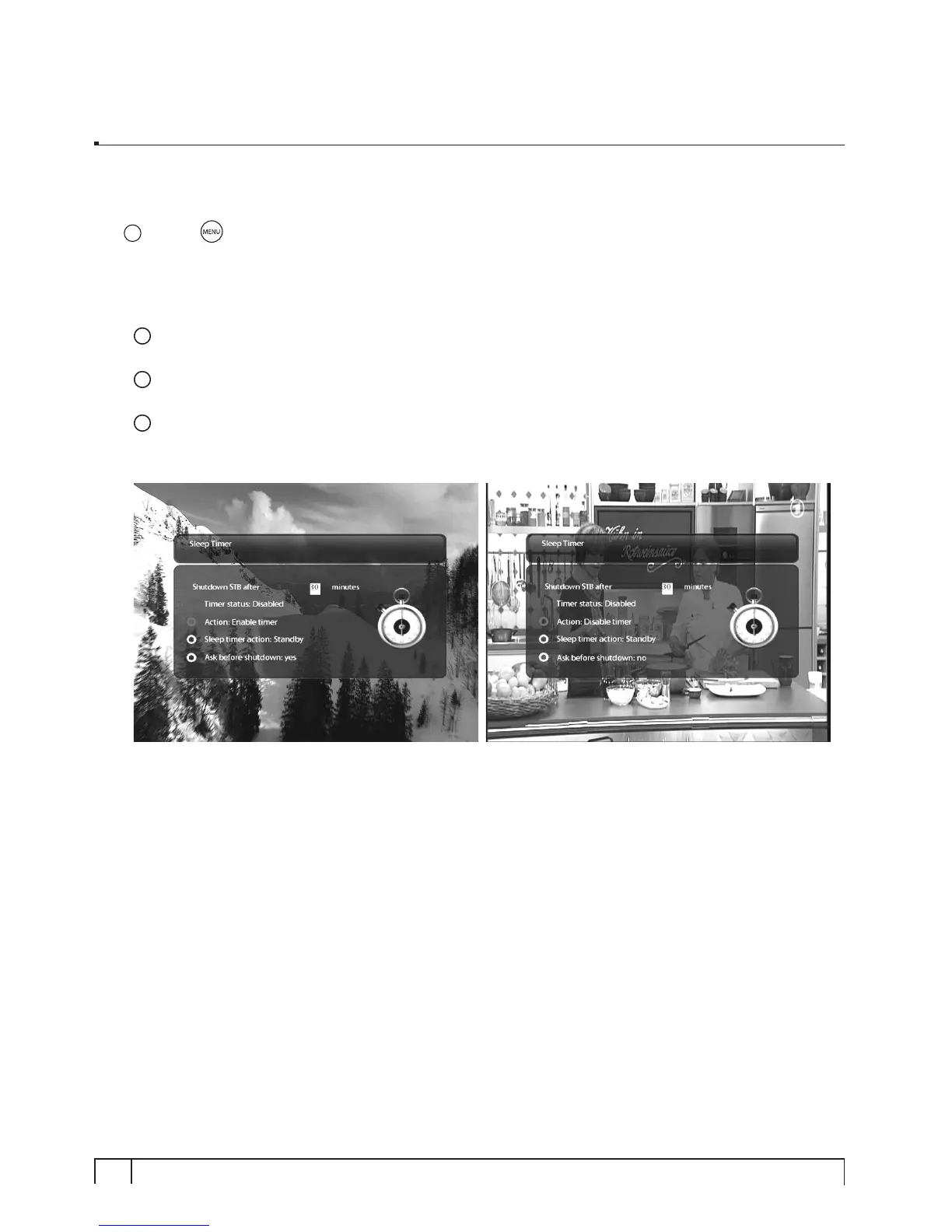
You can set a specific time when your Vu+ goes into Standby mode or Deep Standby mode, using this
menu. Three color keys are used to set up this sleep timer.
1
RED
This option is used to enable or disable Sleep Timer.
2
GREEN
This option is used to choose between Standby mode and Deep Standby mode.
3
YELLOW
This option is used to choose whether to be asked of confirmation before system shutdown.



 To Next Page