38
Vu :
Your Smart Linux TV Player
+
Vu User Manual
+
11. Recording Play
[
i
: Press Recording List key]
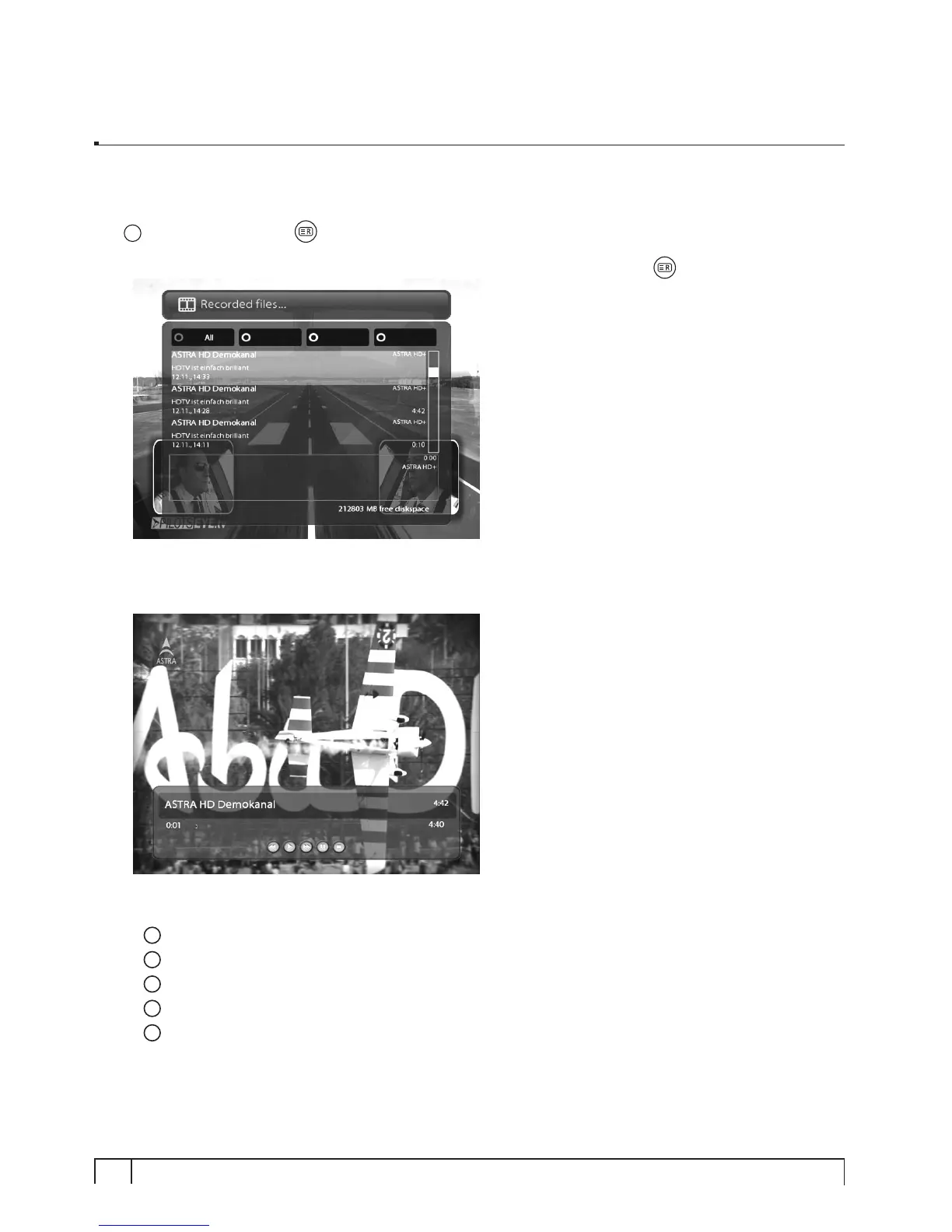
You can view recorded files on the
Recorded les
menu. Press
Recording List
( )
to activate this menu.
Select the file that you want to play. It will instantly replay the file and display the recording infobar.
This infobar gives you the following information of the recording.
1
Title of the recording
2
Total duration of recording
3
Remaining time
4
Progressive bar
5
Elapsed time


 To Next Page