41
Vu User Manual
+
14. Plug-ins
[
i
: MENU > Plugins]
Vu+ is integrated with standard 10/100Mbps Ethernet with RJ 45 connector. You are recommended to use
this network capability of Vu+ to fully enjoy the system. If your Vu+’s network connection is established, you
can directly download plug-ins from a designated website of Vu+.
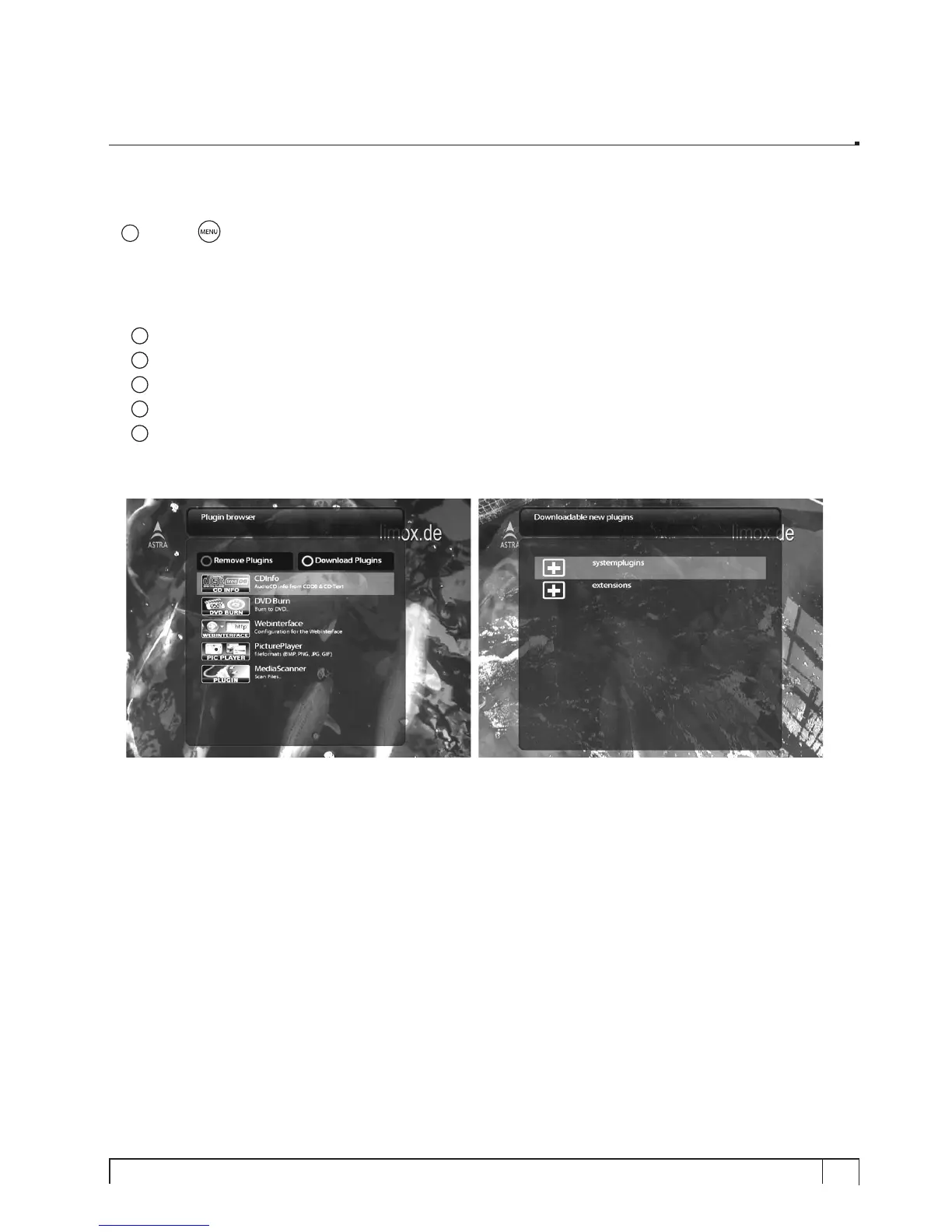
1
Press
MENU
and select
Plugins
menu to active
Plugin browser
.
2
Press
GREEN
key to download a list of plug-ins available.
3
Once the download is done, a list of plug-ins will be displayed.
4
Select a plug-in to download.
5
You can check if the download is done properly on the Plugin browser
From this site, you can check available plug-ins to download as below.



 To Next Page