52
Vu :
Your Smart Linux TV Player
+
Vu User Manual
+
4
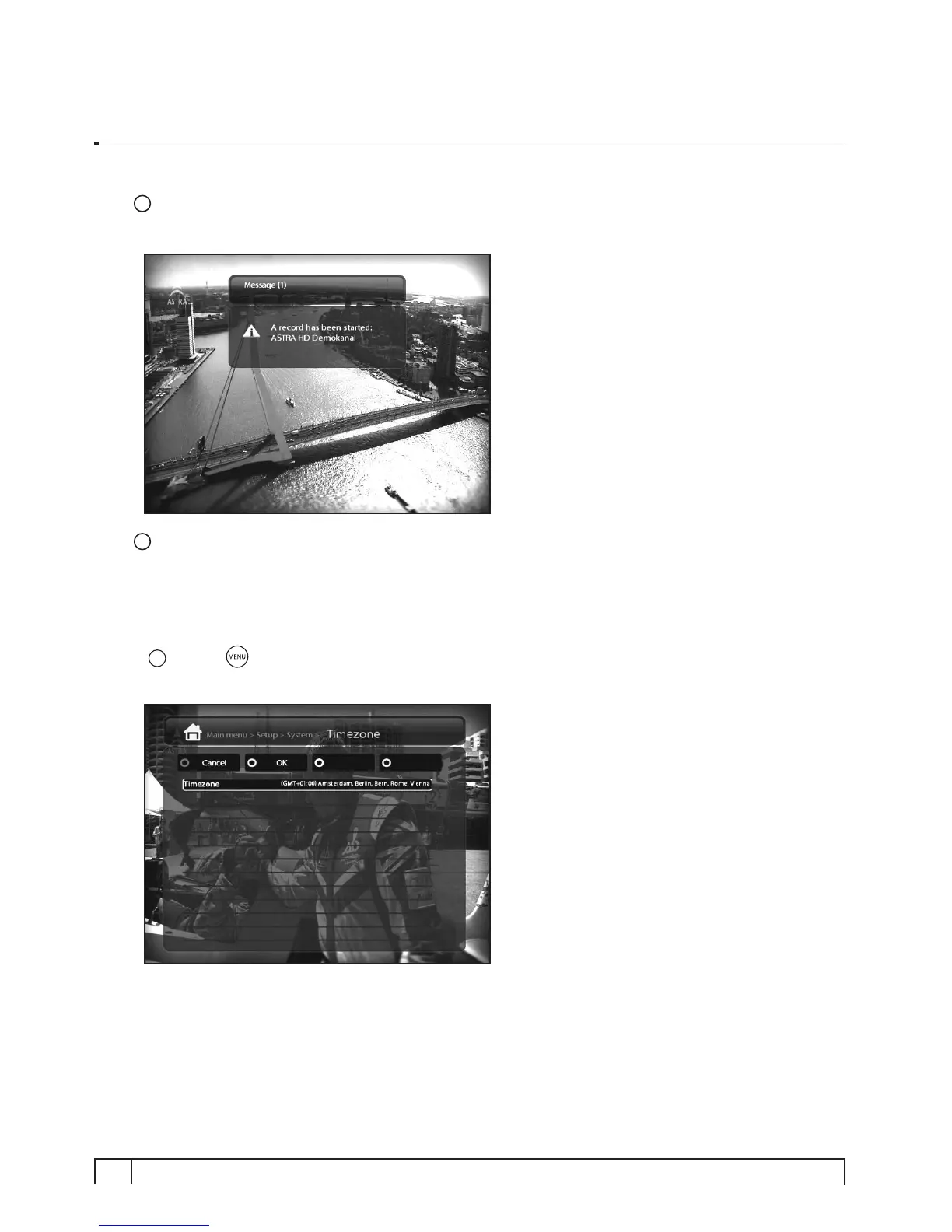
Show Message when Recording starts
If you set this option of YES, a message saying that a record has started appears as below.
5
Enable multiple bouquets
If you set this option at YES, it will enable multiple bouquets.
D. Selecting Time Zone
[
i
: MENU > Setup > System > Timezone]
You can set your time zone in this menu.
Using
LEFT/RIGHT
key, you can find a time zone that you want to use for your Vu+. After selecting a
time zone, press
GREEN
to confirm and save the changed setting.



 To Next Page