37
Vu User Manual
+
- BLUE (Cleanup)
This option is used to remove those finished timers from the Timer List.
NOTE : Make sure that the HDD on your Vu+ has enough free space available for recording. If
the free space on the HDD is not sufficient, recording might stop before the defined end time.
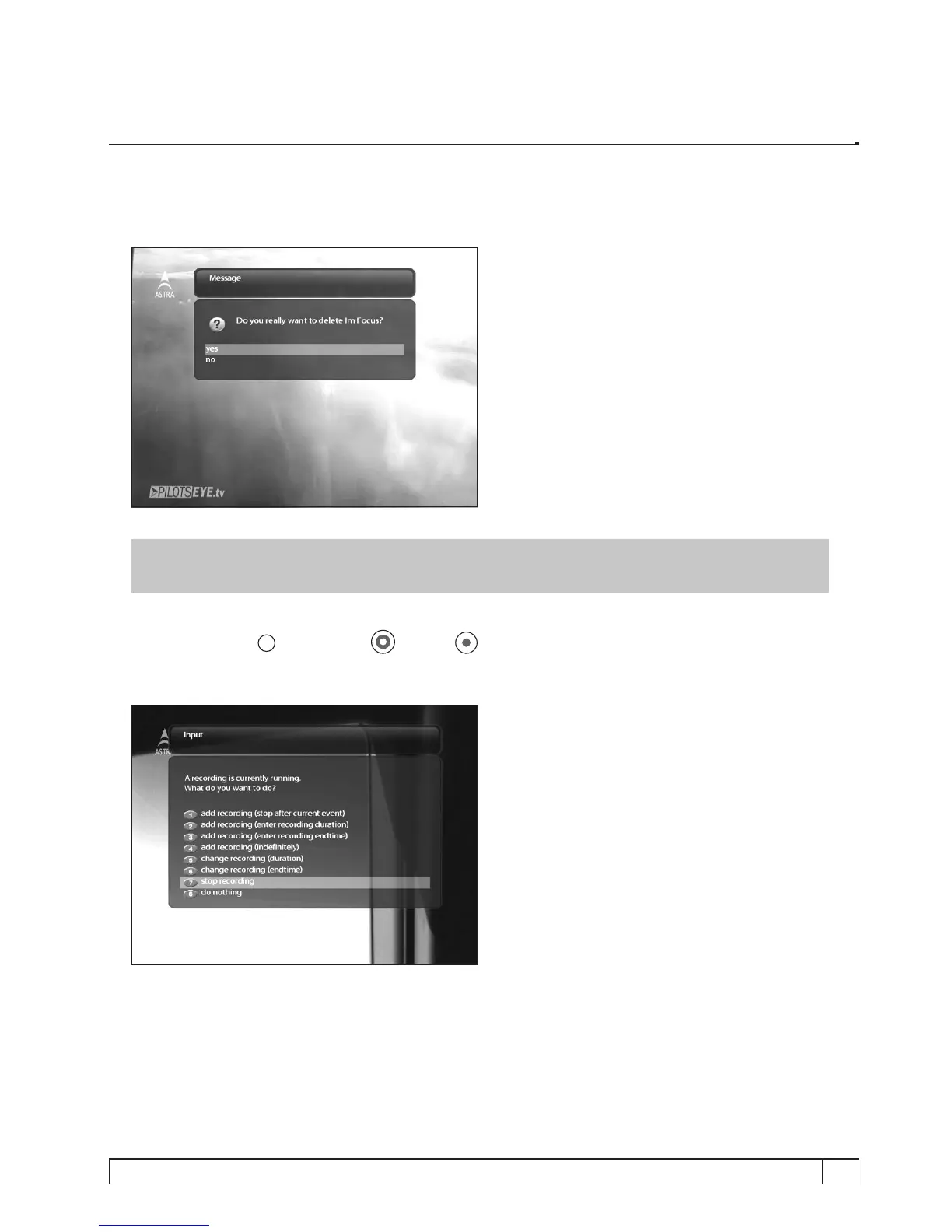
- Stop Recording [
i
: Press RED or REC key > Select “Stop Recording”]
If you want to stop recording, press
RED
or
REC
again while recording is running. Select Stop
Recording.



 To Next Page