5
IVTM
Operation
26
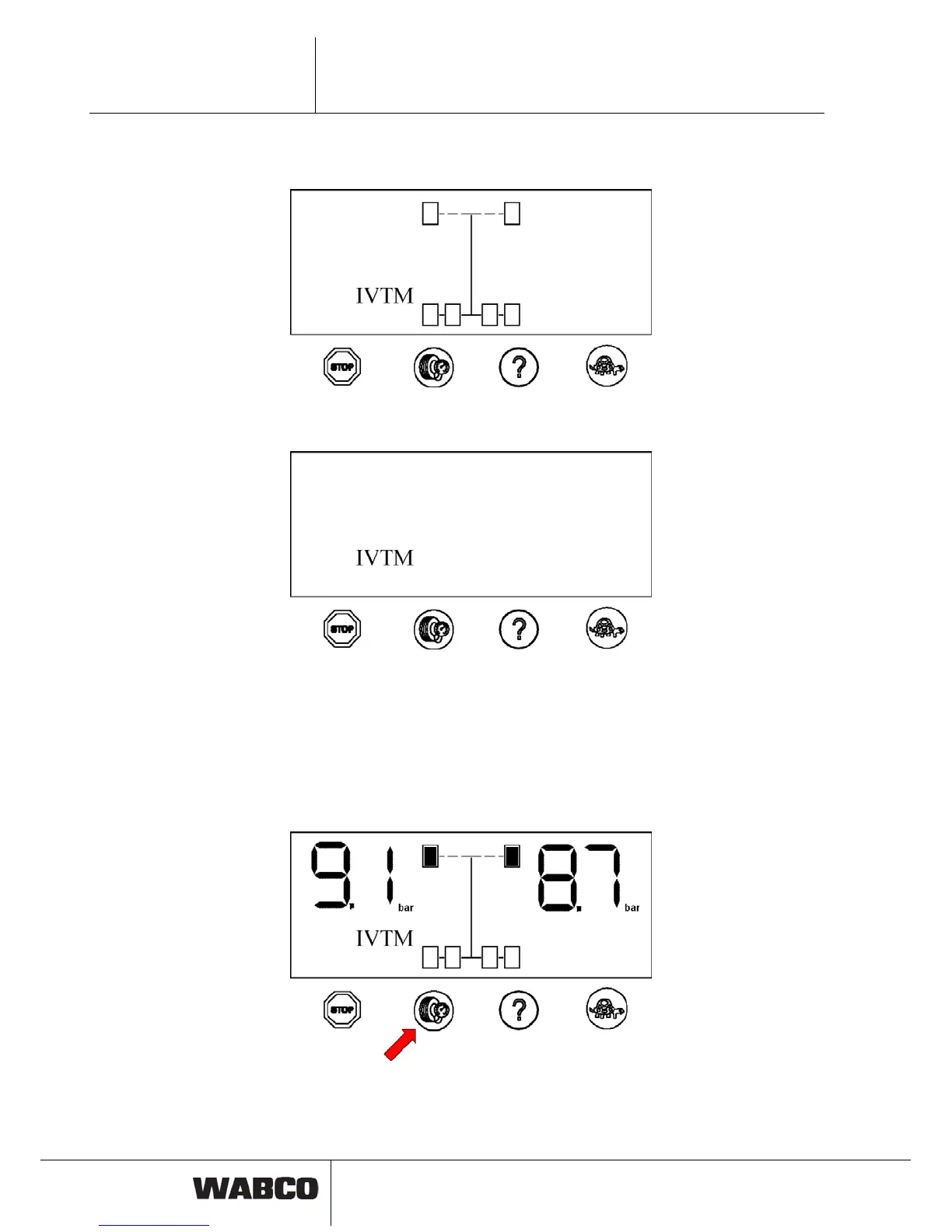
After initialisation, if tire pressures are within specified values, the following picture
will show for a few seconds:
fig. 5-2: System check
The display will change to normal mode if all pressures are correct.
fig. 5-3: Normal mode
5.3 Checking pressure values
Proceed as follows to display the pressure values of the individual tires:
– Push left button.
The axle of which the pressures are displayed, is marked on the display.
Left pressure value on the display corresponds to left tire in driving direction.
fig. 5-4: Requesting the pressure values
– Repeatedly push left button to display pressure values of further axles.



 To Next Page