5
IVTM
Operation
30
tion via SmartBoard
nal group "Tire pressure monitoring".
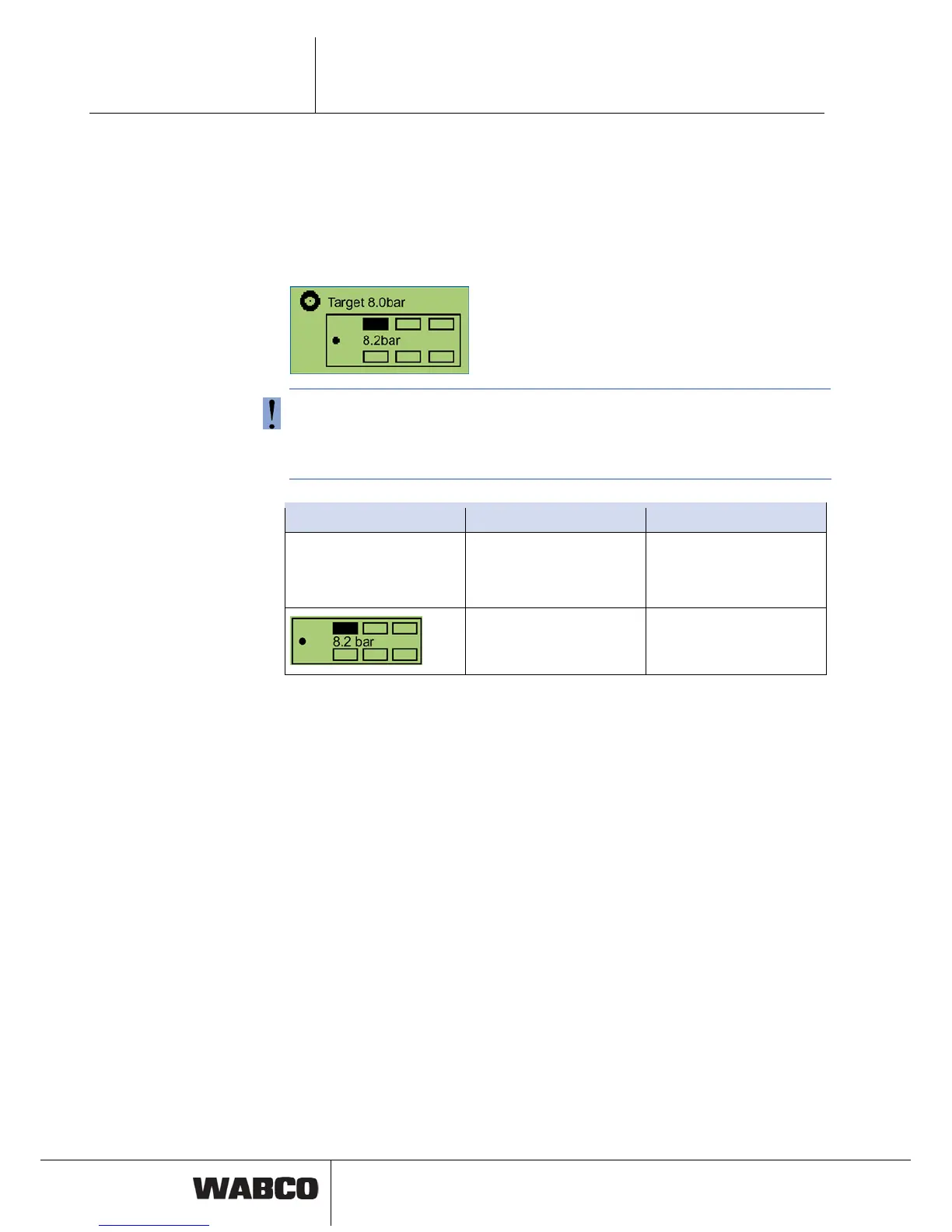
The pressures for the individual tires, the nominal tire pressure value and the con-
figuration are displayed in this functional group.
5.7 Opera
IVTM can be controlled via the WABCO SmartBoard. The SmartBoard can be used
to operate IVTM as a stand-alone variant for trailers.
– On the SmartBoard select the functio
The key <Arrow right> is used to switch between the different tires.
The tire symbol flashes if the tire pressure is too low.
e the warning LED and the menu item for this functional group
main menu.
If the tir has a fault,
flashes in the
Notation Description Note
Nominal pressure value The nominal pressure value
is set in the parameters of
the
The value applies to a cold
tire.
IVTM electronic control
unit.
selected tire.
Cu
the
rrently saved pressure for



 To Next Page