BA E14 track en* 1.3 * E14t_13_510.fm 5-29
Operation 5
AUX III (option)
Crushing hazard due to rotating movements of the Powertilt unit!
Rotating the Powertilt unit can cause serious injury or death.
► Do not allow anyone to stay in the danger zone.
The Powertilt unit may only be installed and removed by a Wacker
Neuson service center!
For more information, see Easy Lock/Powertilt with Easy Lock
Operator’s Manual.
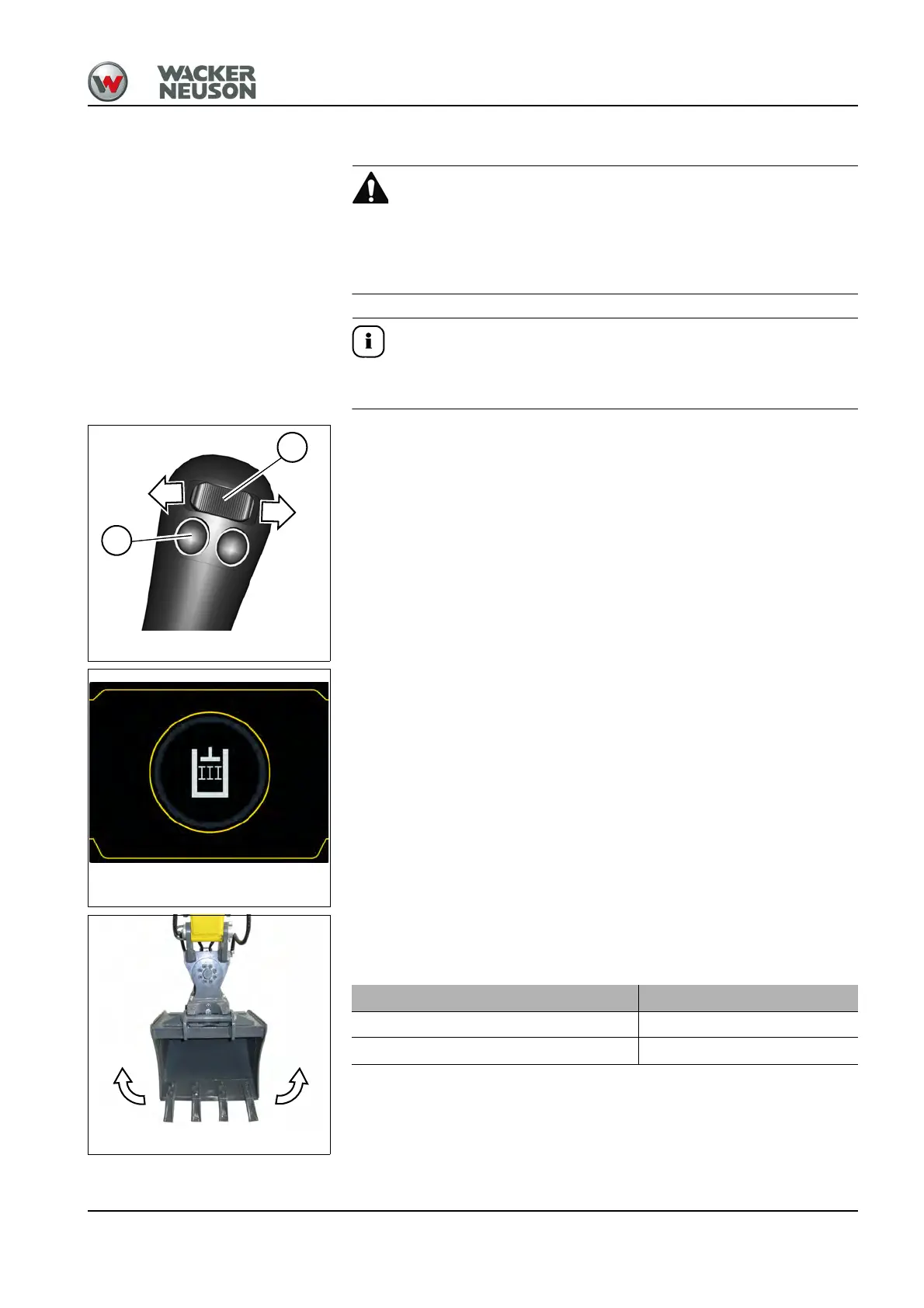
Toggle between AUX III and AUX II with push button A on the left control lever.
If the AUX III function is selected, the symbol appears in the center of the
display for a few seconds.
Adjust the required oil flow.
– see chapter “ Adjusting the starting point and maximum required flow
rate” on page 5-31
Fig. 178 (symbolic representation)
Rotation to
the left
Rotation to
the right
Powertilt Position
Rotation to the left Press switch B to the left
Rotation to the right Press switch B to the right











 To Next Page